Google Workspace Solutions
 Google Gmail
#1 email used worldwide
AI-powered, secure and easy-to-use email trusted by billions of people and businesses.
Start Free Trial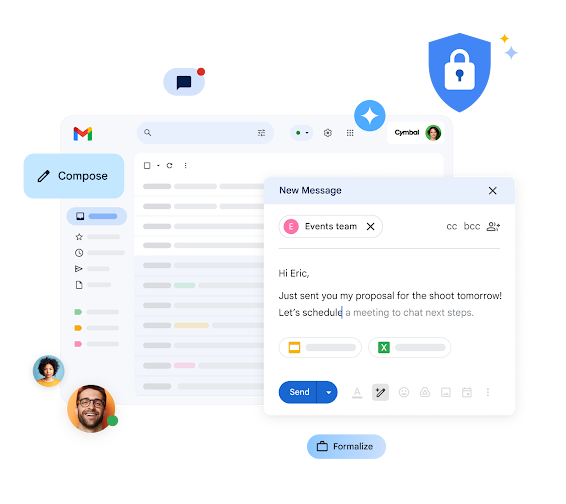
Gemini in Gmail
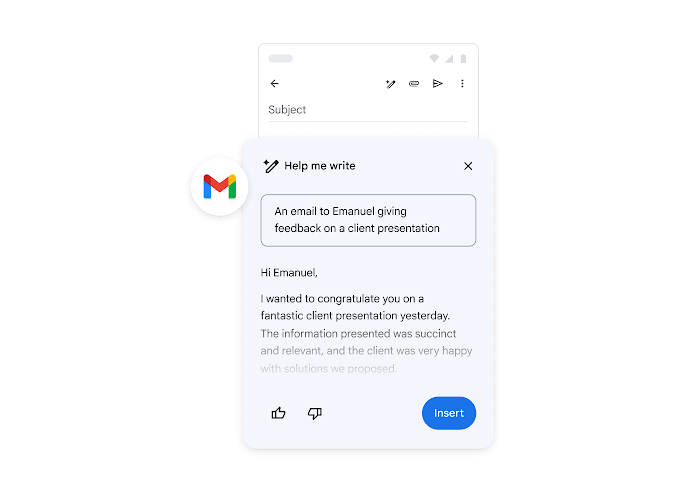
Your AI-powered writing assistant
Get help drafting and replying with a personal writing partner always by your side.
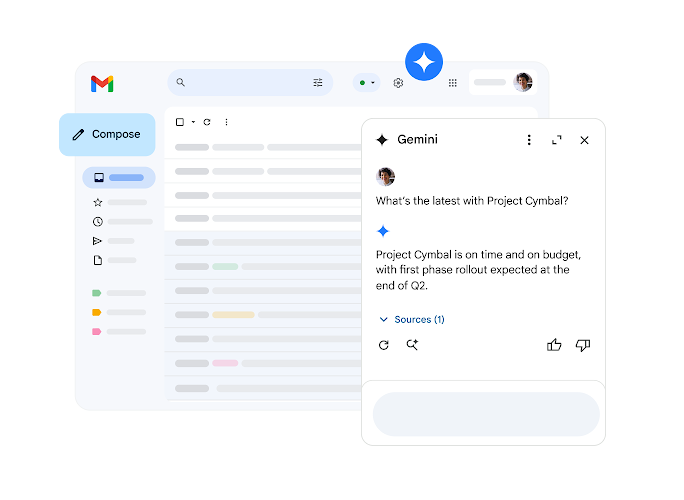
Effortless search
Instantly find answers to specific questions in your inbox or Google Drive with a quick prompt.
Get caught up in a glance
Catch up on long email threads with concise summaries of the key points.
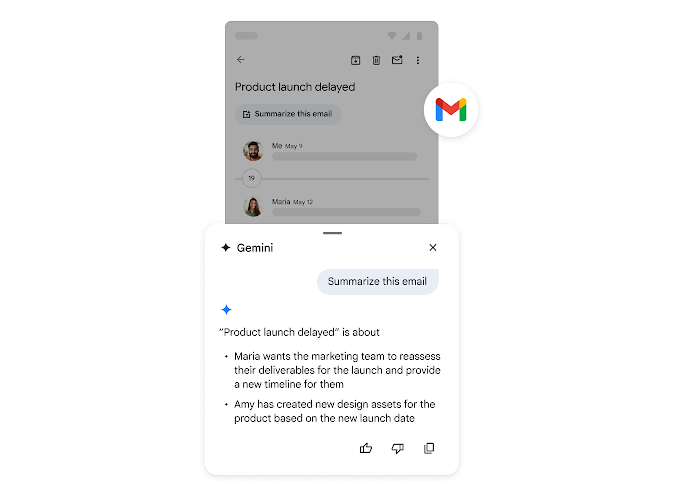
AI-embedded help, when you need it the most
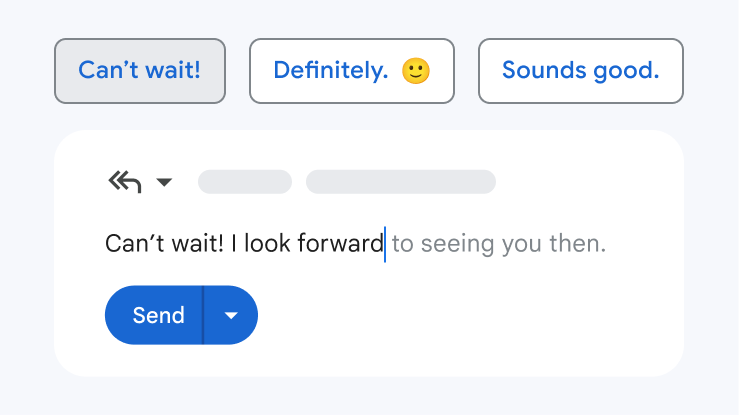
Smart Reply and Smart Compose
Used over 180 billion times a year, see how Gmail can suggest responses or fill in the blanks of your sentence to save you time.
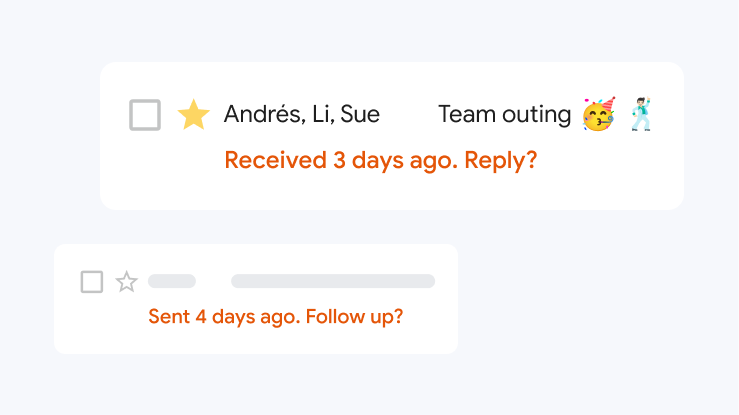
Don't miss emails with Nudges
Get peace of mind with automatic reminders to respond or follow up on emails.

Important info at a glance
Gmail helps surface trip details, reservations, purchases and more so that you can get all the important details.
More tools to help you grow your business
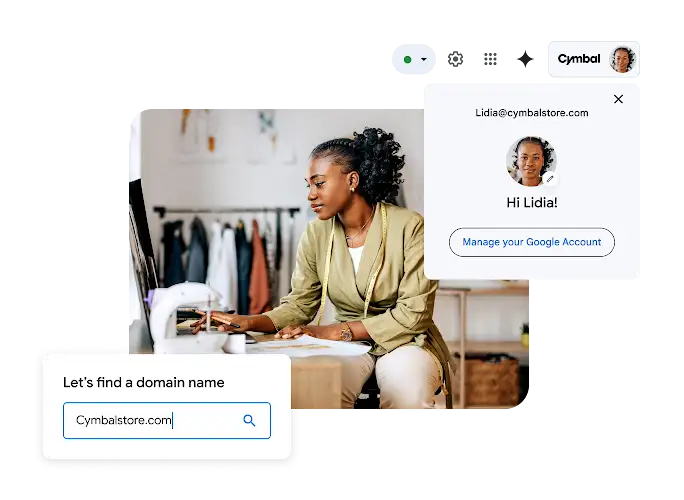
Custom business email
Build a polished look with professional email addresses at your domain, like priya@yourcompany or sales@yourcompany.
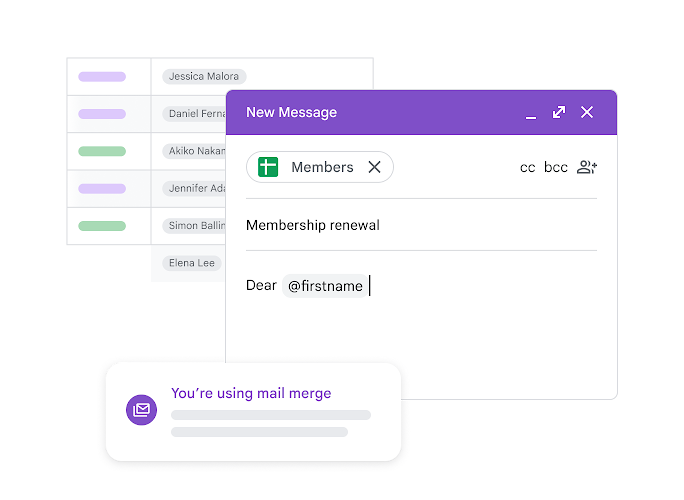
Personalise your marketing emails with mail merge
Save time while personalising every email that you send. Merge tags work with Google Contacts or from a linked spreadsheet.
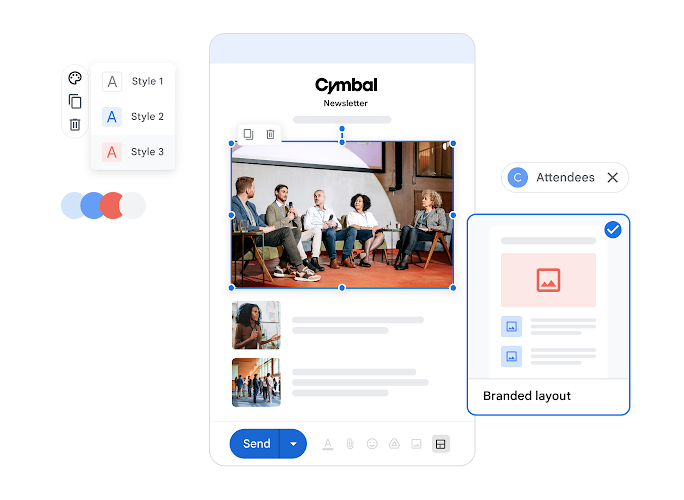
Create custom email templates
Keep your customers informed about upcoming events, offers and announcements while showcasing your brand's identity.
Stay safe with the most secure email for business
With AI-powered threat defences, enterprise-grade security and privacy controls, and Google's security-by-design cloud infrastructure, Gmail helps keep your data protected, confidential and compliant.
99.9%
of spam, phishing attempts and malware are automatically blocked in Gmail.
2x
more malware on average is detected by Gmail than industry standard antivirus products alone.
0
high or critical common vulnerabilities and exposures (CVEs) over the last five years.2
 Google Drive
Store and share files online
AI-powered, secure cloud storage for seamless file sharing and enhanced collaboration. Up to 5 TB storage per user.
Start Free Trial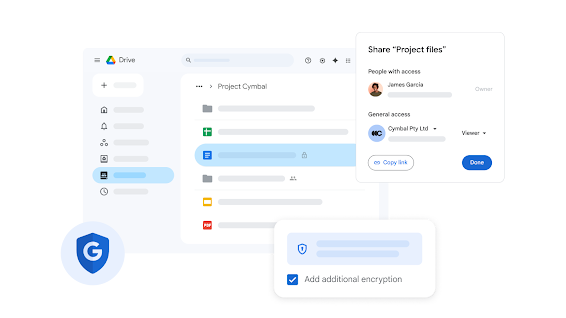
Say goodbye to file silos and content chaos
Move your data and store all of your files in one place with Google Drive. AI-powered storage in the cloud helps teams collaborate in real time, making it faster to find files and insights, backed by Google's industry-leading data security for added protection.
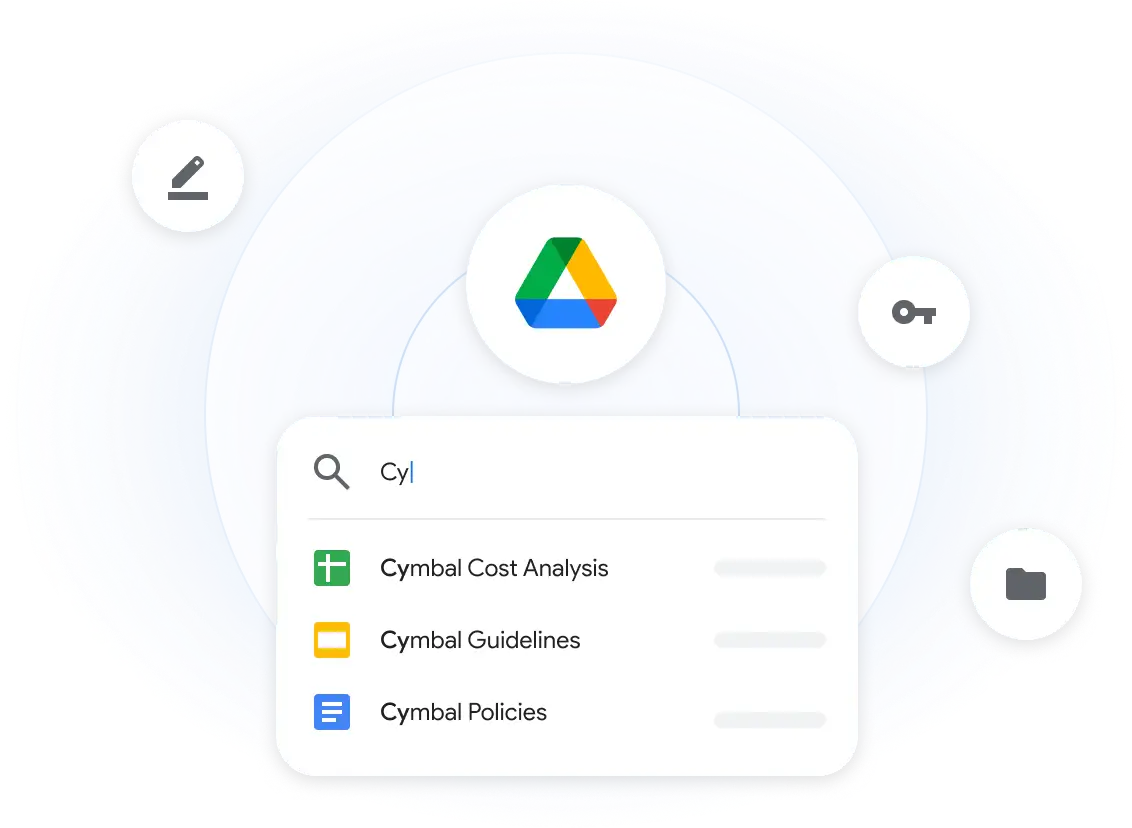
Make smarter decisions with Gemini in Drive
Gain valuable insights by summarising long documents, synthesising information and retrieving quick facts about your content without having to search through multiple files. See what else Gemini can help you do and try Google Workspace with Gemini.
Cloud storage made easy
Simple and scalable cloud storage for people, and for teams of all sizes. Upload, open, share and edit files from any device.
Storage that grows with you
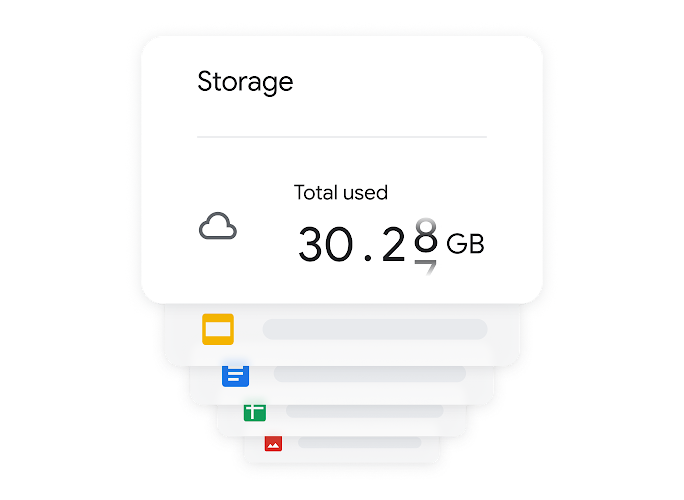
Scale your storage effortlessly from 15 GB to 5 TB per user, plus the ability to request additional storage. Storage costs vary.
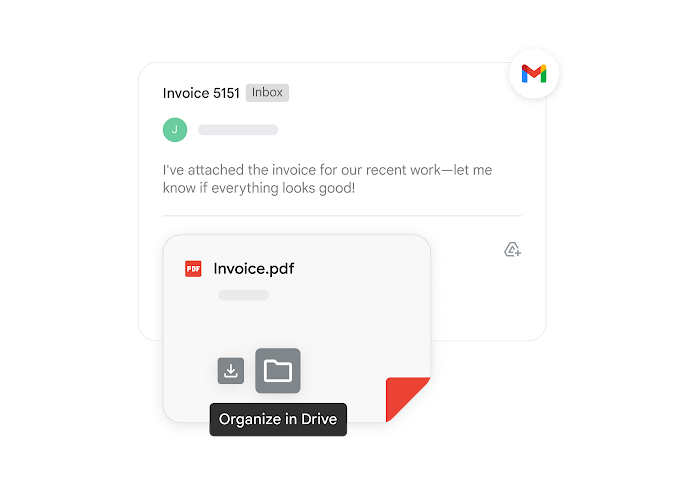
Gmail attachments straight to Drive
Save and organise Gmail attachments directly in Drive without leaving your inbox.
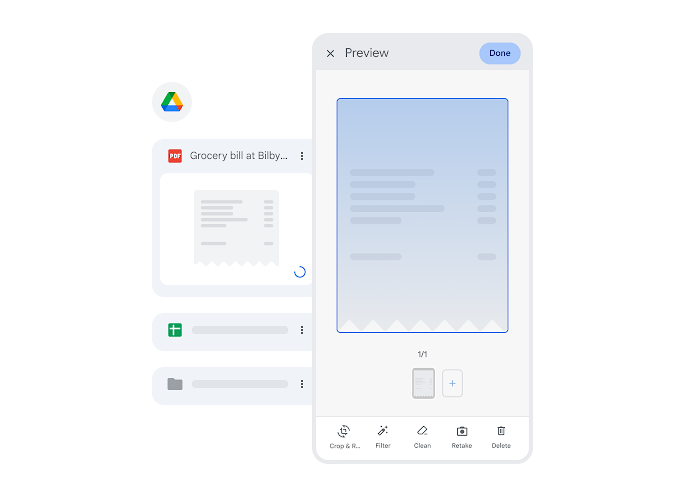
Scan documents with Drive
Quickly scan and store receipts, billing statements and more as searchable PDFs, directly from the Drive app for Android or iOS.
Work smarter, save time
One place to manage, access, edit and organise your files effortlessly for a streamlined workflow.
Your files, all in one place
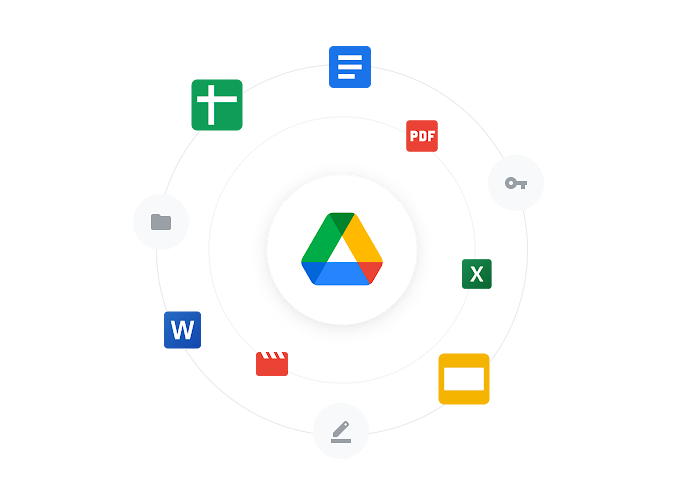
Edit and organise Google Docs, Sheets, Slides, Microsoft Office files and PDFs in real time. Plus, access over 100 other file types.
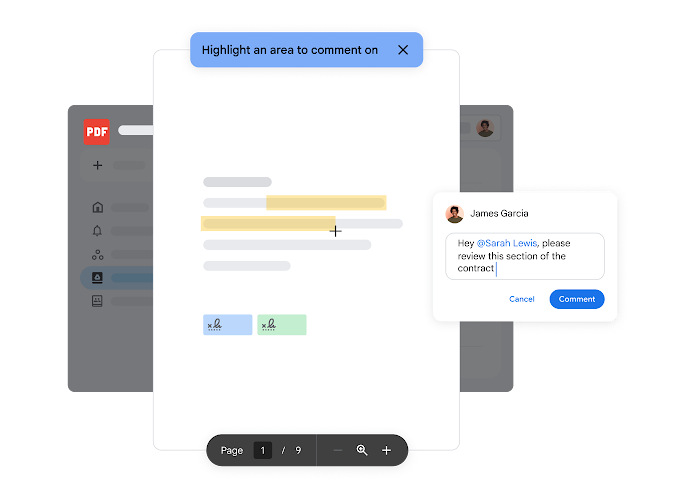
Annotate PDFs
Add and edit comments directly in PDFs by highlighting text.
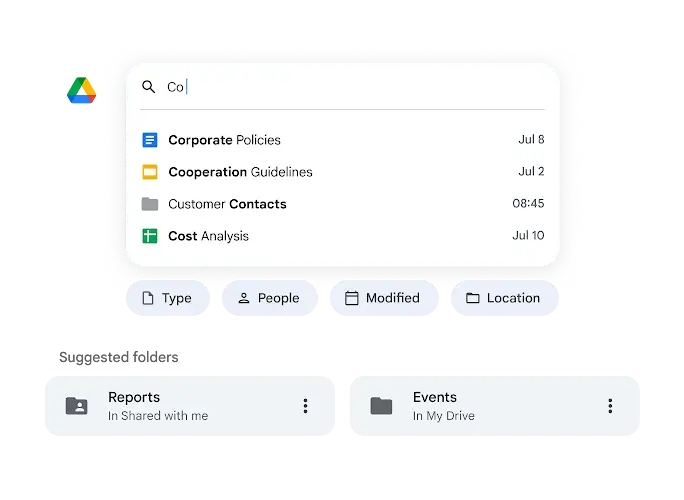
AI-powered search
Drive's search, powered by AI, offers speed and reliability by quickly surfacing relevant results based on your activities.
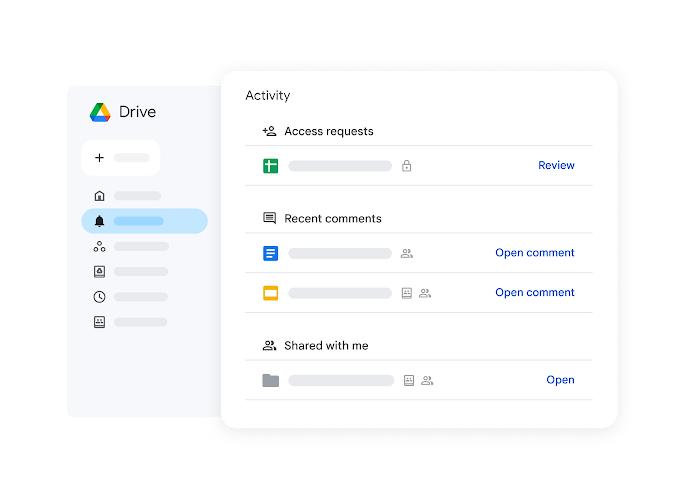
Activity view
Get a quick overview of your file activity across Workspace in one place, empowering you to act efficiently.
Cloud storage made easy
Simple and scalable cloud storage for people, and for teams of all sizes. Upload, open, share and edit files from any device.
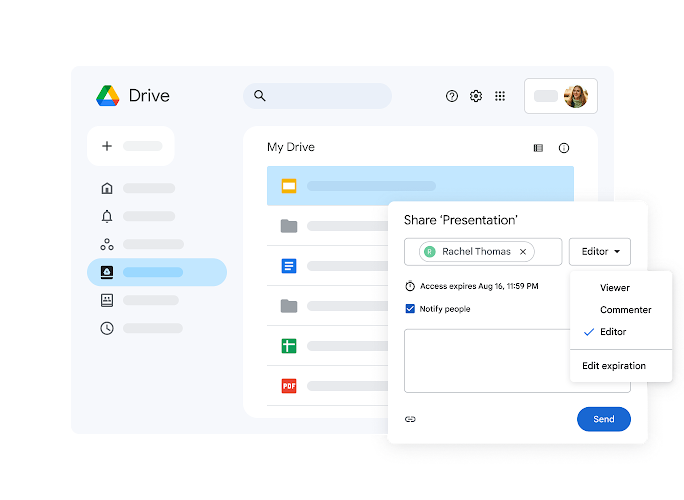
Manage access
Easily share files with customisable permissions (edit, comment, view). Control access further by preventing unwanted actions and setting expiry dates.
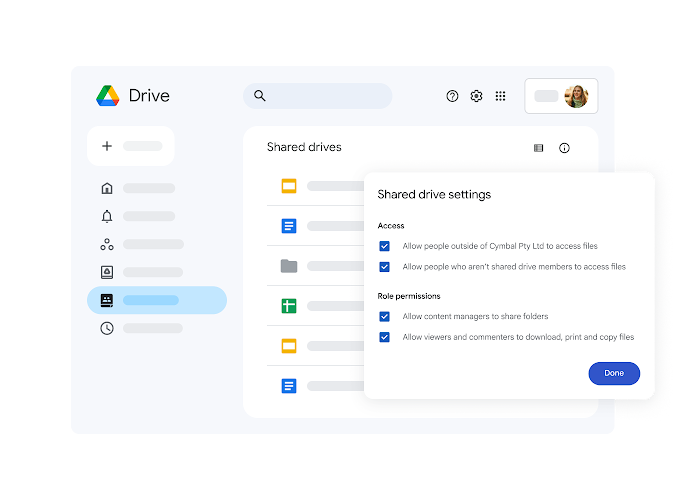
Empower team collaboration with shared drives
Shared drives give teams a place to store, access and manage files together.
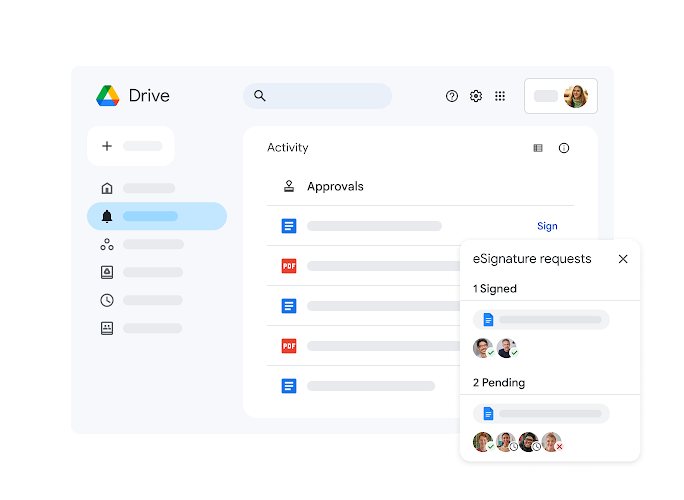
Electronic signatures
Request electronic signatures and easily manage vendor agreements, customer contracts, stakeholder sign-off and more.
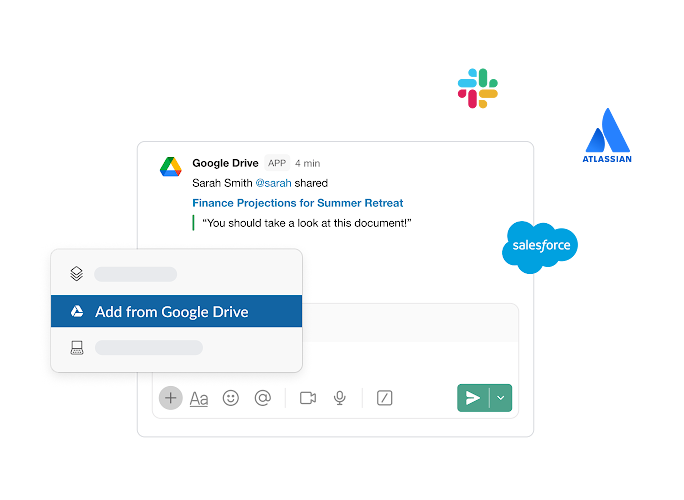
Third-party integrations
Import and create Google Drive files within third-party apps, like Slack, Zoom, Salesforce, Atlassian, SAP and many more, to streamline your work.
Secure cloud storage that you can count on
Keep your data in a trusted, compliant and reliable cloud infrastructure that seamlessly integrates with your Workspace apps.
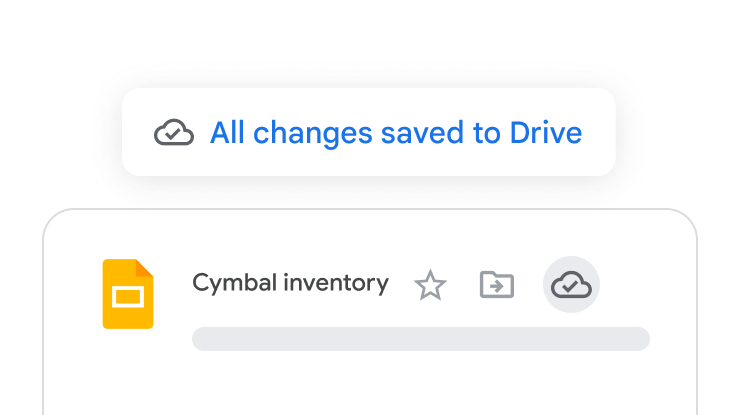
Cloud native, enterprise ready
A cloud infrastructure that is always up to date and helps reduce security risks and meet compliance requirements.
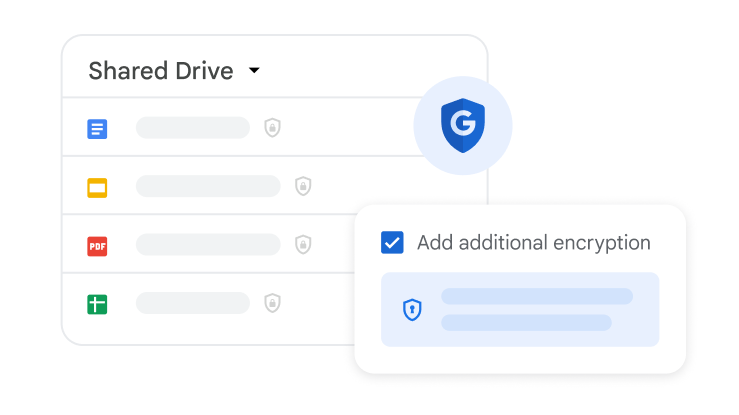
Zero-trust controls
Robust security capabilities including ransomware detection, client-side encryption and Vault to safeguard sensitive data.
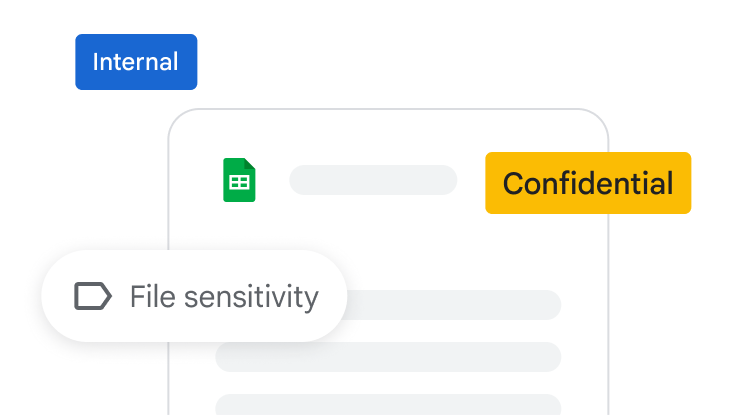
AI-powered security
AI classification intelligently labels sensitive content, automatically identifying and protecting it with data loss prevention (DLP) policies.
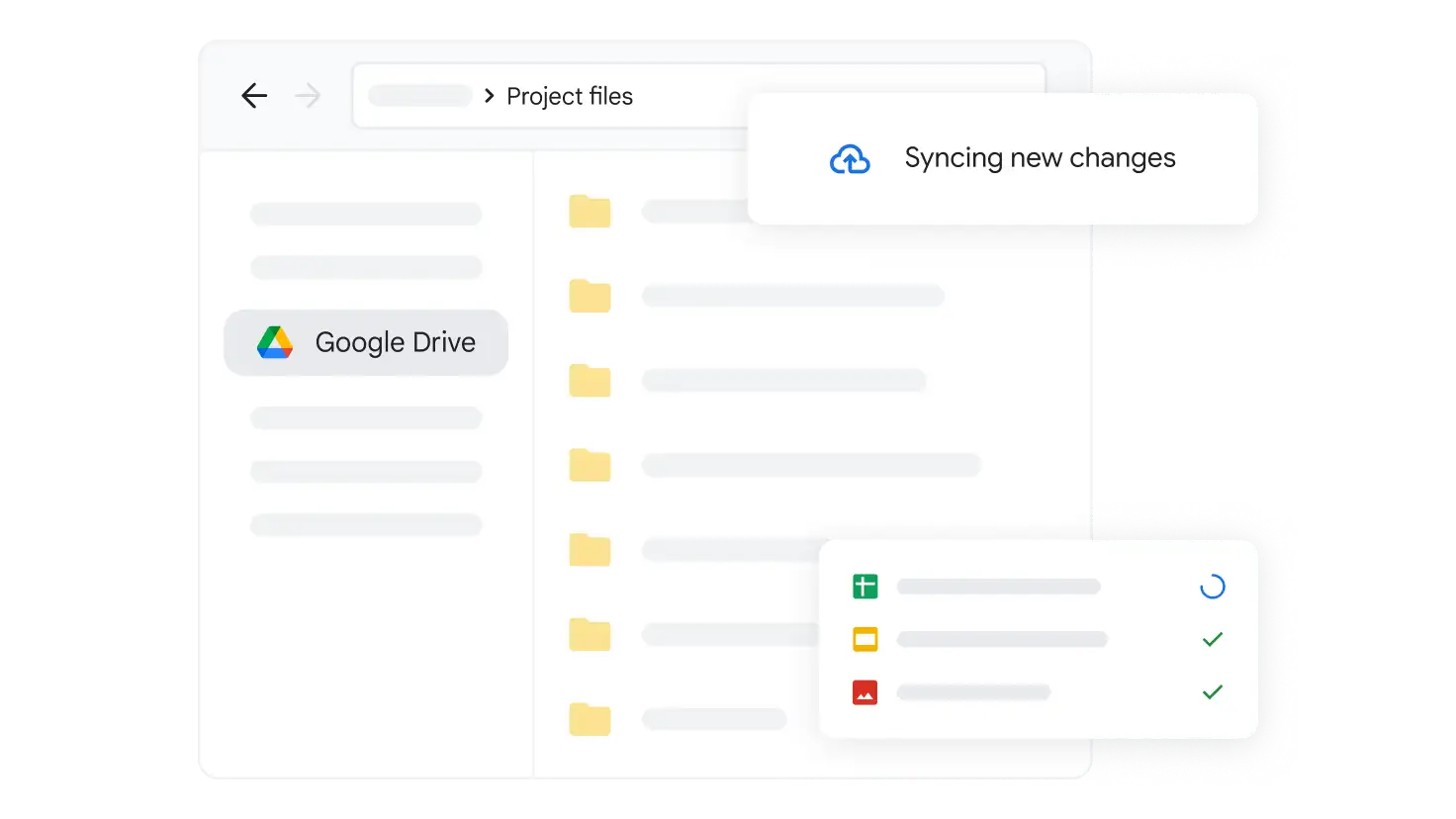
Sync your desktop with Drive
Get the most out of Drive, straight from your computer. Automatically keep all your Drive files up to date and protected. Available for Windows and macOS.
 Google Meet
Video conferencing for business
Unlock premium features like recordings and AI note-taking to make every meeting more productive and secure.
Start Free Trial
Do more with premium features
Sign up for a Google Workspace or Google One Premium plan to access premium features.
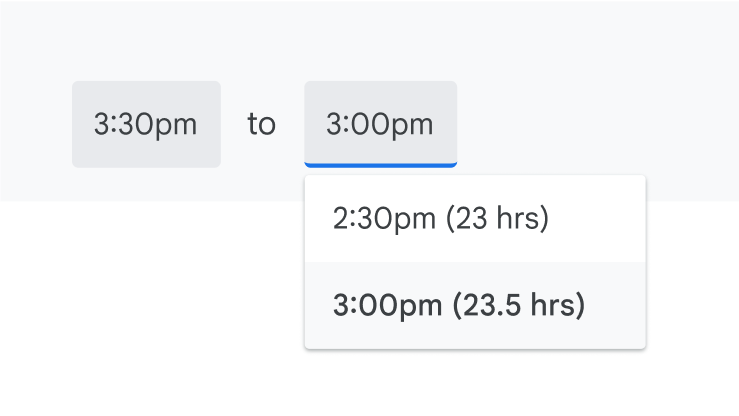
Meet longer
Hold group calls for up to 24 hours.
Keep a record
Use recordings and transcripts to capture what was discussed.
Host larger meetings
Add up to 1,000 participants.
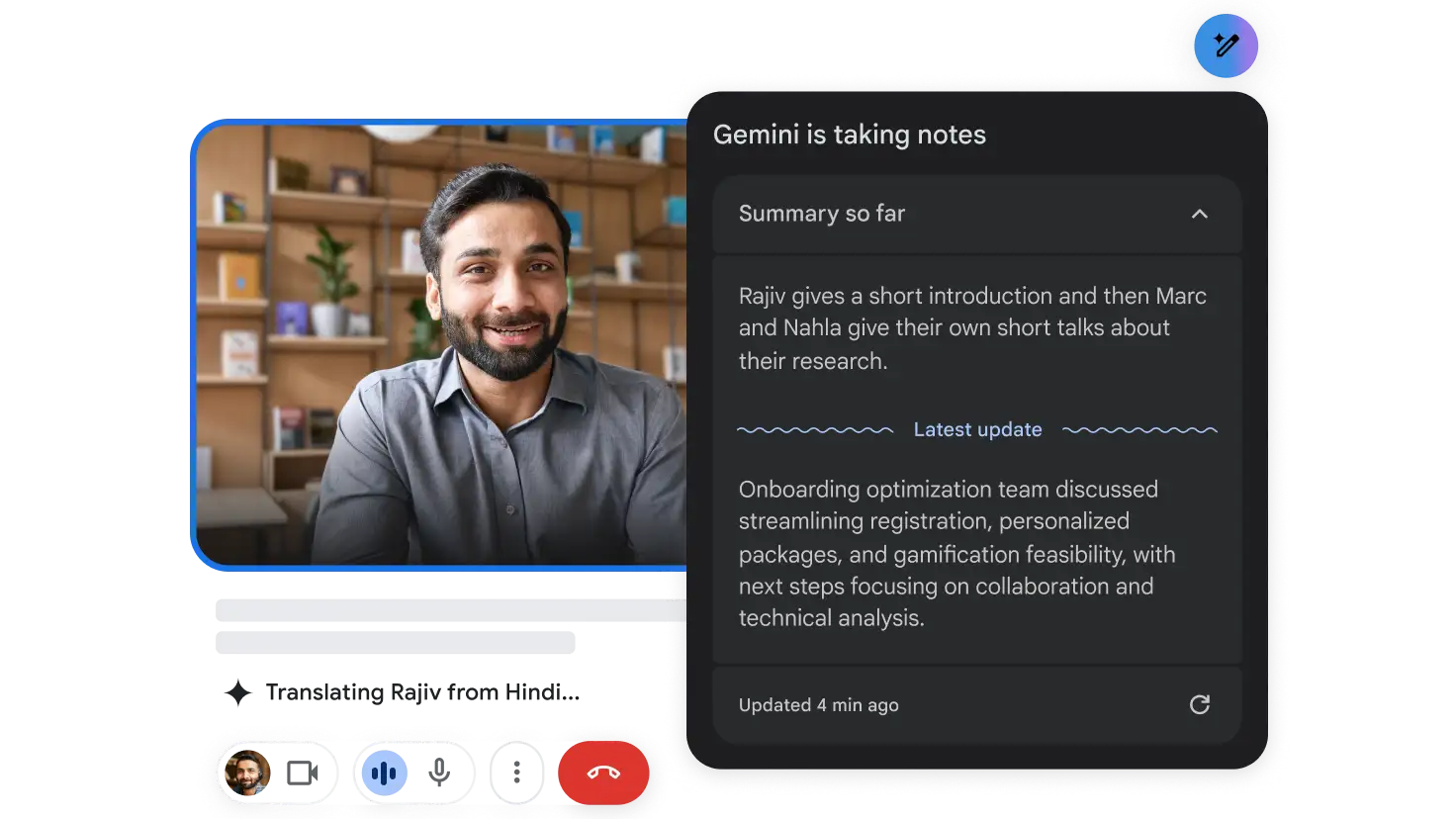
Experience rich, collaborative meetings with Gemini
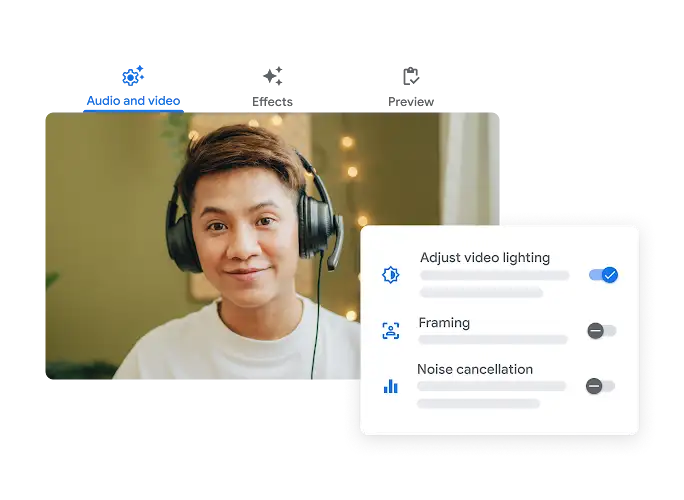
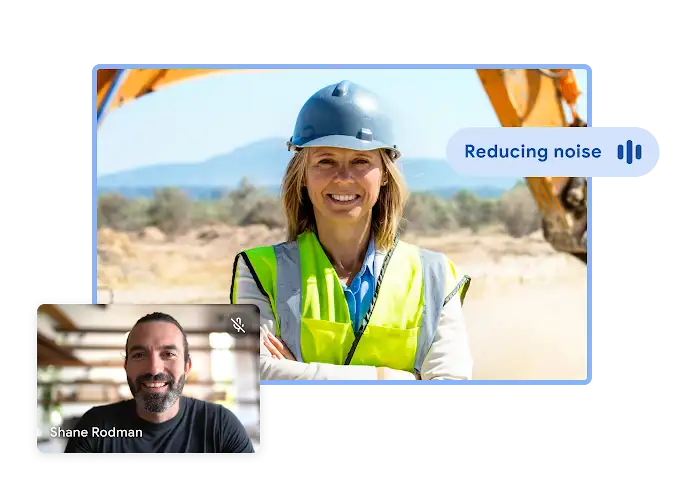
Look and sound your best with studio look, studio sound and studio lighting. Connect in 65+ languages with translated captions. Use 'take notes for me' for meeting details. Try all this and more to unlock the power of generative AI with Gemini for Google Workspace.
Connect with others in more ways
Whether scheduled or spontaneous, in real-time calls or exchanging video messages, Google Meet helps you connect in the ways that work best for you.

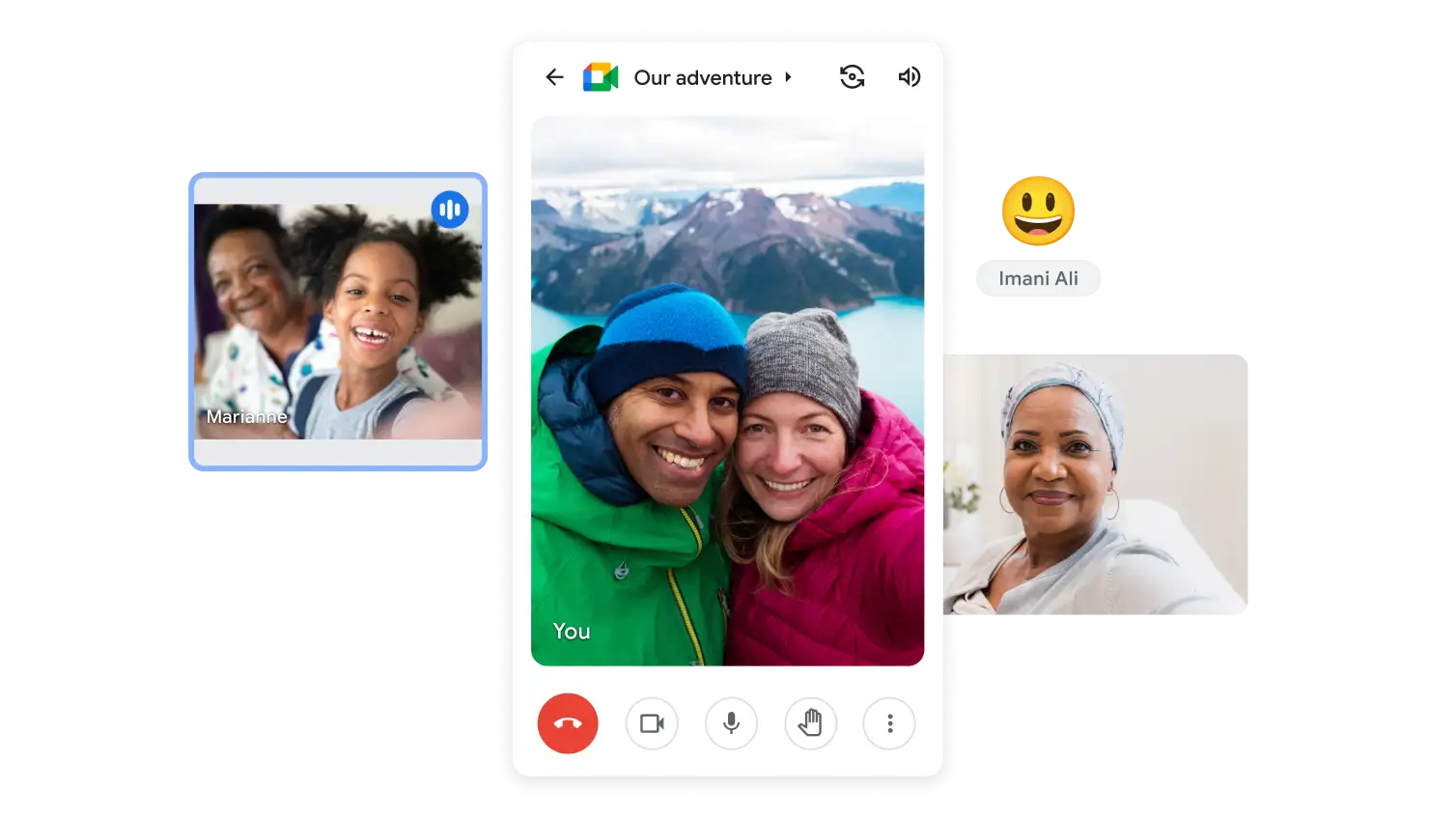
Meet on any device
Join on your mobile phone or tablet via the Google Meet app, available on the app store and Play Store. Or connect from your computer browser – no software install needed.
Built for better conversations
Meet handles the details so that you can focus on connecting.

Do more, together
Seamlessly collaborate with integrations across Google Workspace.
Collaborate together
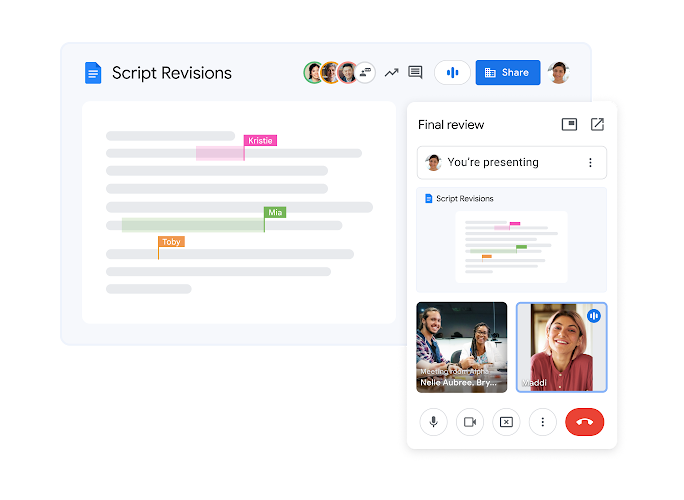
Collaborate in context by meeting directly from Google Docs, Sheets and Slides.
Plan together
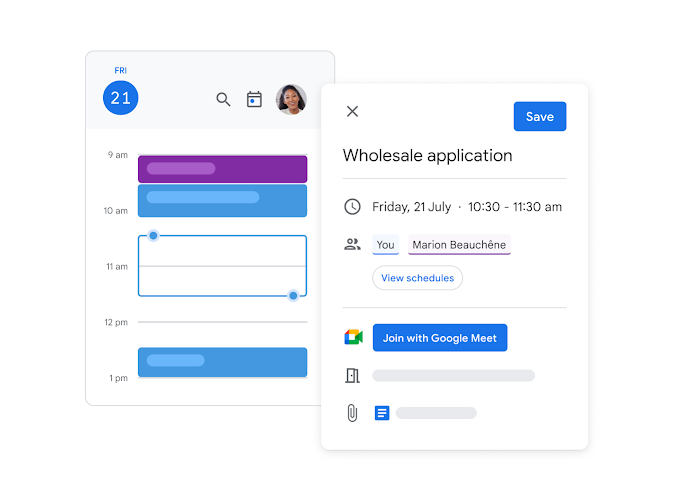
Easily set up meetings with the agenda, attachments and participant RSVPs all in one place.
Ideate together
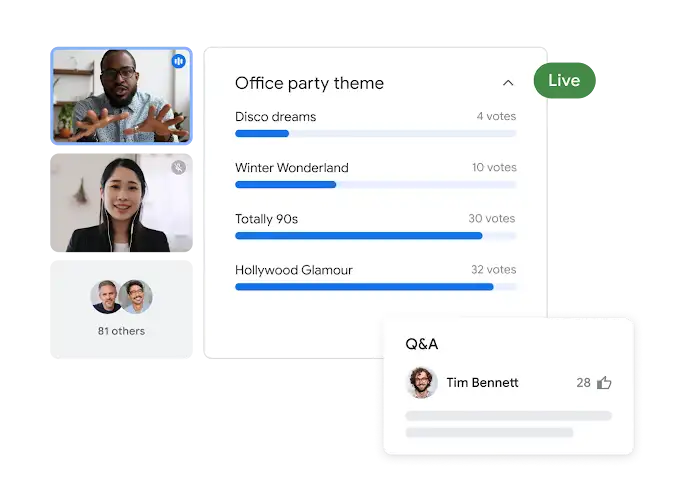
Keep people engaged during meetings with polls, breakout rooms, moderation controls and Q&A.
Enjoy every moment
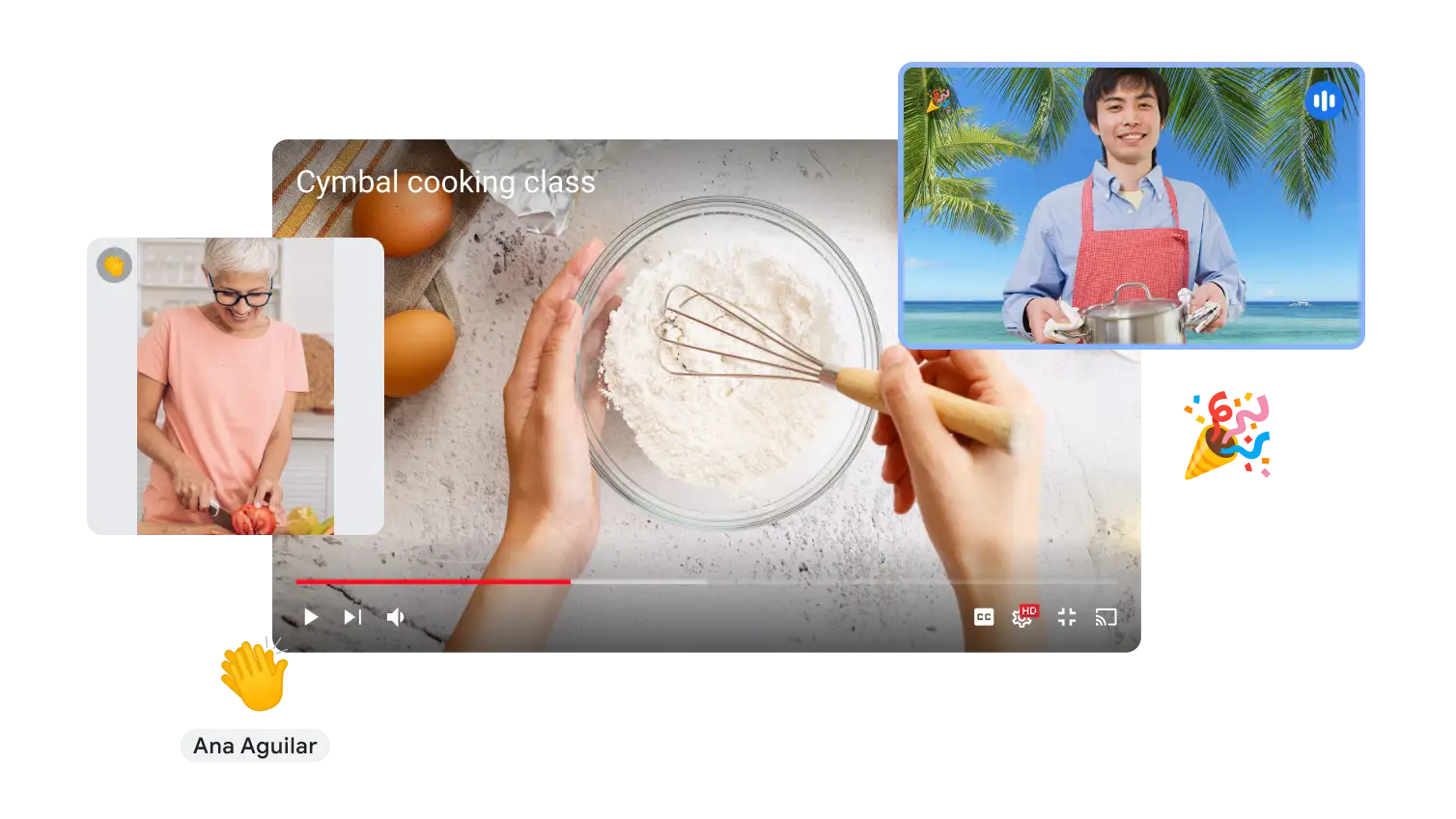
Make your time together fun. Watch YouTube videos, listen to music and play games with Meet live sharing2. Enjoy interactive features like effects and emoji reactions.
Stay safe
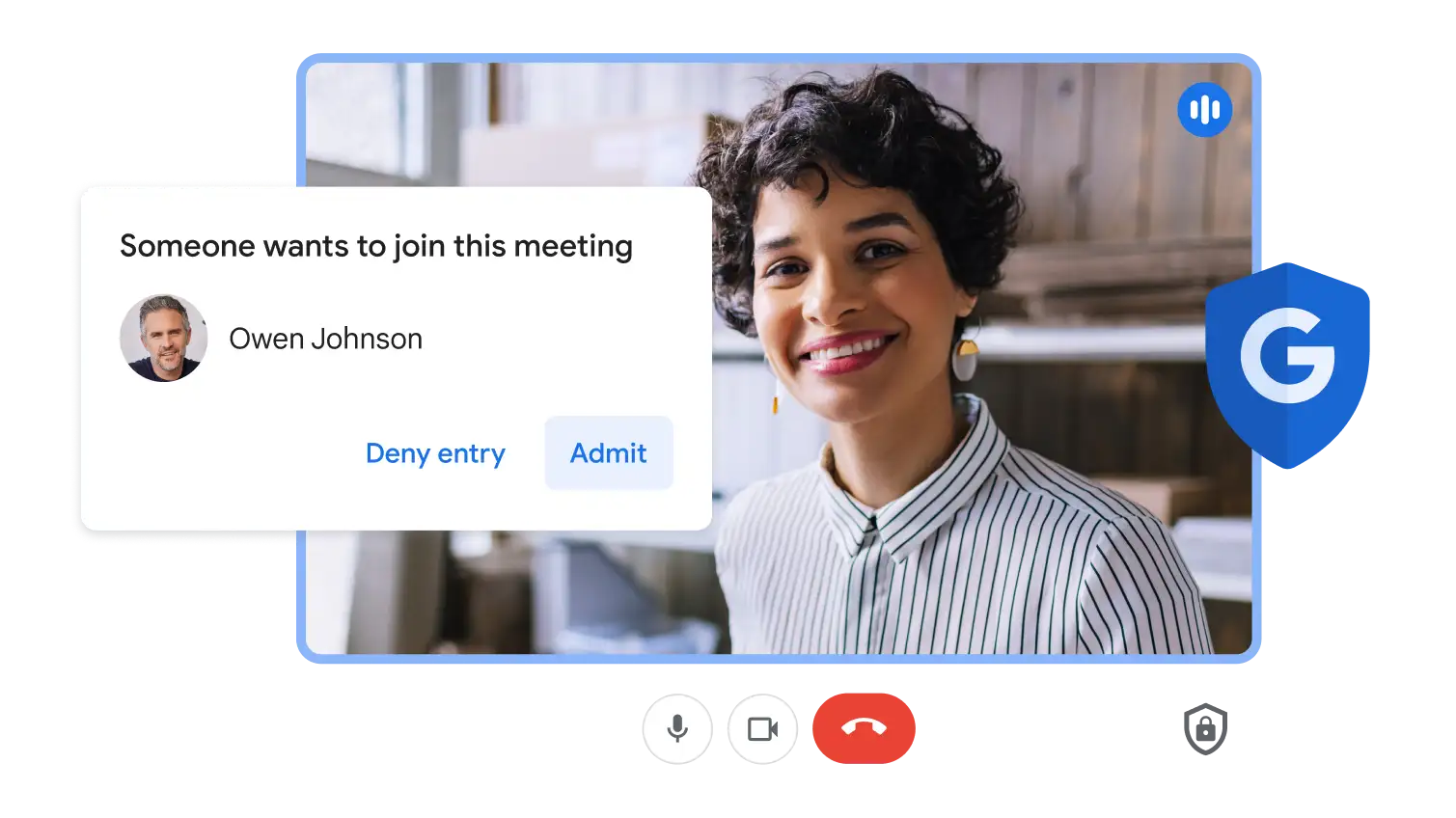
Your data is encrypted by default, and an array of safety measures – like advanced encryption, anti-abuse measures and privacy controls – keep your data private.

Conference room devices from trusted partners
Google Meet hardware provides secure, scalable meeting solutions for any room. Cross-platform interoperability enables internal and external teams to easily join the discussion, while built-in AI ensures that everyone feels included and stays engaged.
 Google Calendar
Shareable online calendar
Spend less time planning and more time doing with an AI-powered calendar.
Start Free Trial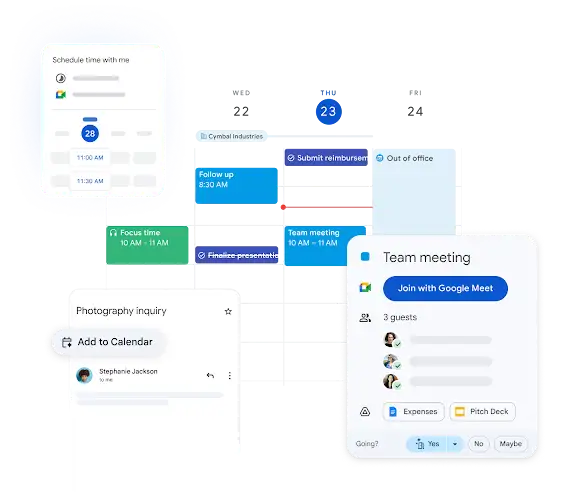
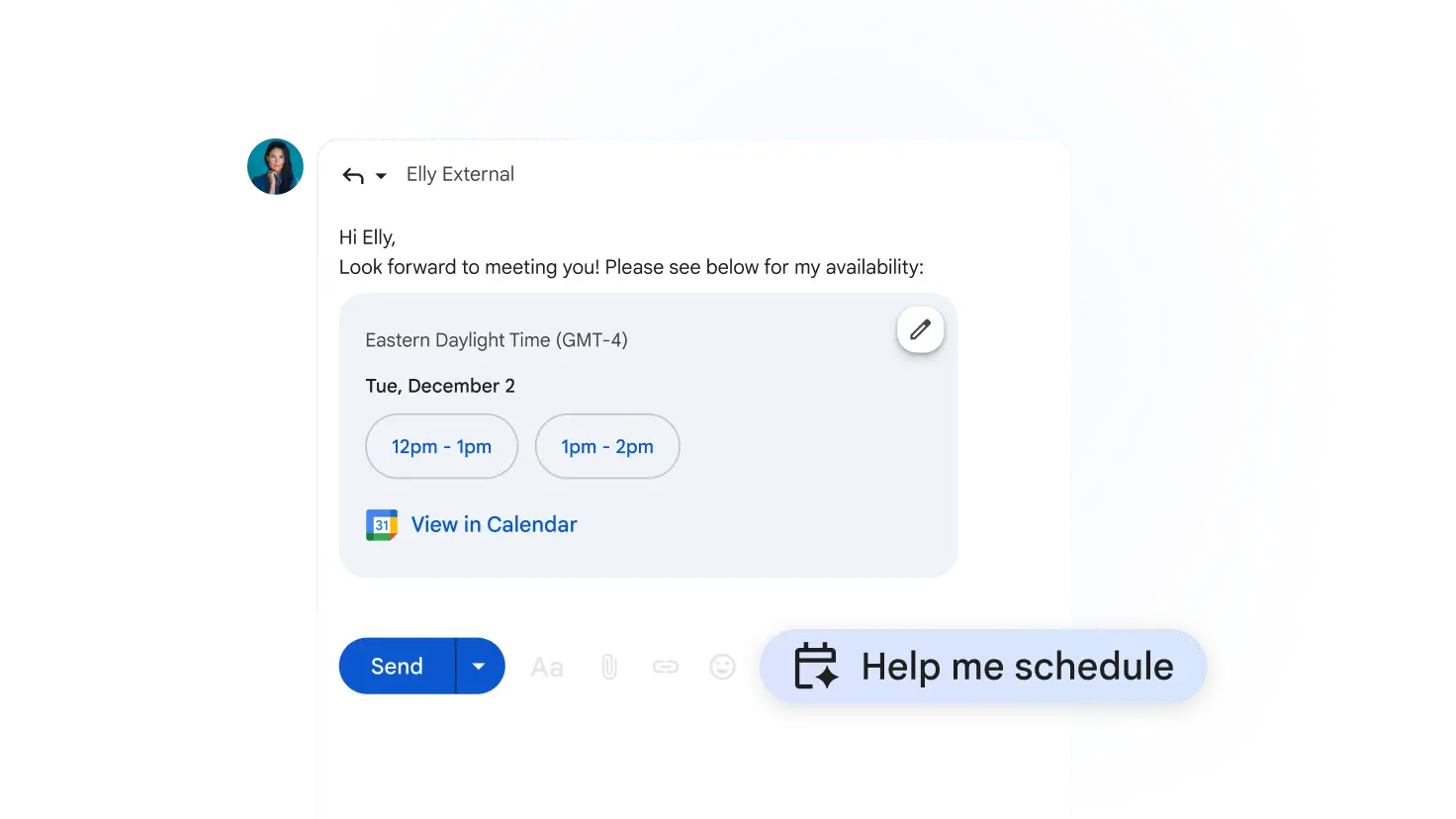
Schedule events faster with Gemini in Gmail
Help me schedule in Gmail: Gemini finds the best meeting times based on your email context and Google Calendar, so that you can share options and book faster, all in one tap.
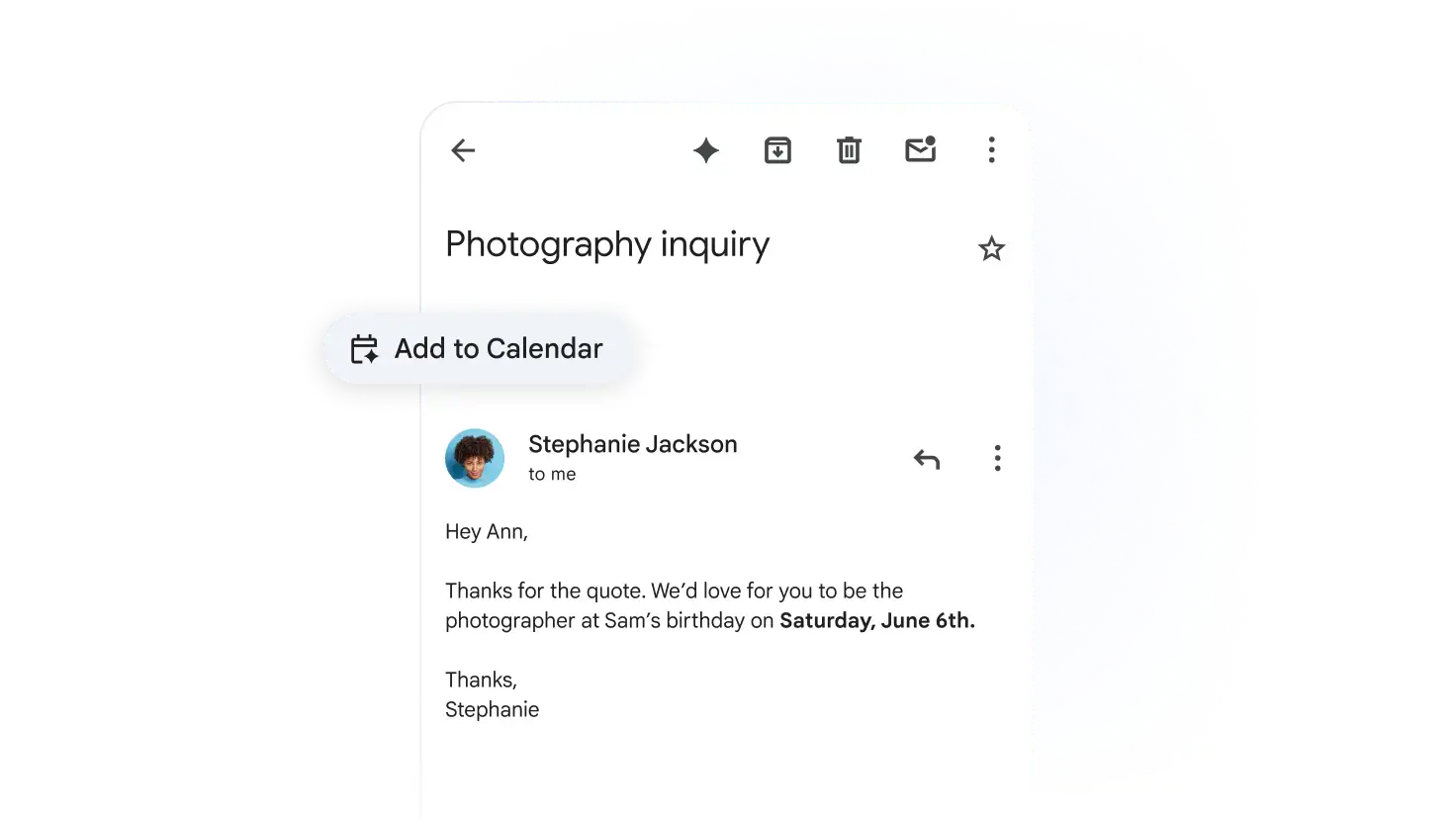
Add events from email with a click
When Gemini detects event details in an email, simply click the 'Add to Calendar' button to save it to Calendar. Your event details will be accurately captured, directly from Gmail.
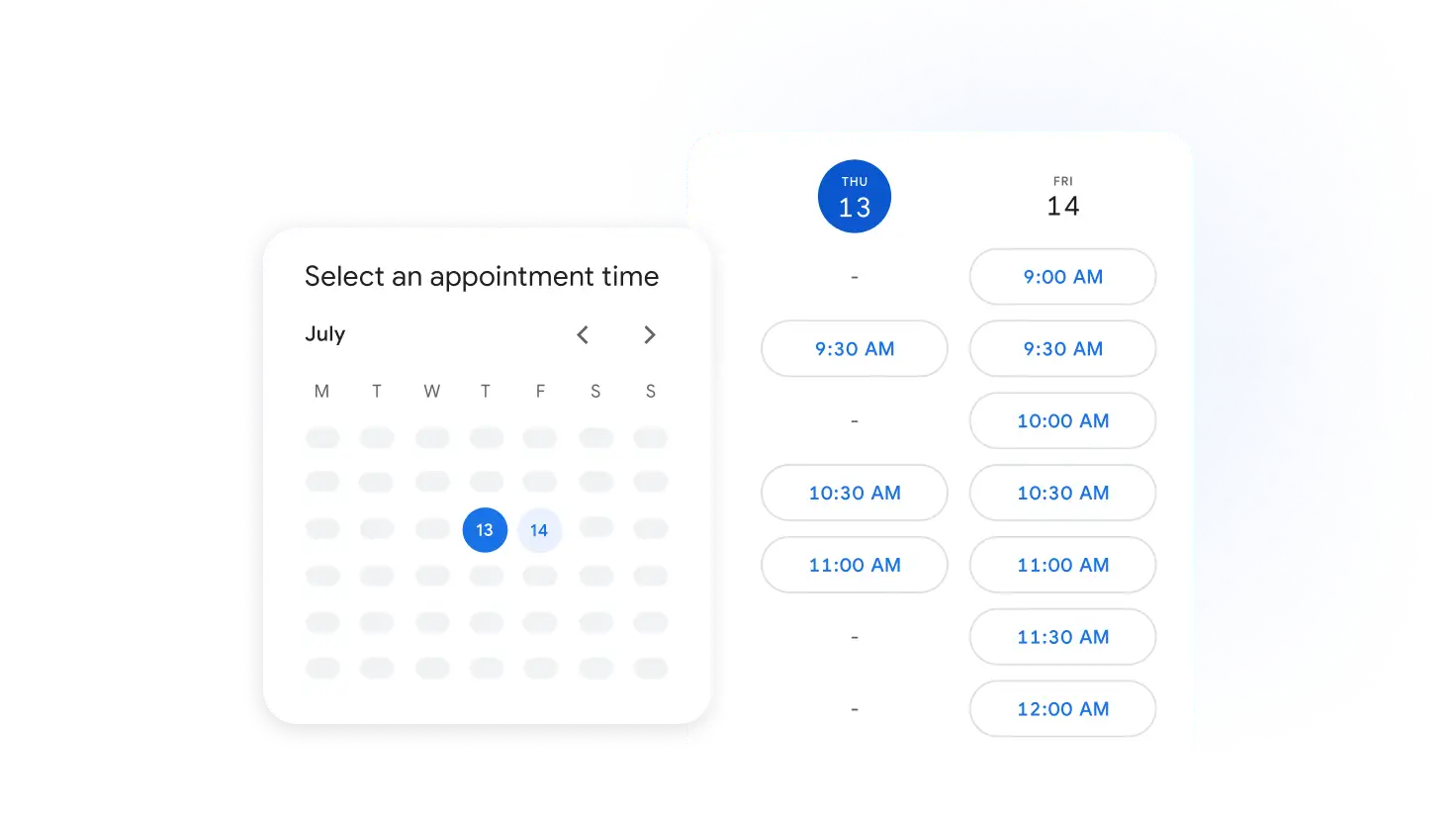
Built-in appointment booking
Skip the back and forth, and set up an appointment booking page directly in Calendar – no
other apps, extensions or
downloads needed. Let clients, customers and partners book time with you instantly.
Plus, you can set up multiple booking pages, connect a Stripe account to collect payment,
manage automatic email
reminders and more.
Your schedule, organised across Workspace
Manage your day with integrations across Tasks, Gmail and Meet. apps.
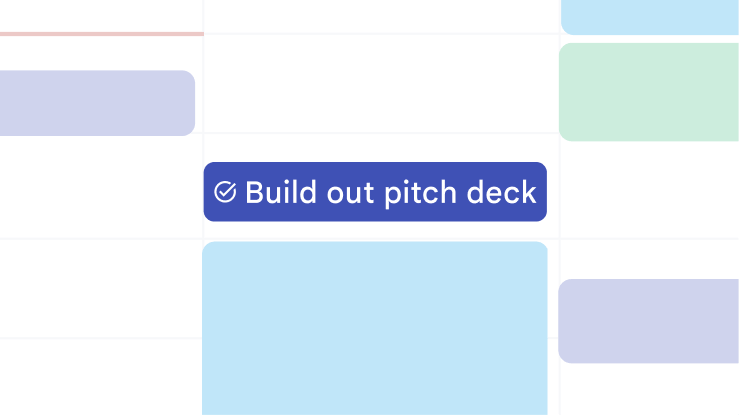
Track tasks in Calendar
Add a date and time to any task and it will automatically appear on your calendar.
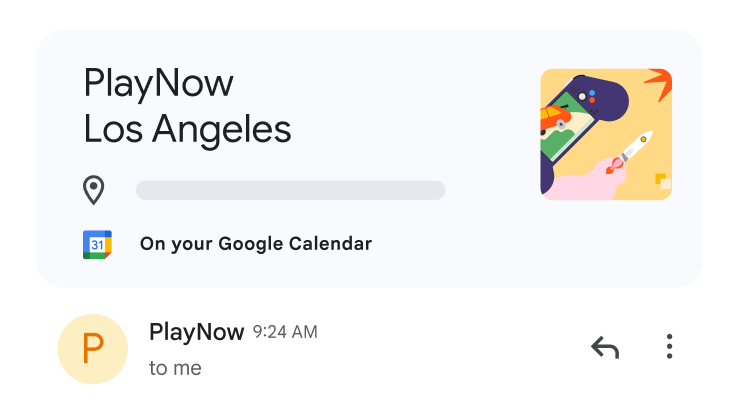
Sync events from Gmail
Flights, hotels and restaurant reservations in your inbox can be automatically added to Calendar.
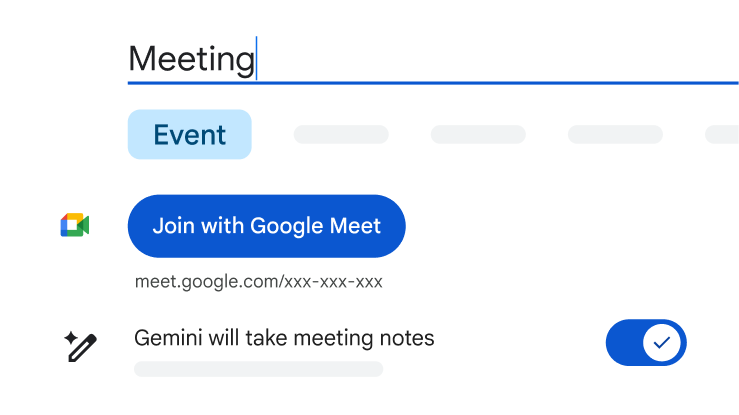
Collaborate with Meet
Easily add Google Meet video conferencing to an event to connect virtually.
Team collaboration made effortless
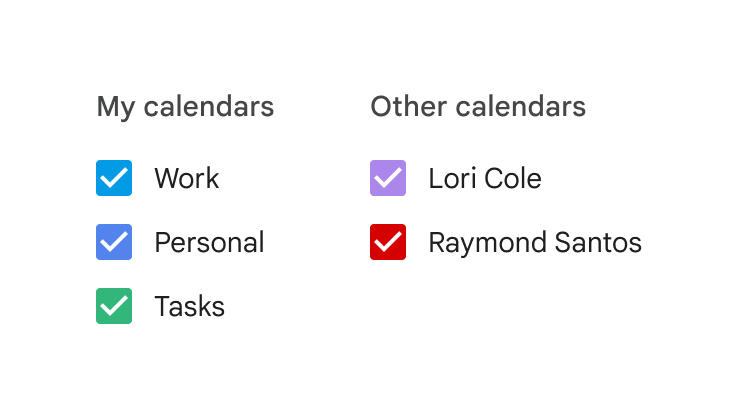
Share calendars with others
Shared calendars keep everyone in sync and make it easy to view times that work across schedules.
Attach files to events
Consolidate details in one place by attaching relevant agendas, pre-reads and documents directly to your event.
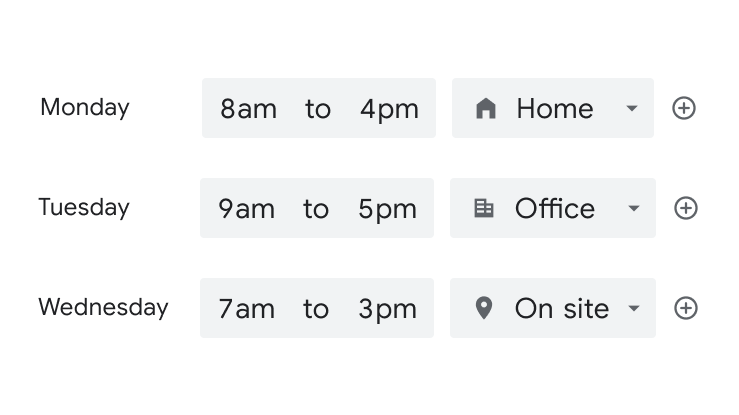
Set working location and hours
Let your teammates know where you'll be working from and what your working hours are.
Maximise your productivity
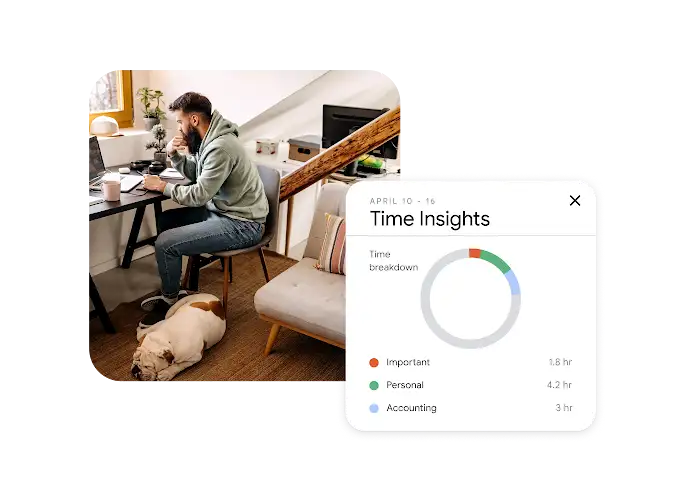
Track how you spend time
Time Insights help you to analyse your schedule, showing you how you spend your time and who you spend it with.
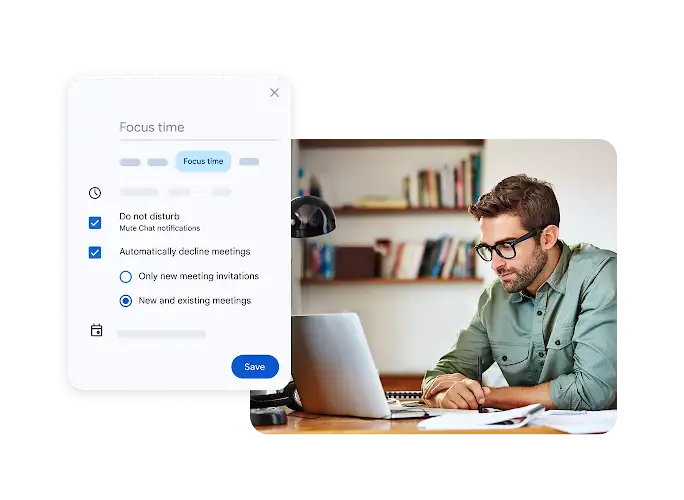
Block out distractions
Schedule focus time to silence notifications and auto-decline meetings, so that you have uninterrupted time for deep work.
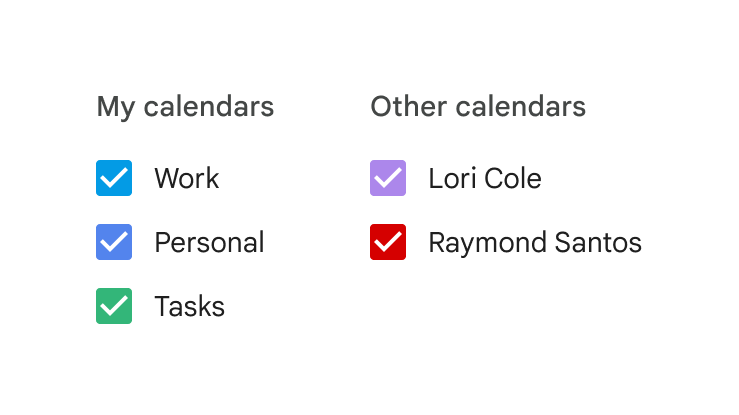
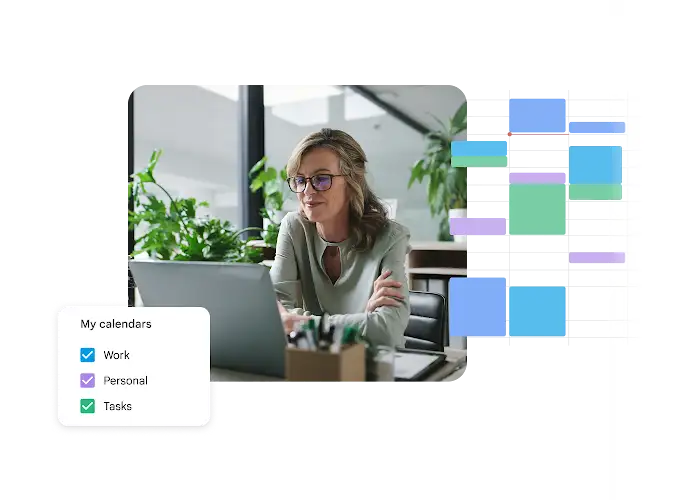
Stay organised with multiple calendars
Create separate calendars for work, personal and other events, then view them all in one place for a complete schedule overview.
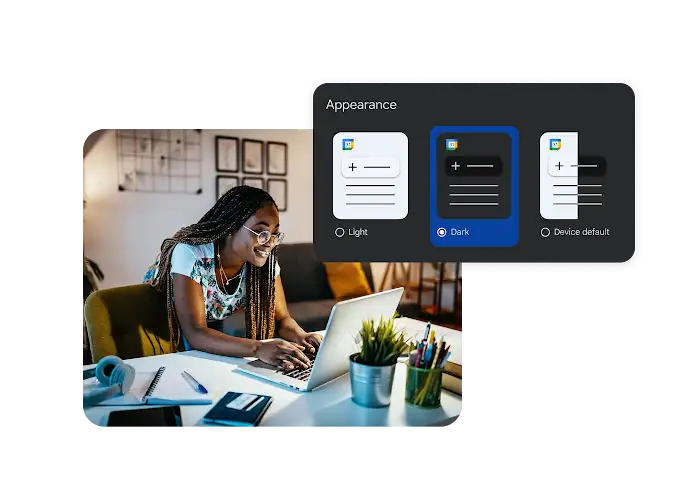
Customise your view
Colour-code your calendar and events to stay visually organised. Plus, personalise your calendar view with dark, light or device default themes to match your preference.
 Google Chat
AI-powered chat for teams of all sizes
Agentic collaboration to help teams stay connected and get more done.
Start Free Trial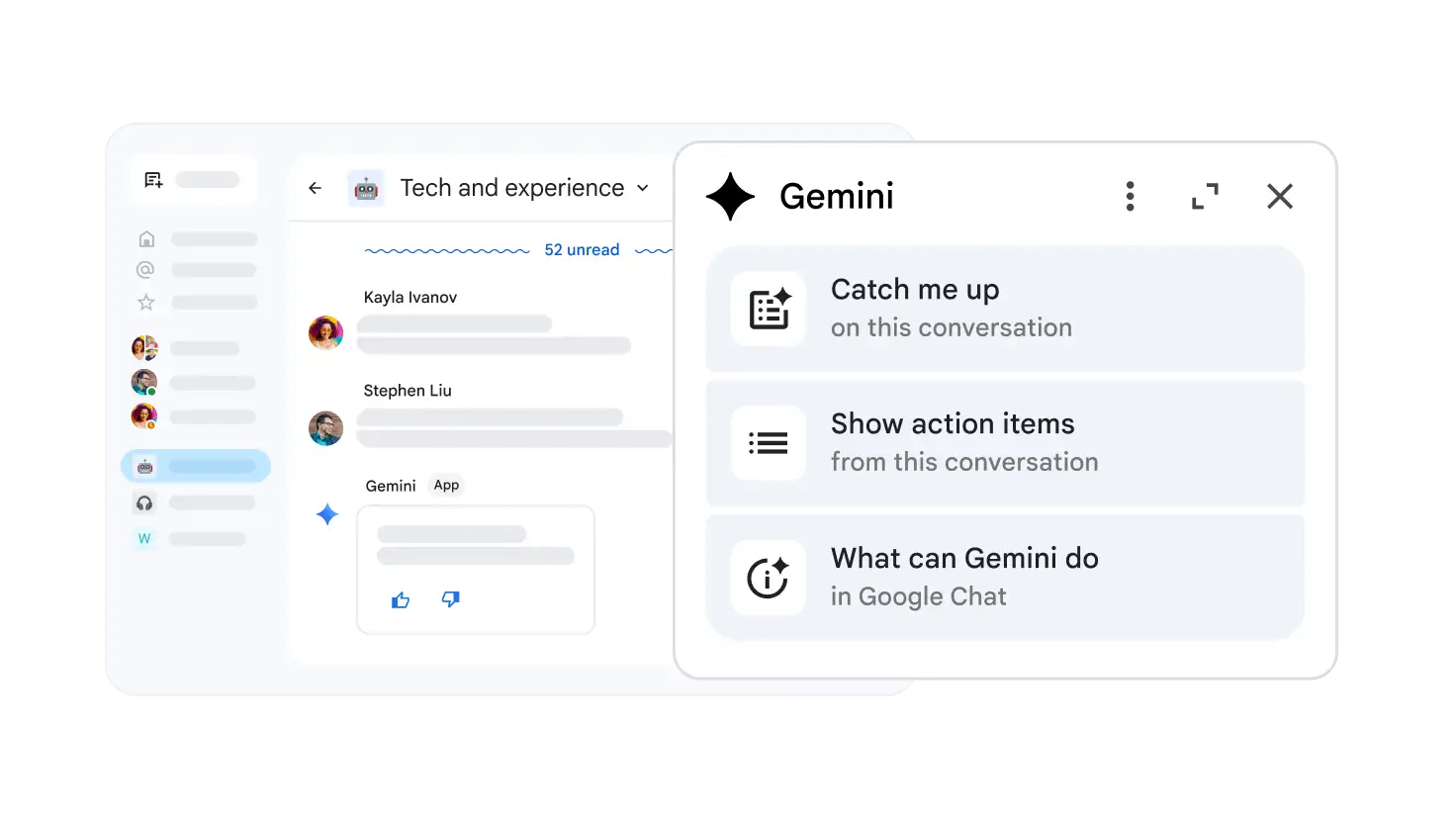
Gemini in Chat is your helpful teammate
With Gemini in Chat, you have an always-ready AI partner to catch you up on the conversation, share action items, translate in real time, brainstorm ideas and more.
Next-generation messaging
Simple but powerful
Designed to help you manage the flow of business and personal communication.
Creative and fun
Let your personality shine through with custom emojis, reactions, inline GIFs and rich text formatting.
Plays well with others
Migrate your existing data from Slack or Teams, or enable cross-product collaboration with interoperability solutions from Mio and NextPlane.
Team collaboration, transformed
Better together
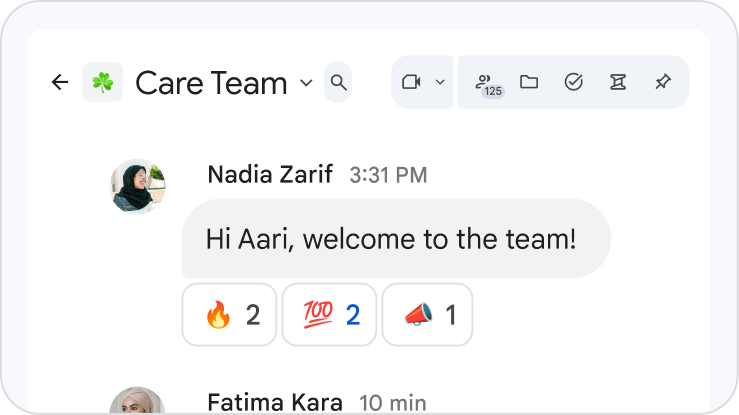
Keep the whole team aligned with persistent collaboration spaces that support up to 500,000 members.

Connect with a click
Huddle with teammates for real-time problem-solving or drop-in collaboration.
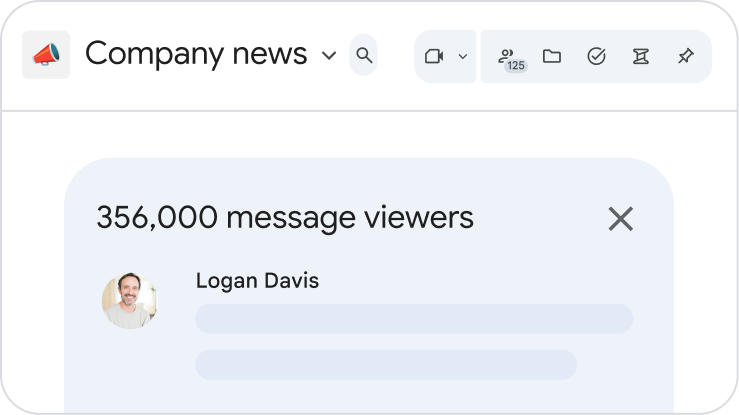
All together now
Chat is included with Workspace at no additional cost and integrates in helpful ways with Gmail, Calendar, Drive, Meet, Groups and more.
Powerful and professional
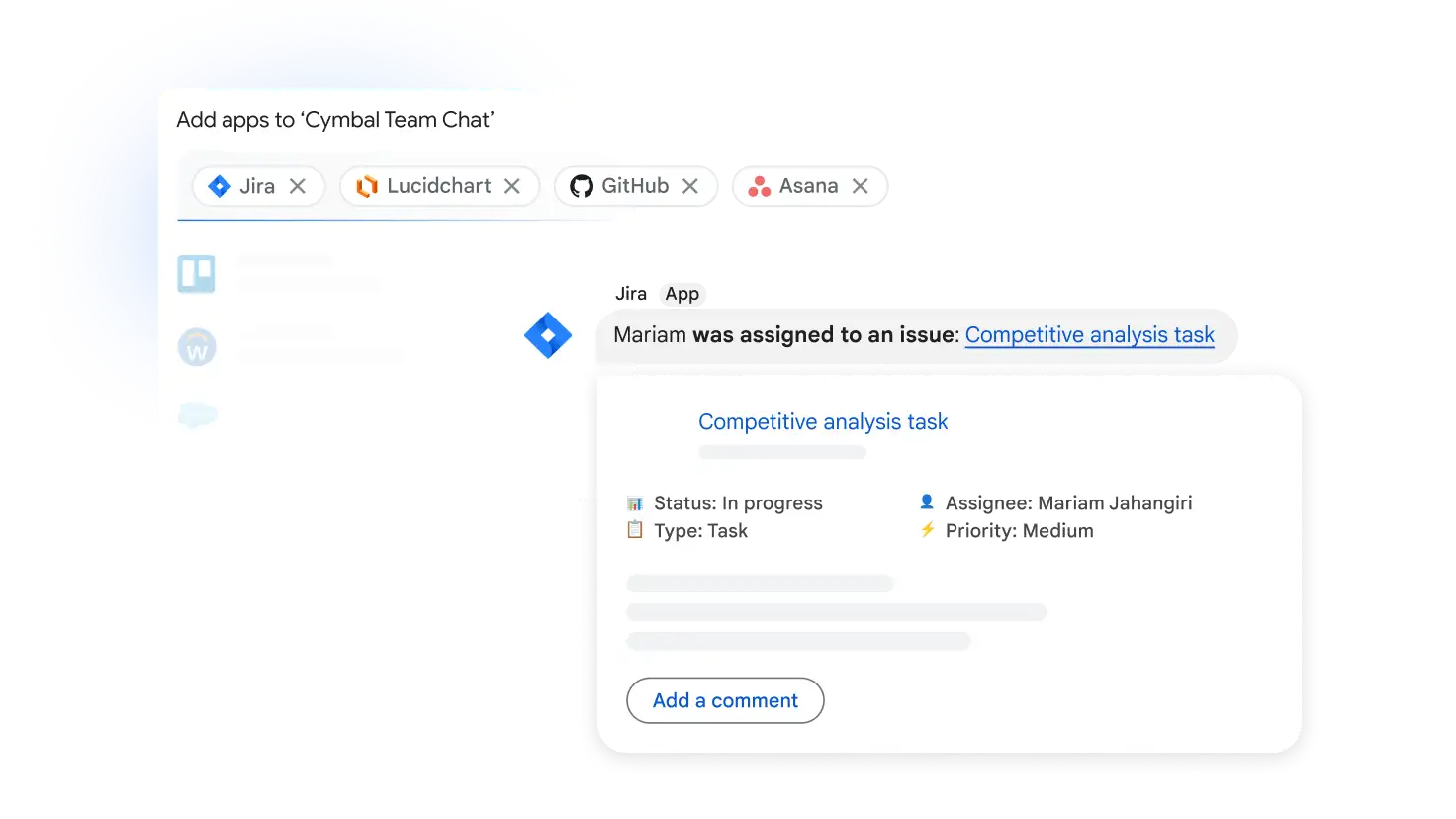
Popular apps and integrations
From Asana to Zapier, the apps and integrations that you need are available for Google Chat, including Asana, Comeen, Datadog, GitHub, HubSpot, Jira, Lucidchart, PagerDuty, Polly, Salesforce, ServiceNow, Trello, Workday and many more.
Extensible and adaptable
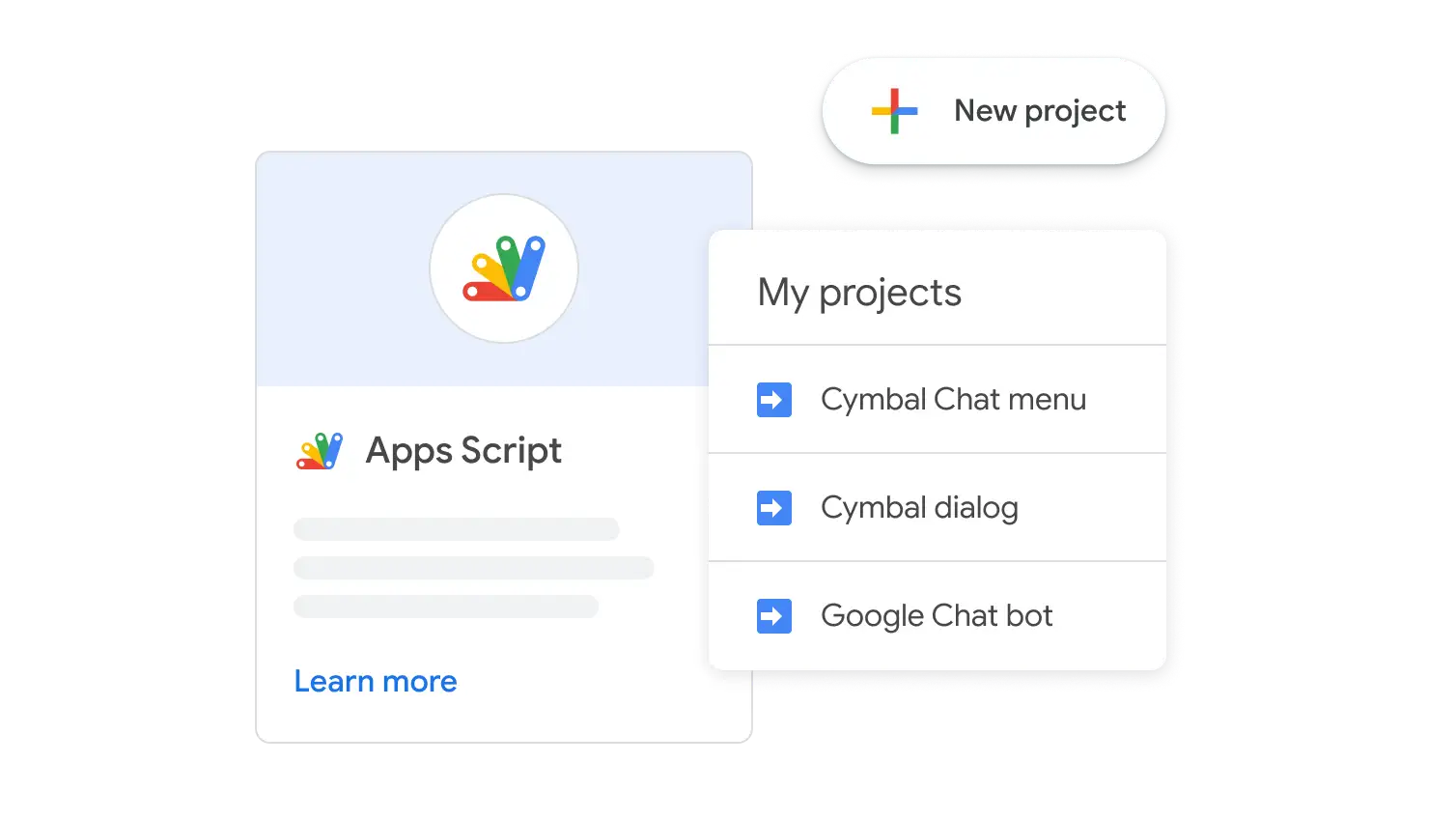
Design and deploy powerful custom apps specifically designed for your organisation, using Chat APIs and Apps Script to simplify, accelerate and automate your workflows.
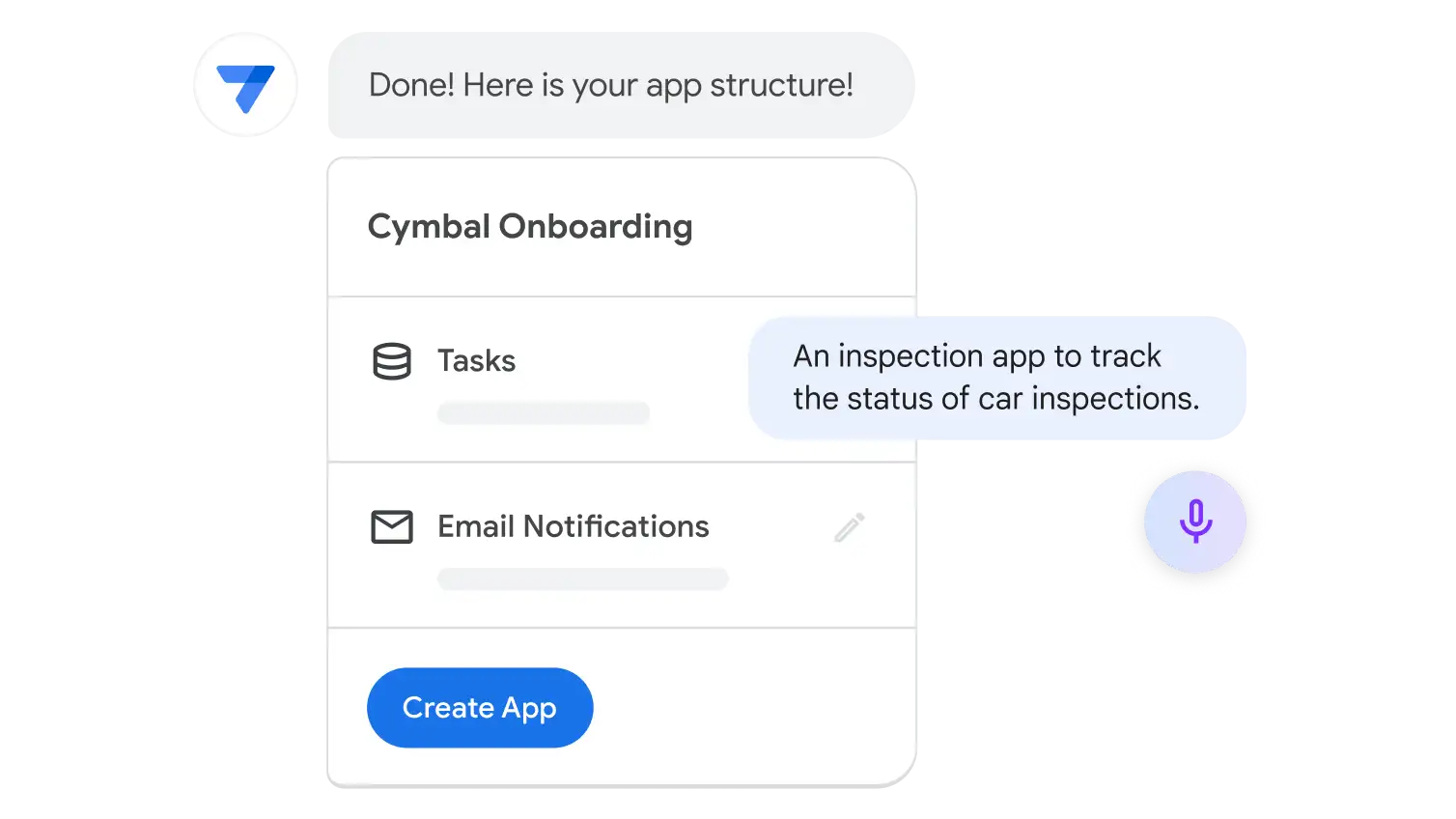
No code? No problem.
Build your own no-code Chat apps with Gemini in AppSheet. Start with a few conversational prompts, then customise, test and deploy across your organisation.
Enterprise-grade privacy and security
Collaborate, connect and share while keeping your data private and secure.
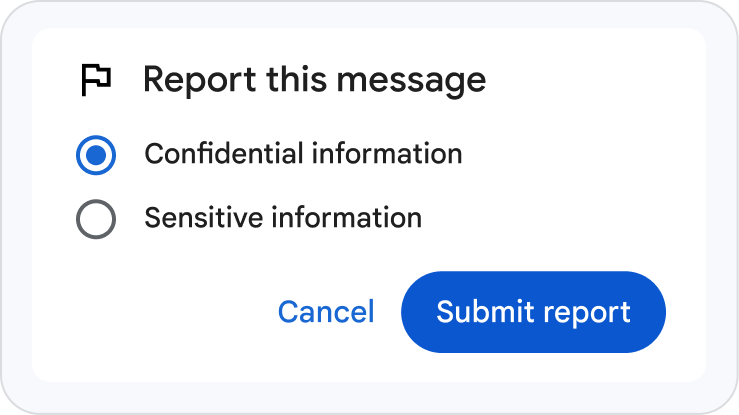
Collaborate with confidence
Keep communities healthy and inclusive with active content moderation.
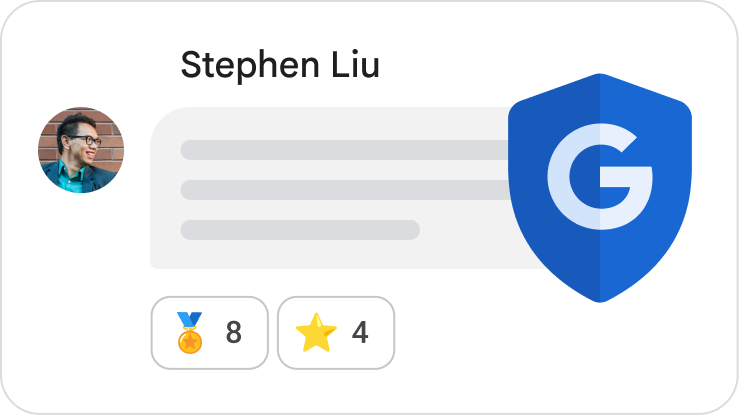
Built-in security
Benefit from the same phishing and malware detection that protects Gmail users from 99.9% of spam and malicious content.
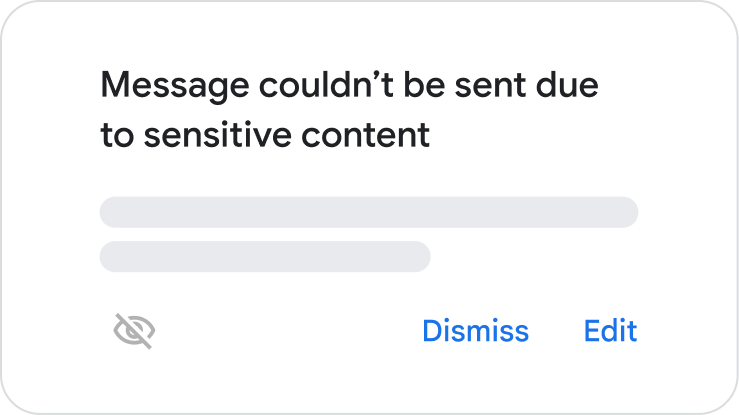
Real-time protection
Prevent sharing of sensitive information with real-time data loss prevention.
 Google Gemini
AI tools for a better way to work
Spark new ideas, save time and get more done with the Gemini app, NotebookLM, Vids and more.
Start Free TrialPremium AI is included in Google Workspace plans
AI assistance where you need it most, helping you and your teams work faster, collaborate better and uncover insights instantly.
Get helpful AI in your favourite apps

Do your best work faster with AI woven into apps that you use every day like Gmail, Docs, Sheets, Meet, Chat, Vids and more.
Work with your everyday AI assistant

Brainstorm ideas, conduct deep research and analyse data with a team of AI experts to tackle your most complex projects.
Access your AI research and thinking partner

Grounded in the information that you trust, NotebookLM helps you go from complex information to actionable insights with unprecedented speed and confidence.
Get everyday AI help
Conquer your inbox
Improve meeting outcomes
 Tell stories with video
 Surface insights faster
Get help with quick questions or tackle complex projects with the Gemini app.
Summarise threads, find key details and draft professional emails with Gemini in Gmail.
Let AI take notes so that you can focus on the conversation with Gemini in Meet.
Create polished, engaging videos faster through easy-to-use, collaborative video creation with Vids.
Turn complex information into shareable insights, grounded in your sources, with NotebookLM.

Enterprise-grade security and privacy
Privacy
Your data is your data, and it’s not used to train Gemini models or for ads targeting. You can delete your content or export it.
Security
Gemini only retrieves relevant content in Workspace that the user has access to. You can restrict access to sensitive data with built-in DLP controls.
Compliance
Gemini attained a comprehensive set of privacy and security certifications, such as ISO 42001 and SOC 1/2/3, and can help meet HIPAA compliance.
For more detailed information, please refer to the Privacy Hub.
Put AI to work across your business

Sales
Automate sales tasks and generate high-quality pitch materials with tailored content to shorten sales cycles and close more deals.

Marketing
Build marketing plans and execute multi-channel campaigns. Instantly generate on-brand copy for blogs, social media and email newsletters.

Customer Service
Draft personalised replies to customer enquiries in seconds, using your own knowledge base to help ensure accuracy and consistency.

Human Resources
Accelerate recruitment by drafting job descriptions and interview questions. Create scalable onboarding materials to get new recruits up to speed more quickly.

Project Management
Create project plans from a simple prompt. Summarise progress and assign tasks to keep your teams aligned and moving forwards.
 Google Docs
Online, collaborative documents
AI-powered documents to help you and your team create and collaborate on content.
Start Free Trial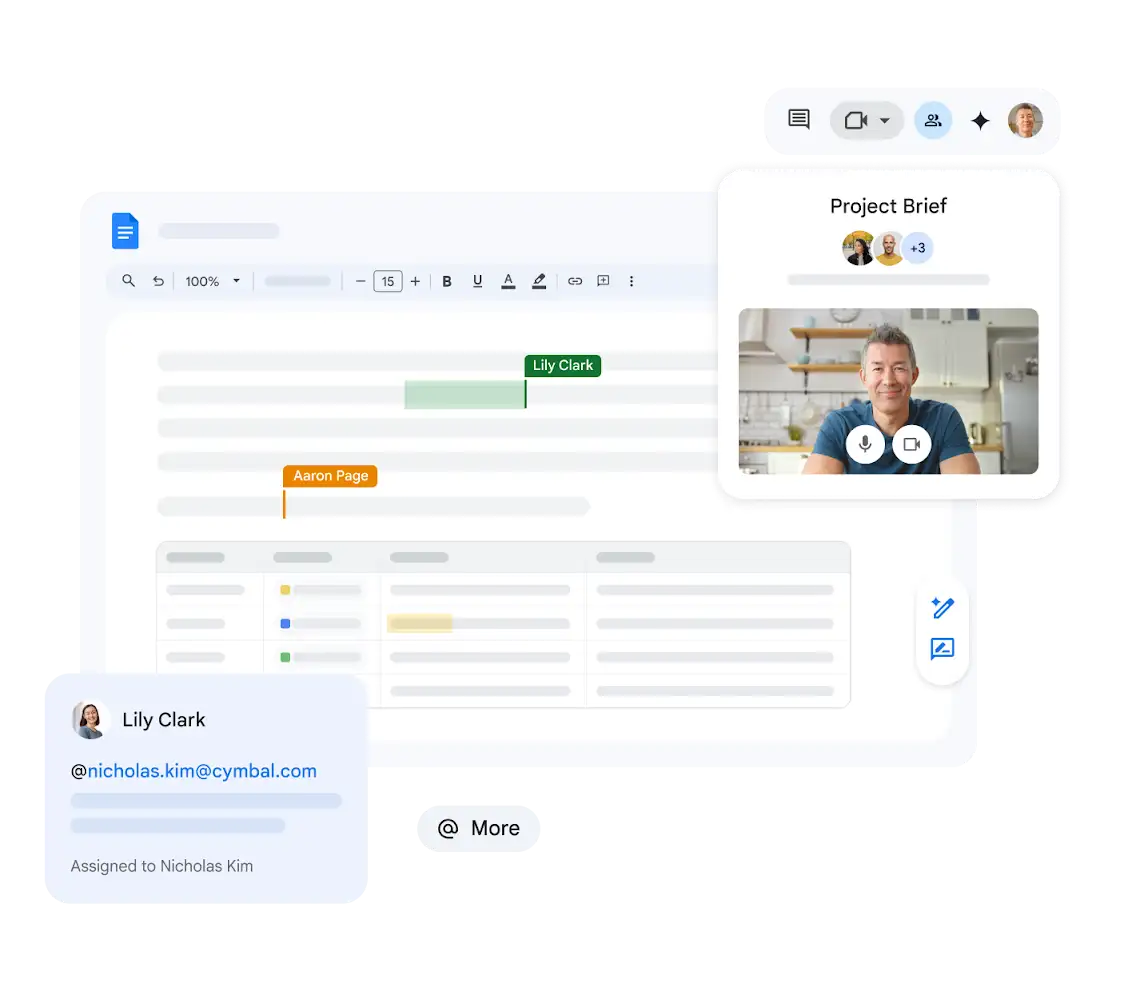
Get more done with Gemini in Docs
Using a few simple prompts, create professional, stylised and structured documents with images, tables and more. Get help refining your content, see the latest summary of your work and ask questions to improve and finalise your document. Try Google Workspace with Gemini today.
Effortlessly create documents
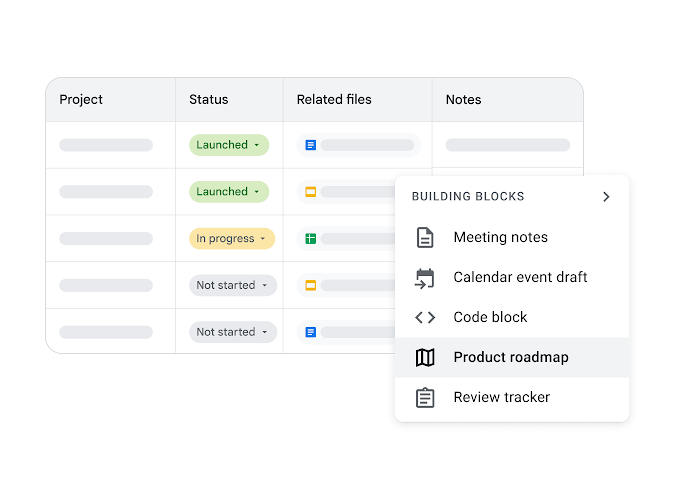
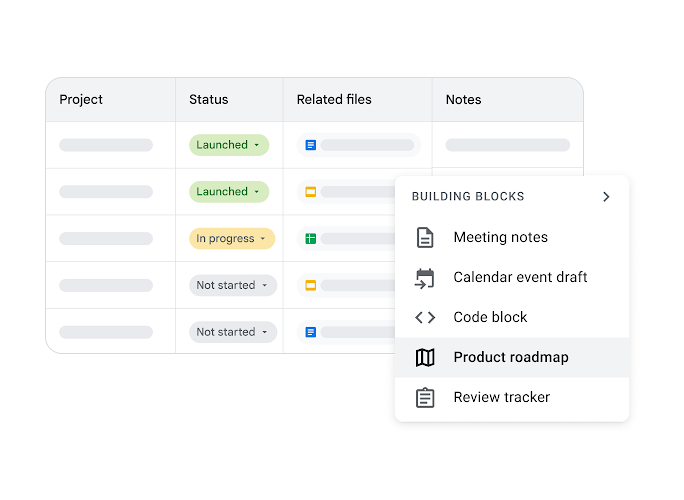
Never start a document from scratch – get started with templates and building blocks to get a professional look from the off.
Get a head start on your document with smart canvas
Instantly build formatted emails, calendar invites, review trackers, meeting notes and more in Docs when you type '@'.
Easily populate your document with rich details
Use smart chips to add names, files, calendar events, drop-down menus and more when you type '@'.
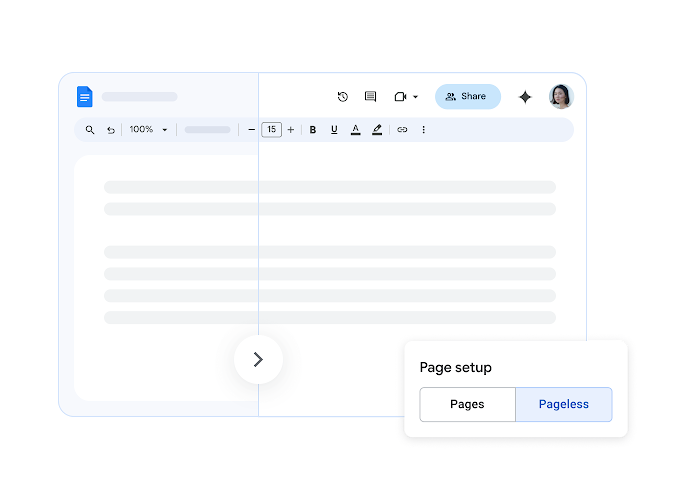
Remove page breaks and write without limits
Choose pageless mode to create content – continuously write and scroll without interruption.
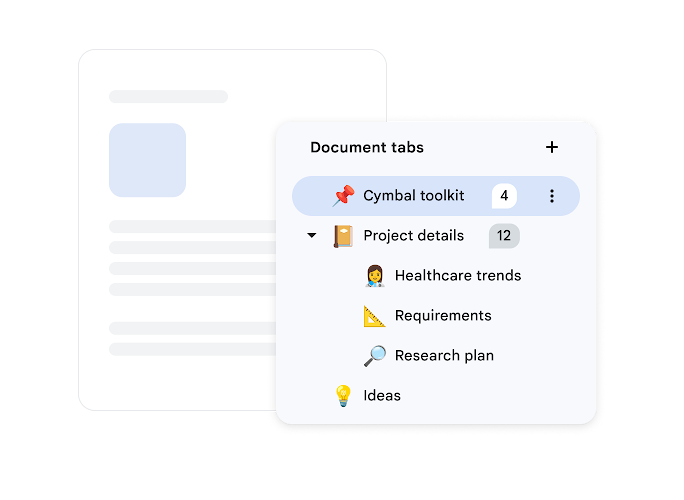
Stay organised with document tabs
Create a tab for each part of a project, plan or report and keep everything in one place – never lose track of your documents again.
Effortlessly create documents
Never start a document from scratch – get started with templates and building blocks to get a professional look from the off.
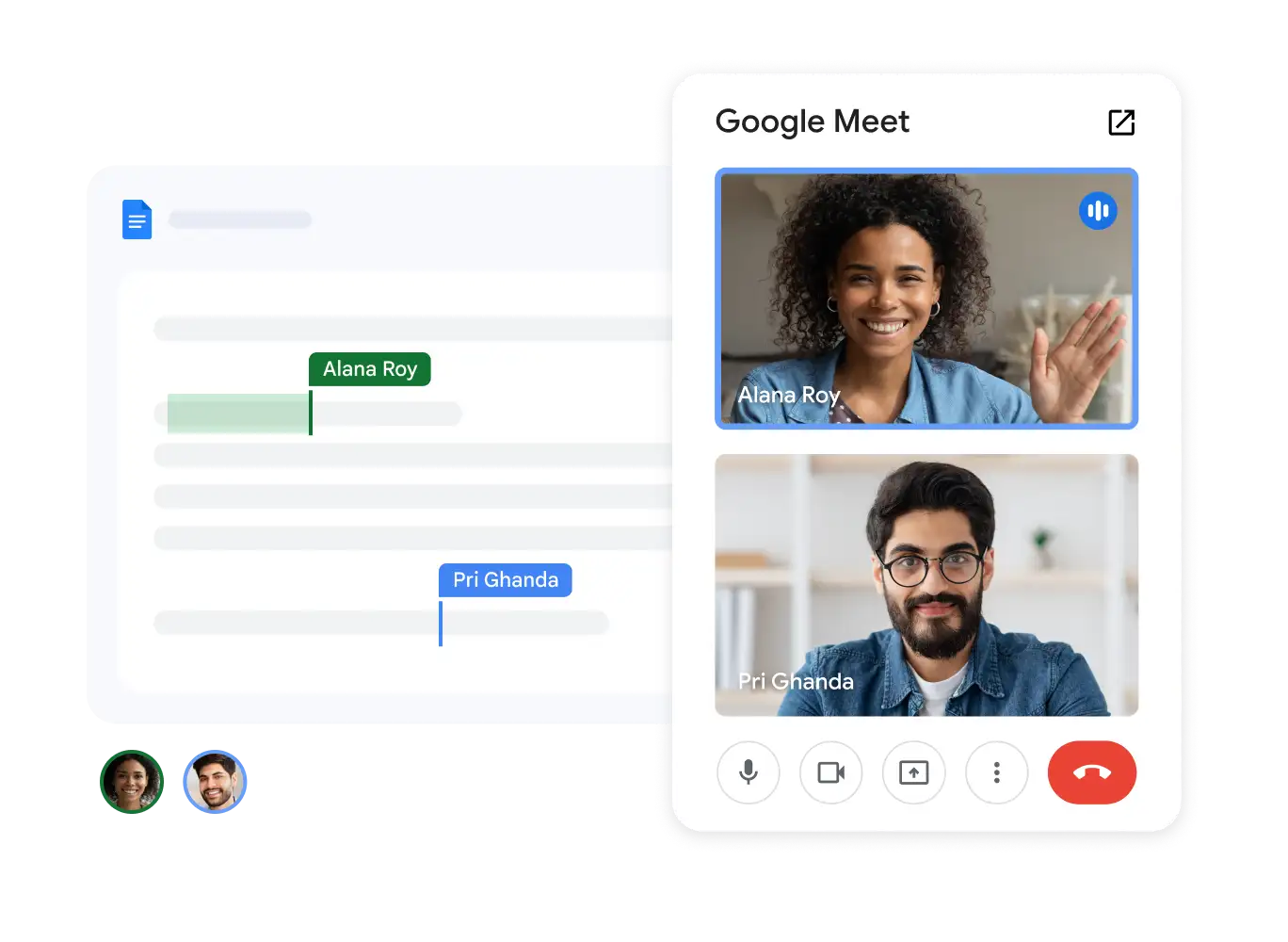
Meet directly in your documents
Collaborate in context by meeting in Google Docs, Sheets or Slides.
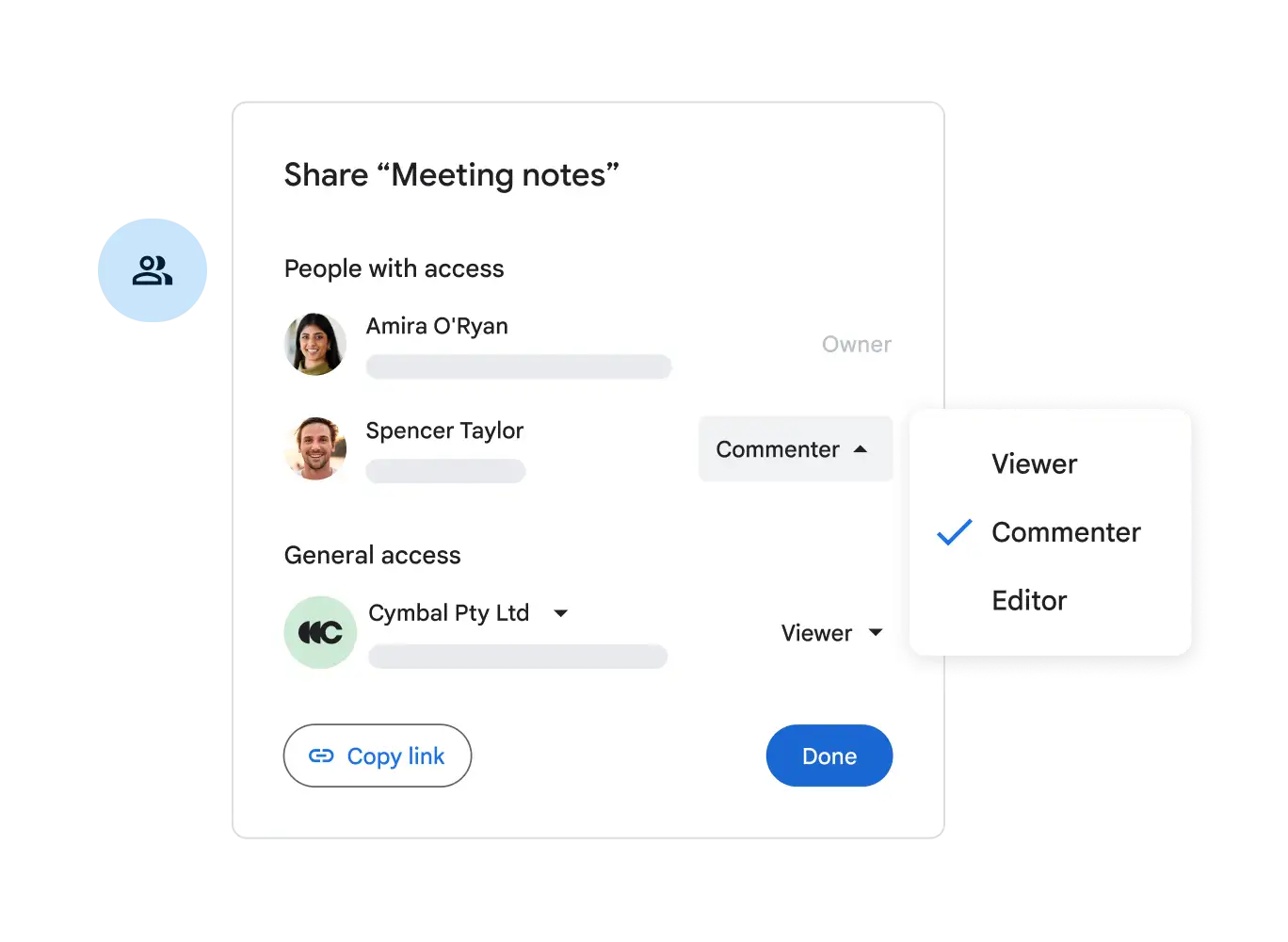
Control access to your documents
Easy-to-manage permissions give you granular control over who can edit, comment on, download, share or view your documents.
Collaborate with your partners and make decisions, all in one place
Use comments and emojis to give feedback to your teams and assign tasks to keep projects moving forwards, without ever leaving your document.
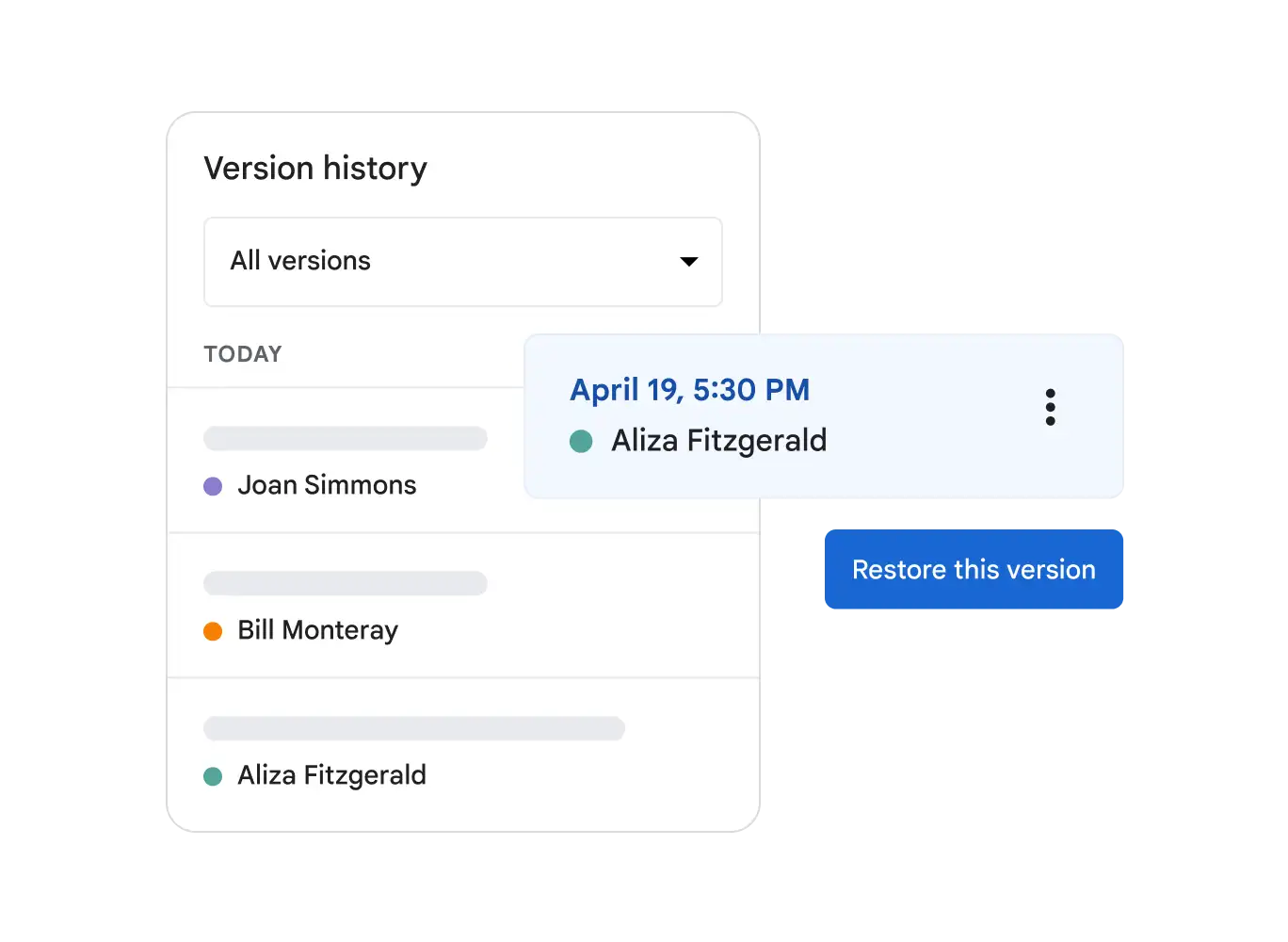
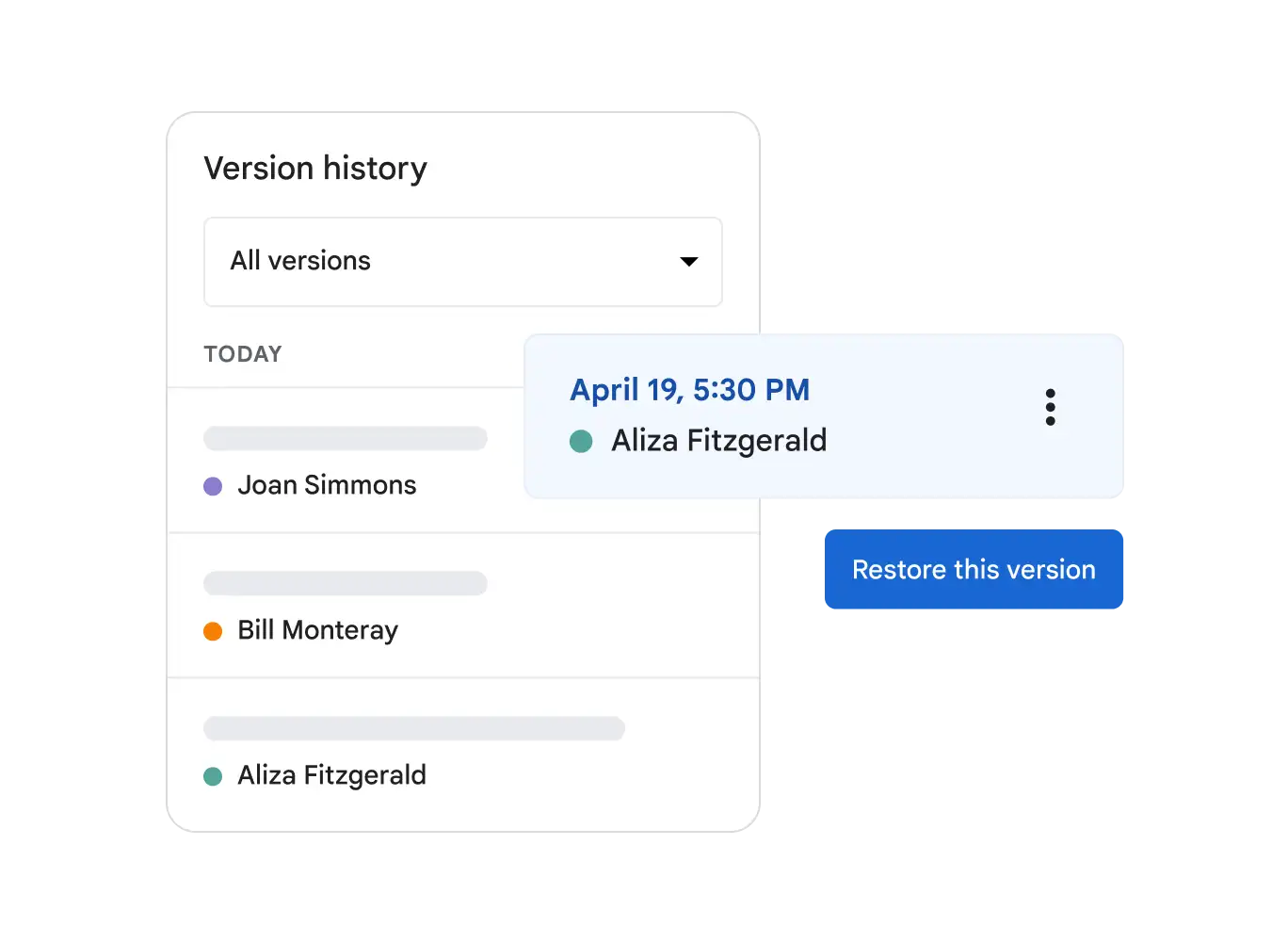
Review changes with flexibility
You and your stakeholders can reference previous versions of a document at any time and reinstate them.
Accelerate everyday tasks
Get more done without having to leave Docs.
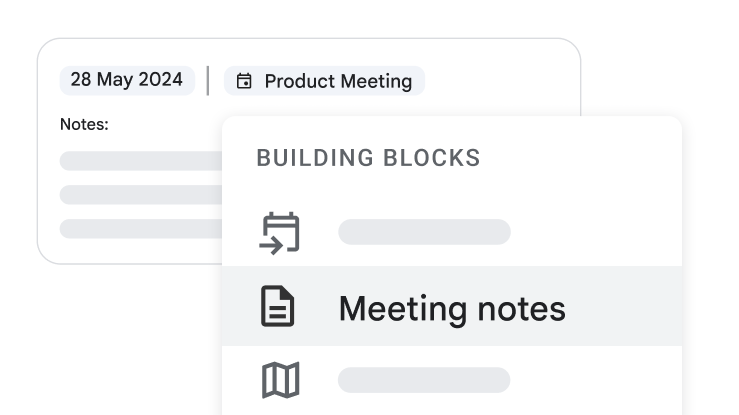
Capture meeting notes with ease and speed
Draft polished, structured meeting notes with event details straight from a Google Calendar event using the meeting notes building block in Docs.
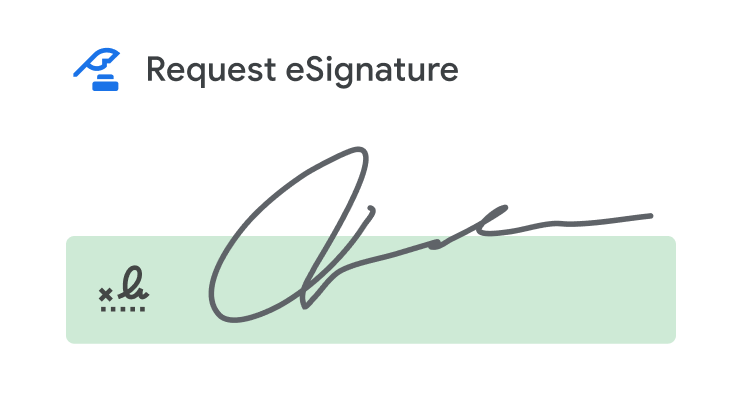
Streamline your workflows with electronic signatures
Draft agreements, request signatures and manage contract templates all in one place with eSignature in Docs.
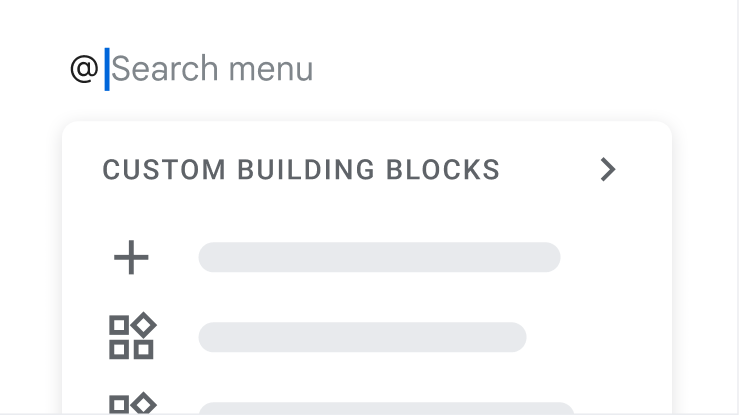
Save time by easily adding content that you reuse often
Create a custom building block for pieces of text like a bio, signature, address and more – simply type '@' to insert instead of endlessly copying and pasting the same content.
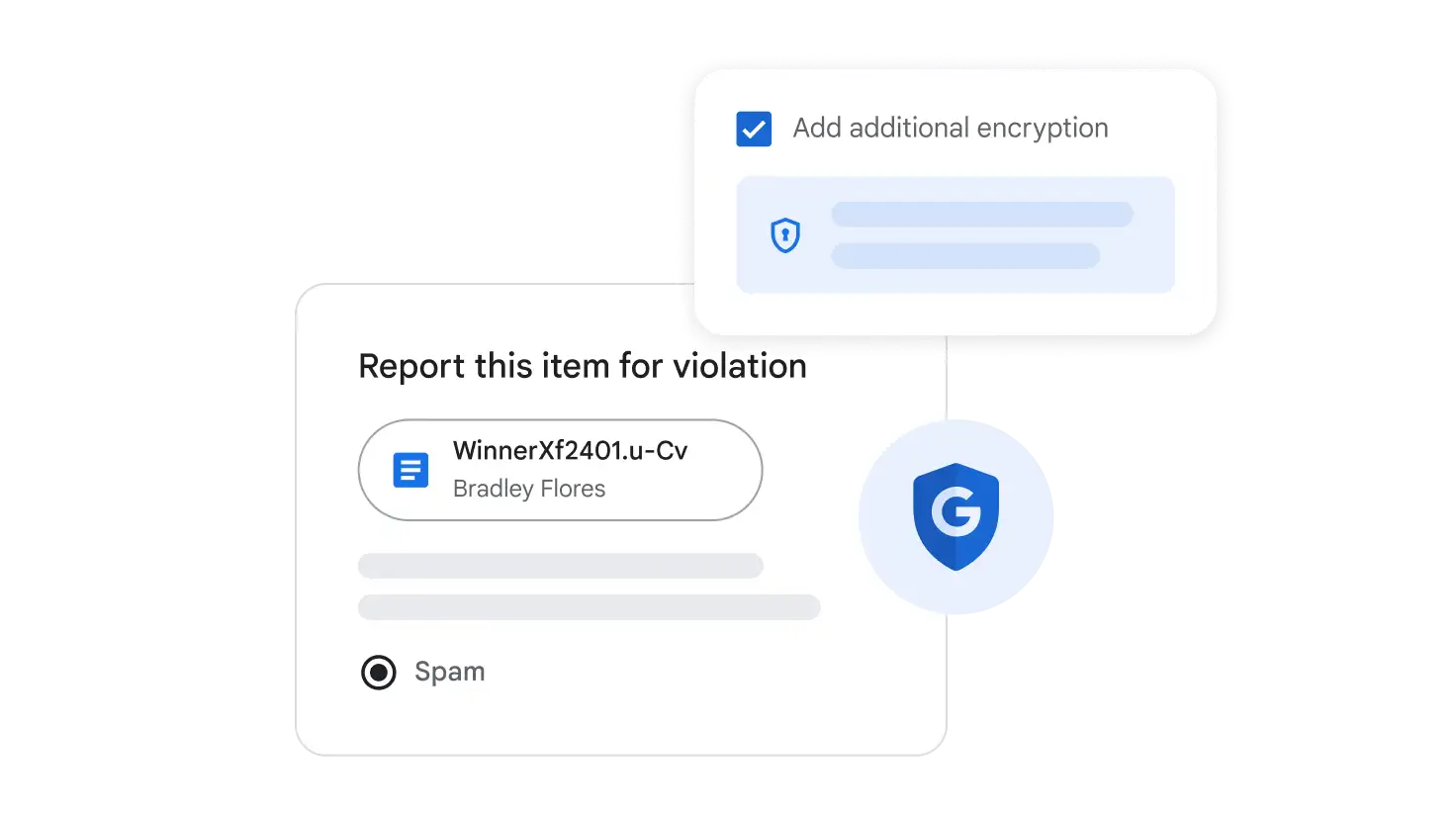
Stay safe
Your data is encrypted by default, and an array of safety measures – like advanced client-side encryption, anti-abuse measures and privacy controls – keep your data private.
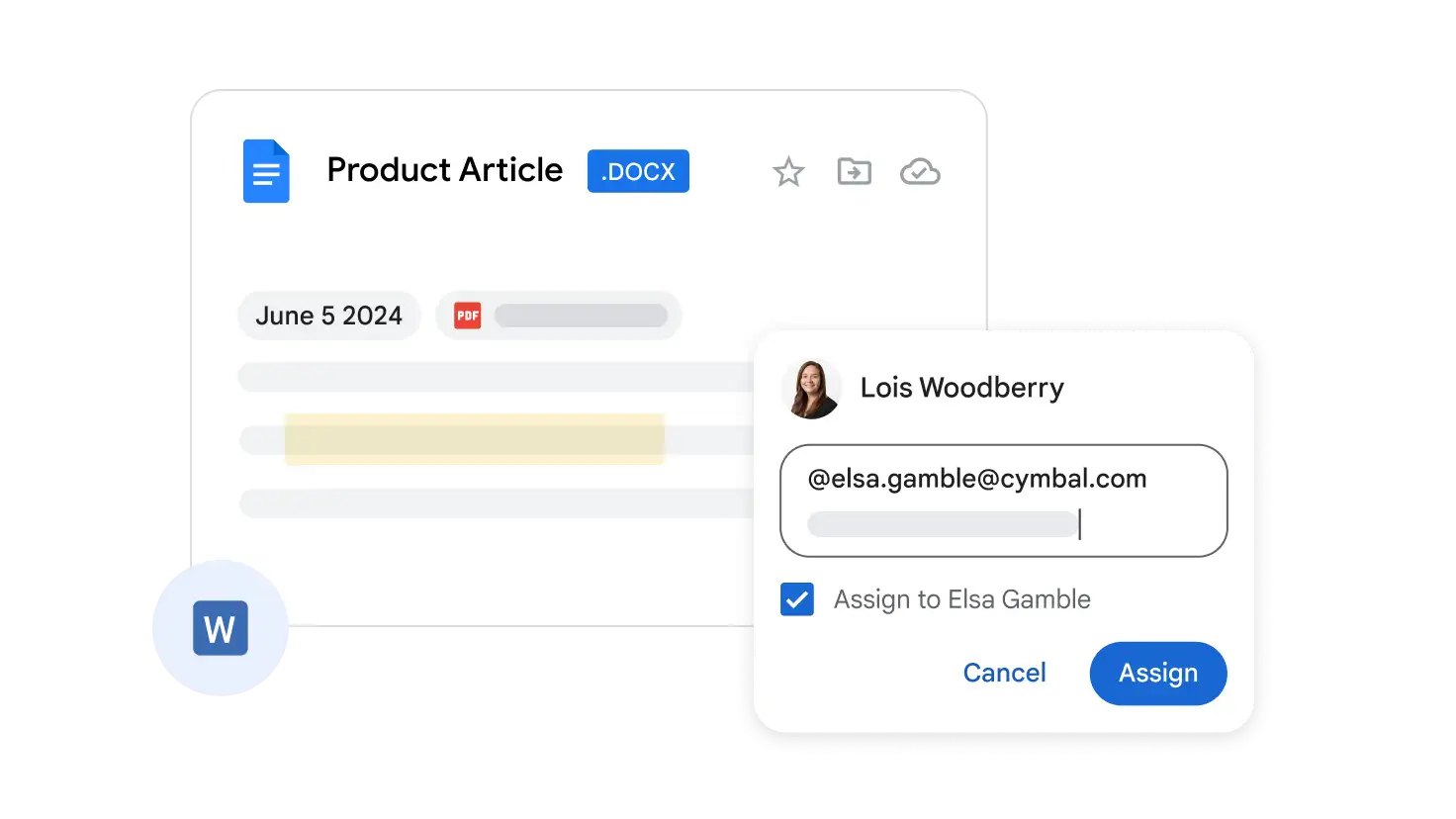
Use Docs to improve the editing of popular file types
Import popular file types like Microsoft Word documents and PDF files and work with them in Docs. Importing files into Docs unlocks powerful collaborative and assistive features, including comments, action items and built-in intelligence.
 Google Sheets
Online, collaborative spreadsheets
AI-powered spreadsheets help you and your team manage, visualise and analyse data.
Start Free Trial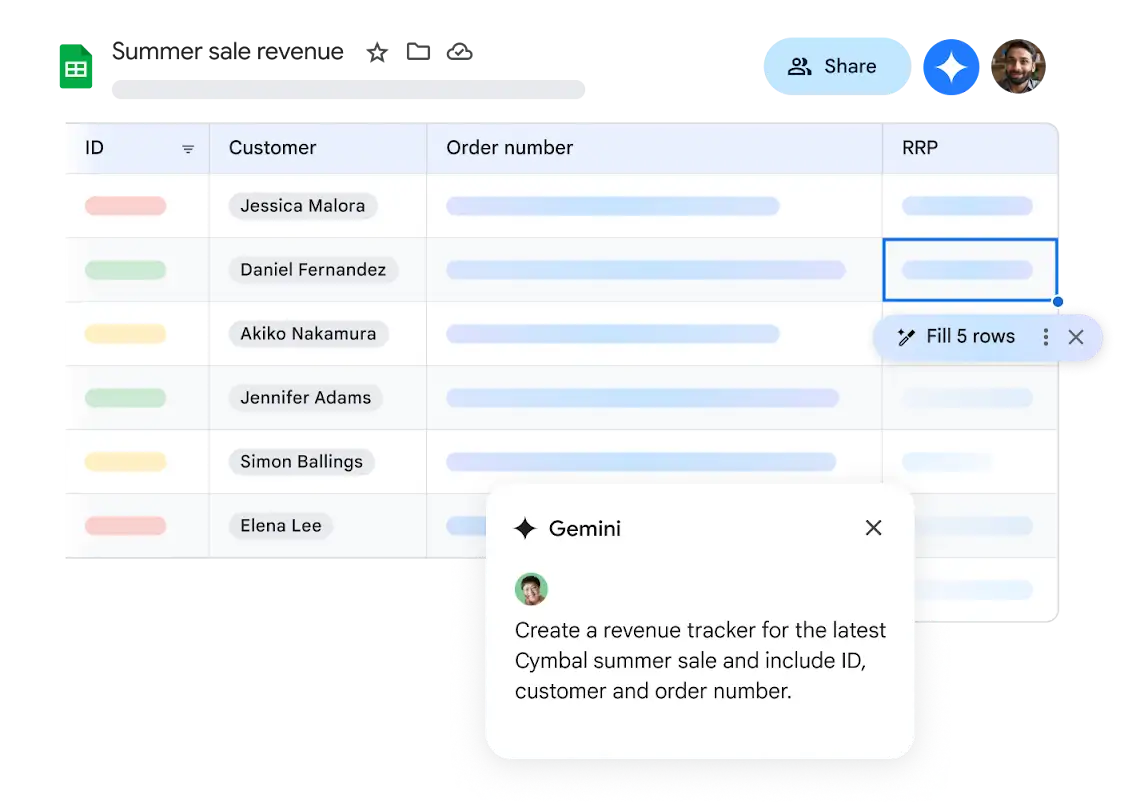
Become a data pro with Gemini in Sheets
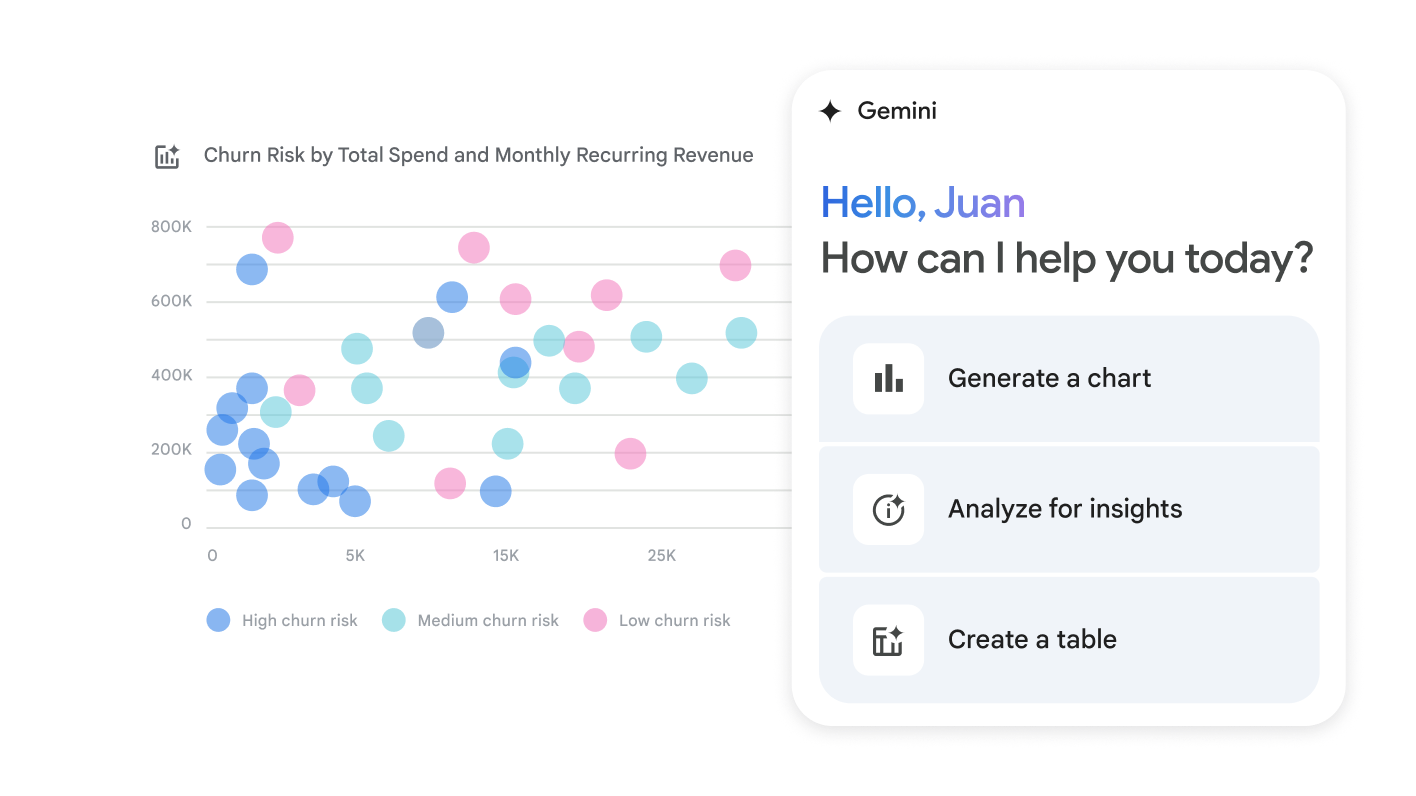
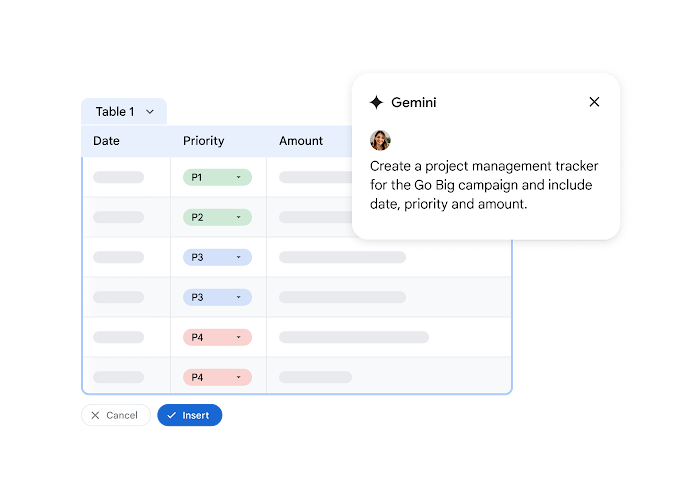
With Gemini you can quickly create trackers, tables and advanced data visualisations in a snap, all using simple AI prompts. Plus, you can ask Gemini to create formulas and analyse your data to uncover valuable insights. Try Google Workspace with Gemini today.
Quickly build spreadsheets
Input accurate, high-quality data with ease and speed.
Format and design your spreadsheet quickly
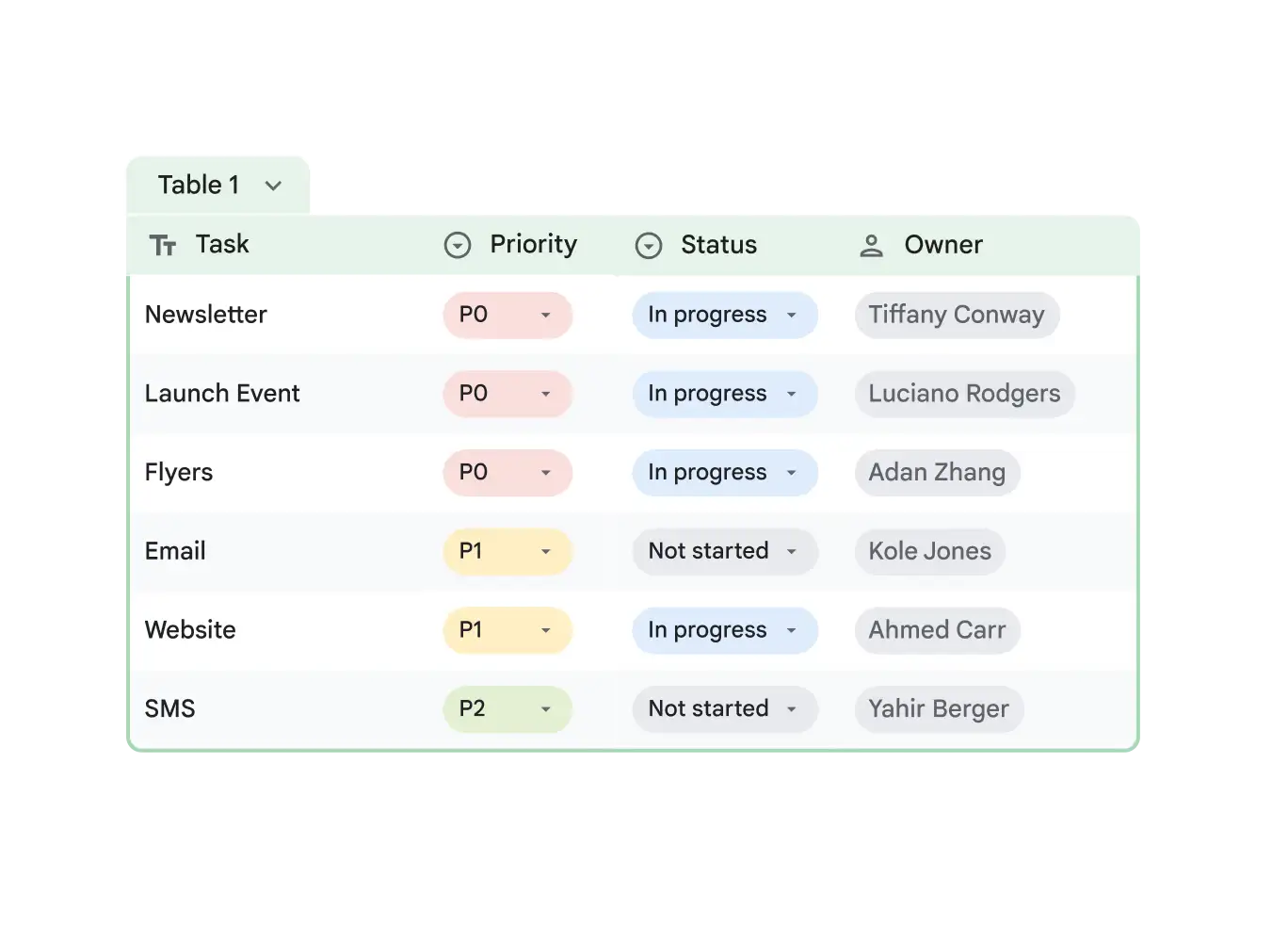
Instantly structure and polish data using tables and use smart chips to add data like names, files and dates when you type '@'’ Or use pre-built tables for event planning, project management and inventory management instead of building your spreadsheet from scratch.
Build spreadsheets quickly with AI
Ask Gemini to create data visualisations and tables based on content in your Drive files instead of building from scratch. Plus, Gemini can create formulas that help you efficiently work with data and make accurate calculations.
Review data with flexibility
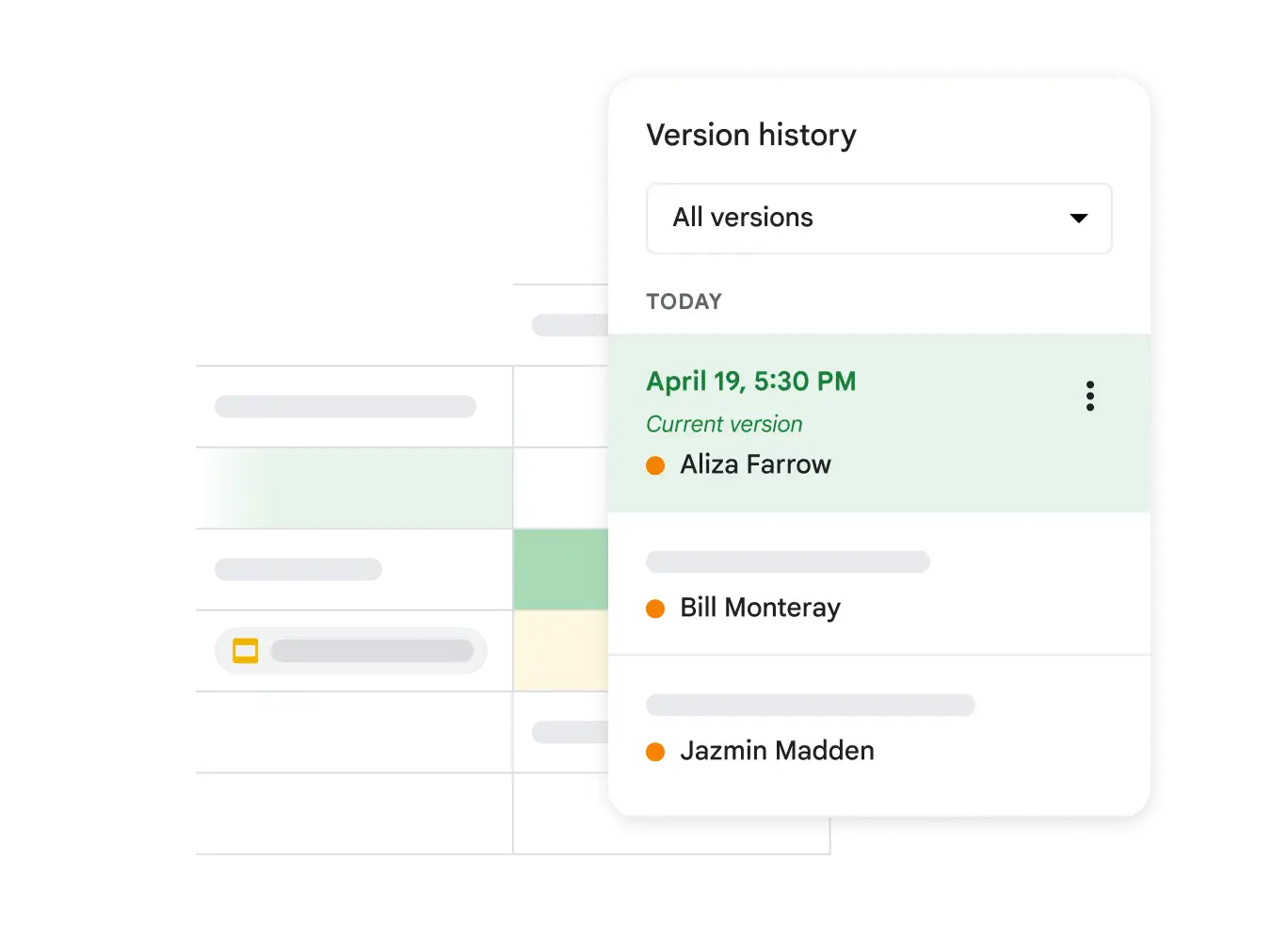
You and your stakeholders can reference previous versions at any time and create filter views that are specific to each reviewer's preferences.
Collaborate and make decisions with your partners right from Sheets
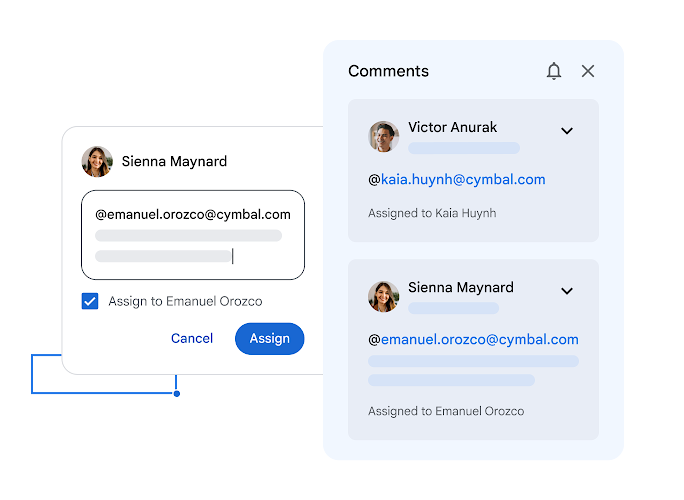
Use comments to give feedback to your teams and assign tasks to keep projects moving forward, without ever leaving your spreadsheet.
Collaborate on your spreadsheet, from anywhere
Stay in sync with co-editing and comments from internal and external teams on your phone, tablet or web browser.


Meet directly in your documents
Collaborate in context by meeting in Google Slides, Docs or Sheets.
Control access to your spreadsheets
Easy-to-manage permissions gives you granular control over who can edit, comment, download, share or view your spreadsheets.
Stay up to date on edits from your teams and external partners
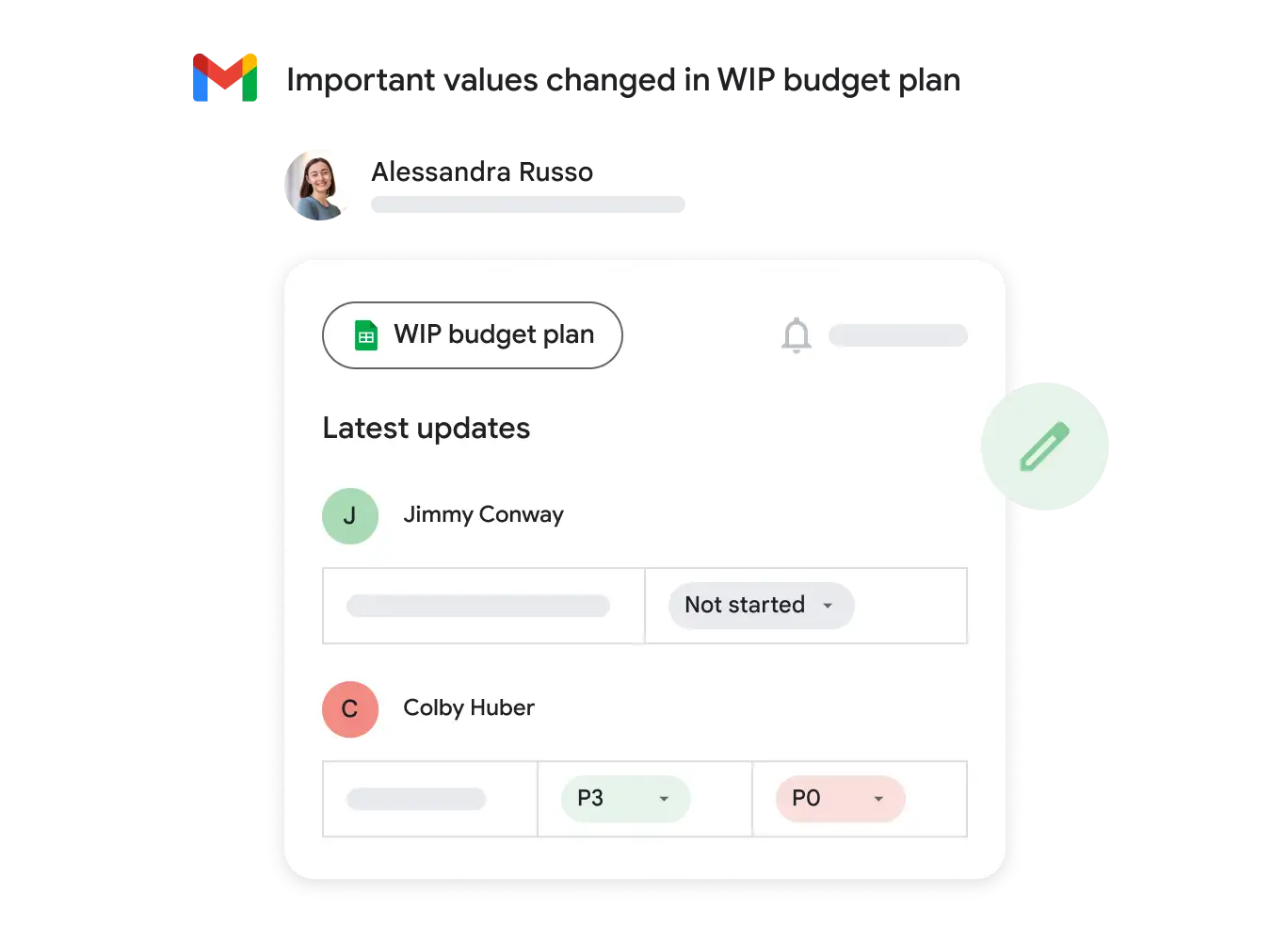
With conditional notifications, receive an email alert based on custom rules that you configure like a new row is added.
Do more with your data
Derive insights from your data, take action and make decisions.
Analyse your data faster with AI
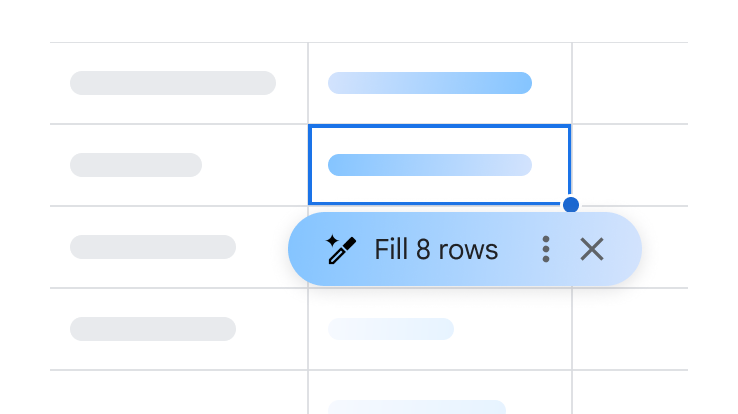
Gemini in Sheets can help you analyse data by detecting patterns and making suggestions, saving time and reducing errors.
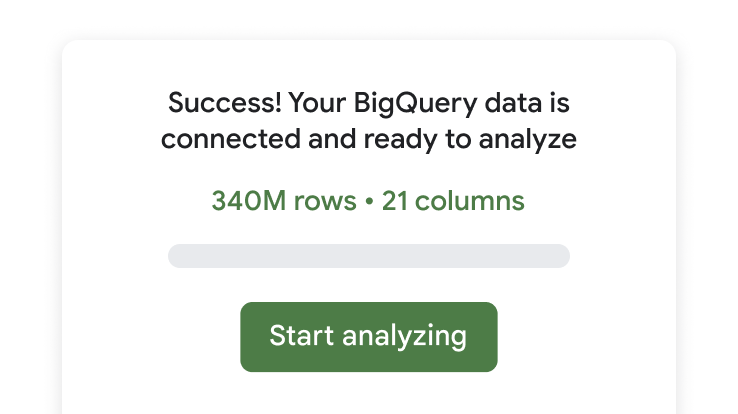
Work with BigQuery or Looker data in Sheets
With connected sheets you can access, analyse, visualise and share billions of rows of BigQuery or Looker data directly from your spreadsheet.
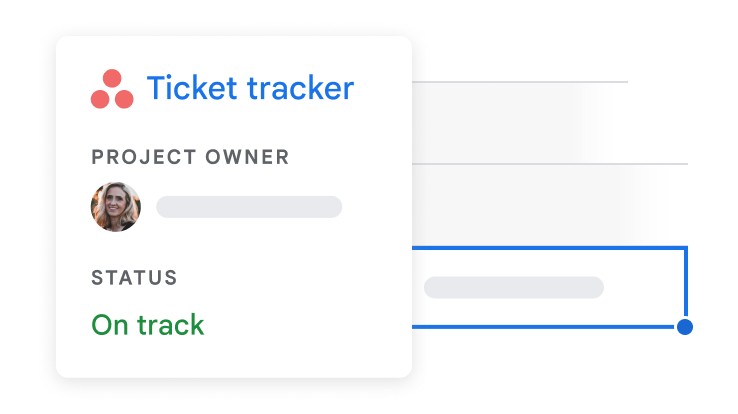
Work with data from third-party tools right in Sheets
View and analyse data from tools that you use everyday like Salesforce, Intuit and Asana – install apps from the Workspace Marketplace.
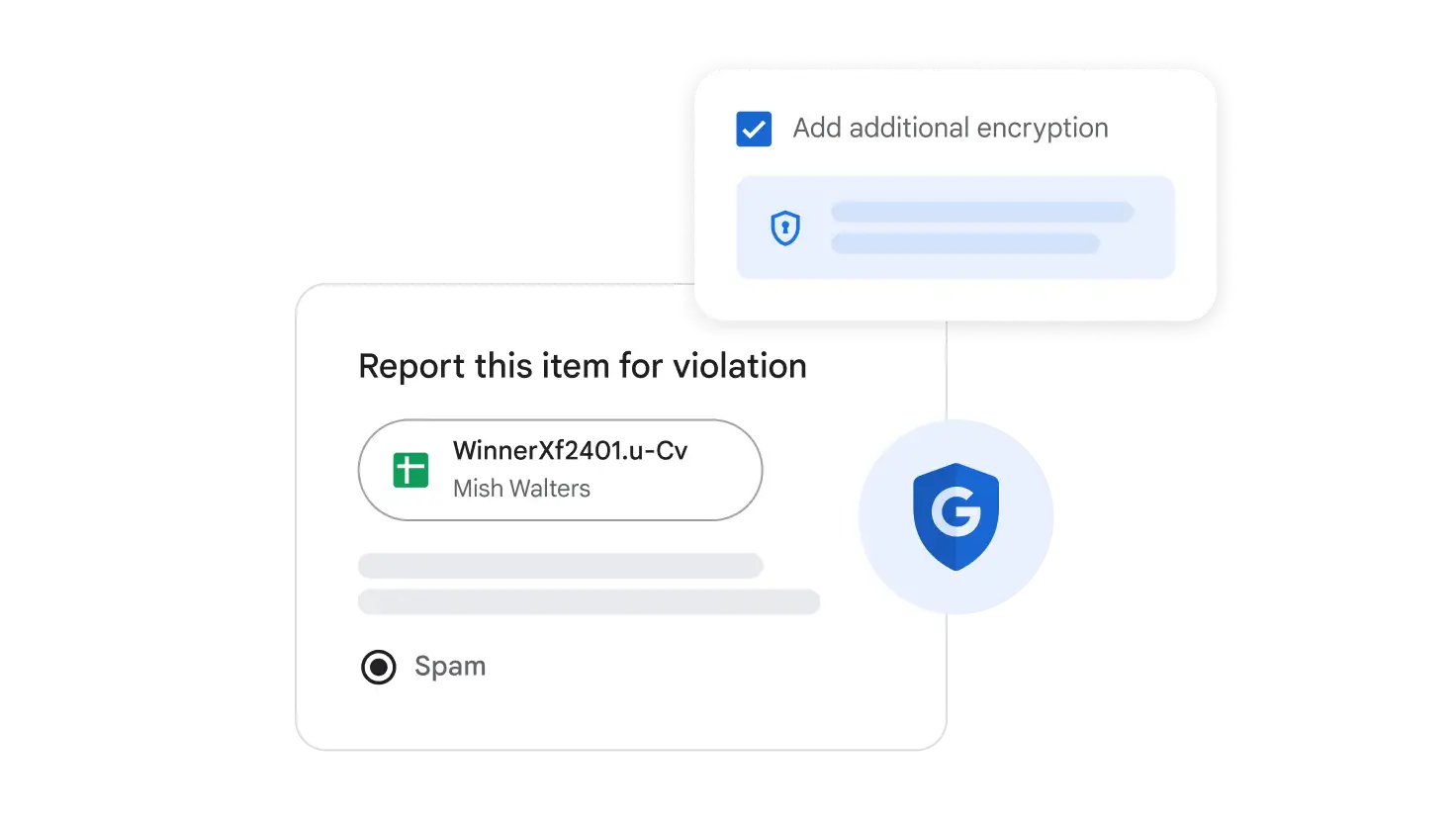
Stay safe
Your data is encrypted by default, and an array of safety measures – like advanced client-side encryption, anti-abuse measures and privacy controls – keep your data private.
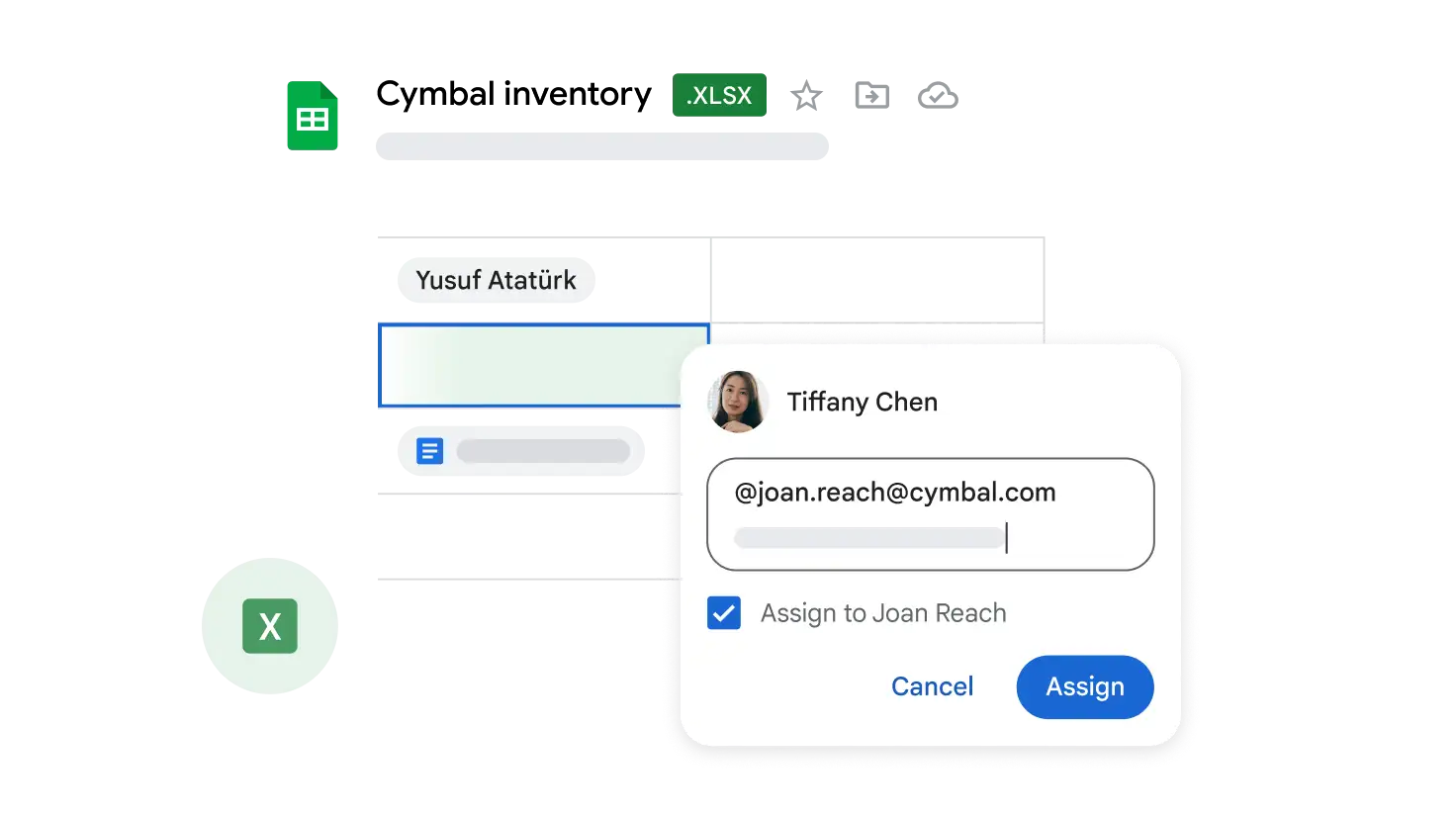
Enhance Microsoft Excel spreadsheets
Edit Microsoft Excel spreadsheets in Sheets to unlock powerful collaborative and assistive features, including comments, action items and built-in intelligence.
 Google Slides
Build beautiful presentations together
Create and deliver impactful presentations in your browser, from anywhere – no installation required.
Start Free Trial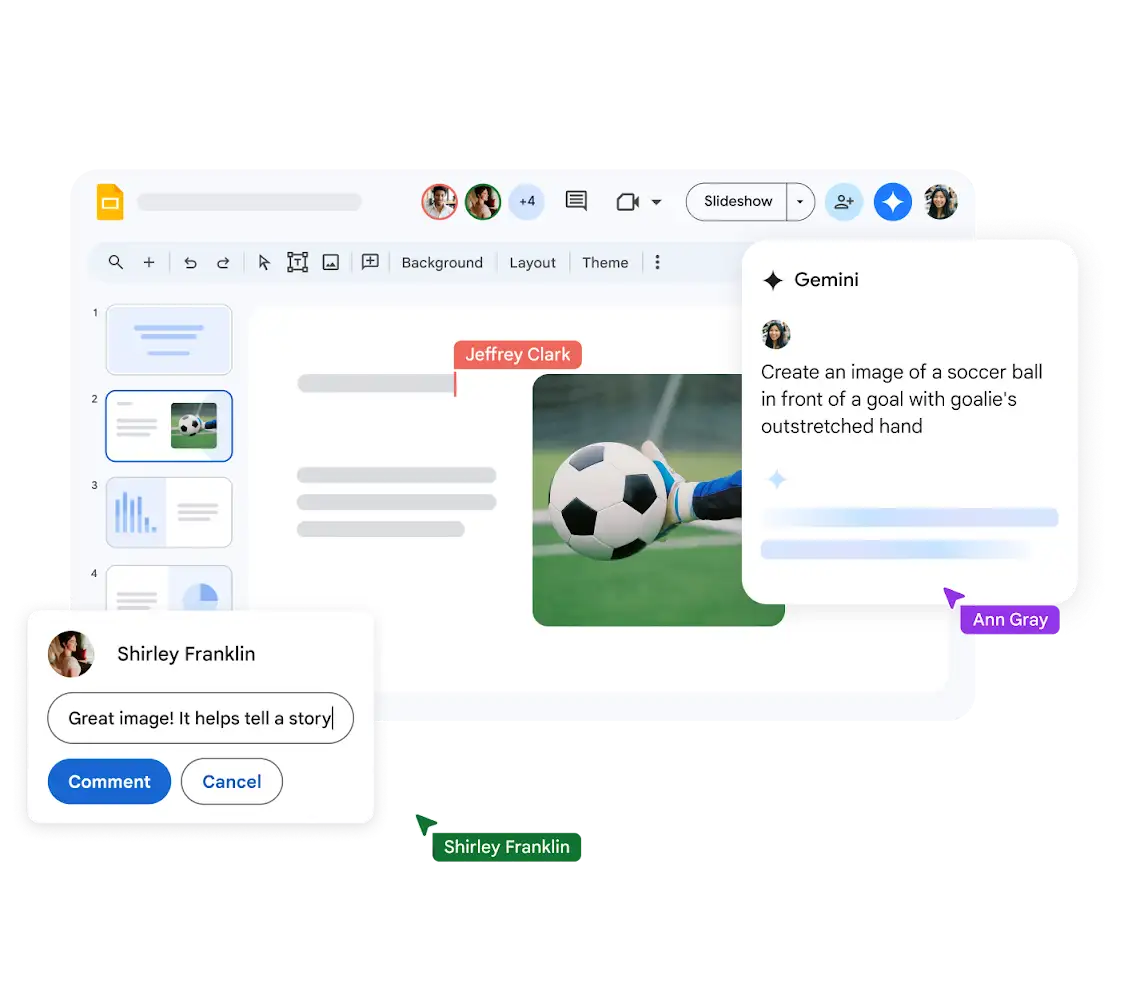
Get more done with Gemini in Slides
Catch up with quick summaries of your content. Generate a slide with a simple prompt and your Drive content. Easily generate unique images and visualise something that never existed. Try Gemini for Google Workspace today.
Polished presentations, made easy
Bring your presentations to life in Google Slides with enhancements like videos, animations, smooth transitions and more.
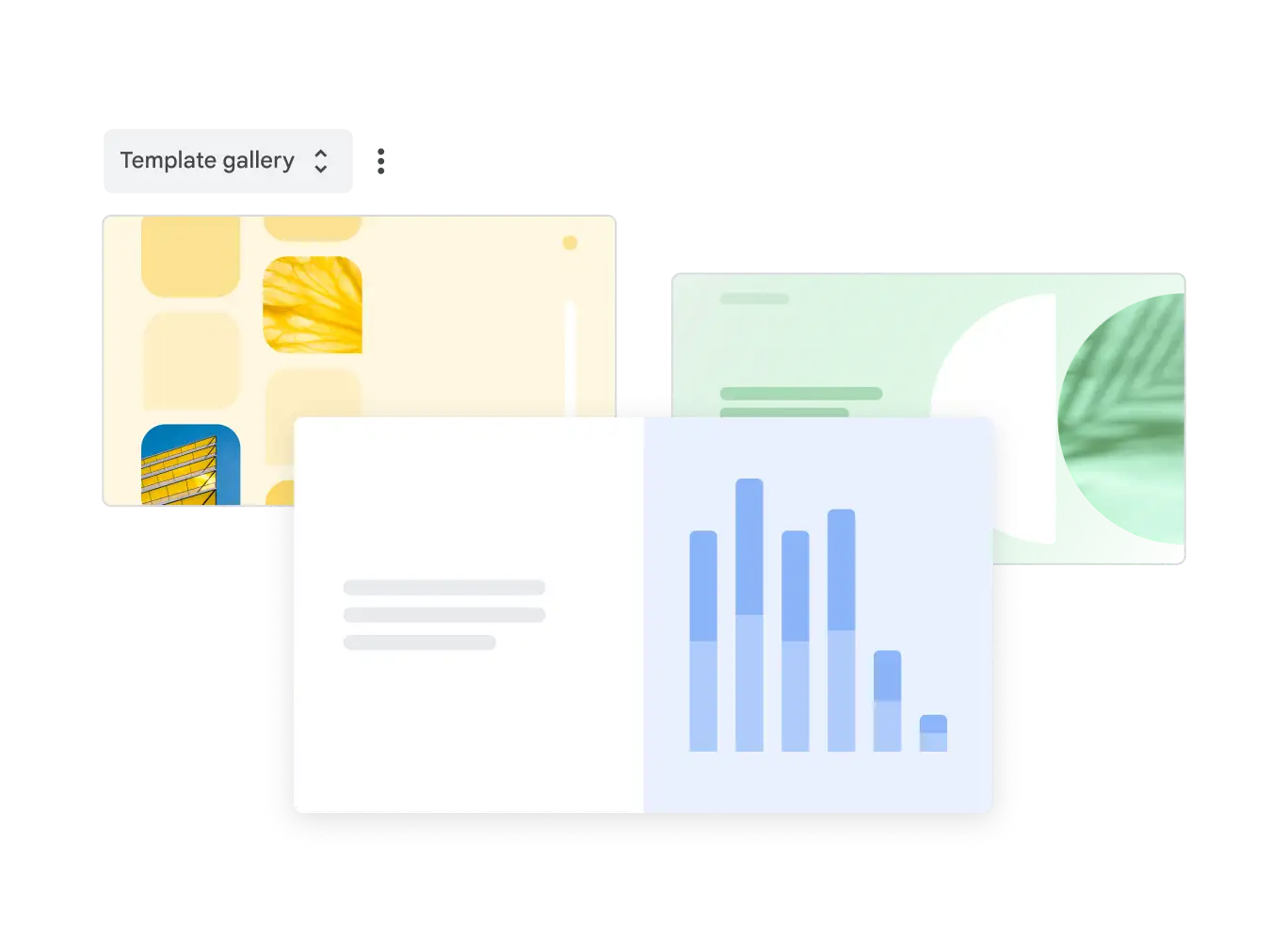
Get started with templates
Choose from an array of high-quality pre-designed templates with different layouts, images, colours and fonts.
Stay on brand
Create with consistency with domain templates that can be applied across your organisation, in just a few clicks.
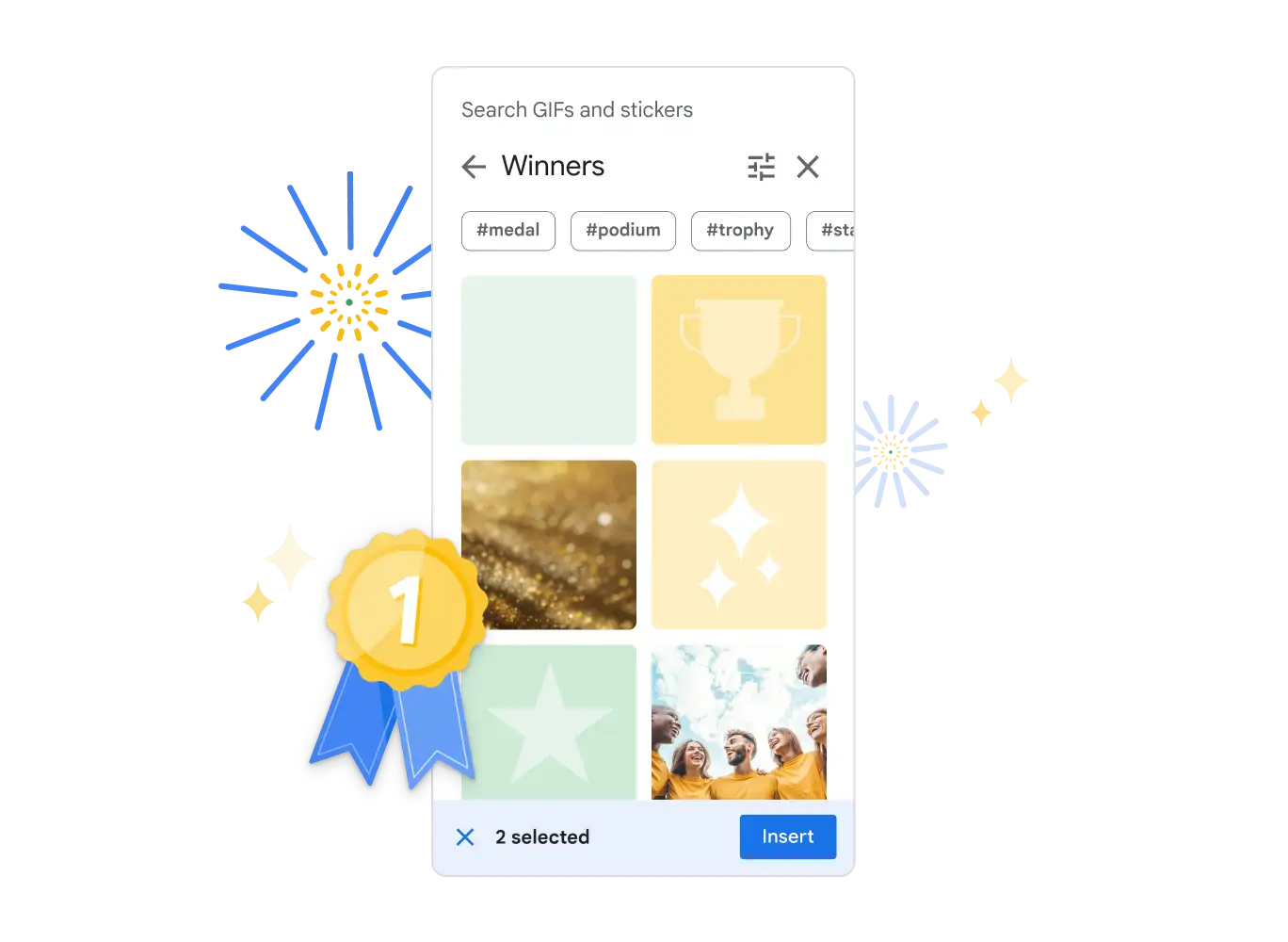
Add flair with GIFs and stickers
Give your presentations a pop of creativity with GIFs and stickers, available directly in Slides.
Flexible collaboration
Stay in sync with live editing and comments, whether you're working on a presentation with your business partner, your whole team or even external contacts.
Meet directly in your documents
Collaborate in context by meeting in Google Slides, Docs or Slides.
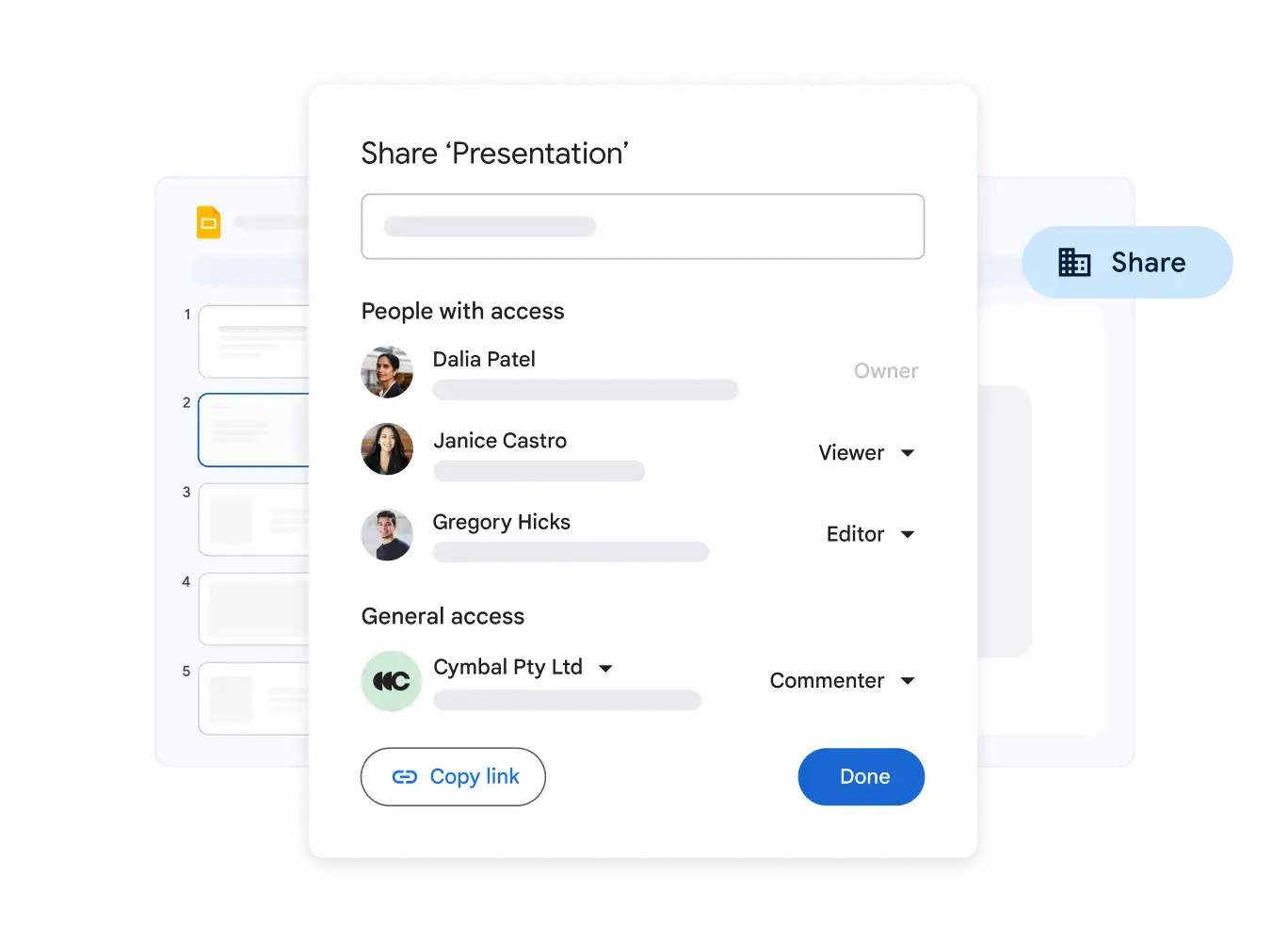
Simple sharing controls
Easy-to-manage sharing permissions allow you granular control over who gets to edit, comment or view your slides.
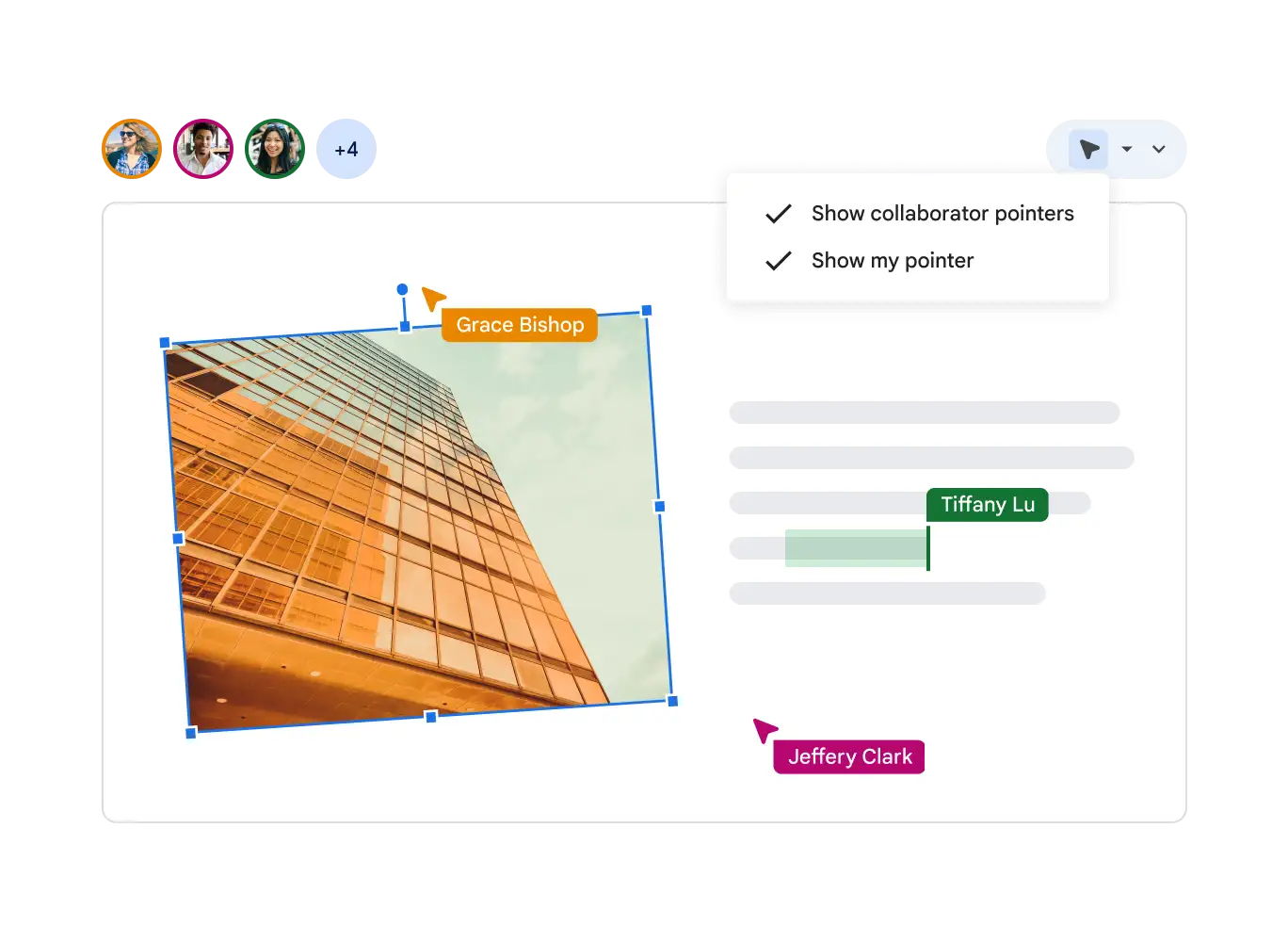
Live pointers
Follow along with your co-creators and pinpoint important information while collaborating.
Connect with audiences
Land your message with confidence, with the flexibility to present live or record your presentation inside Slides.
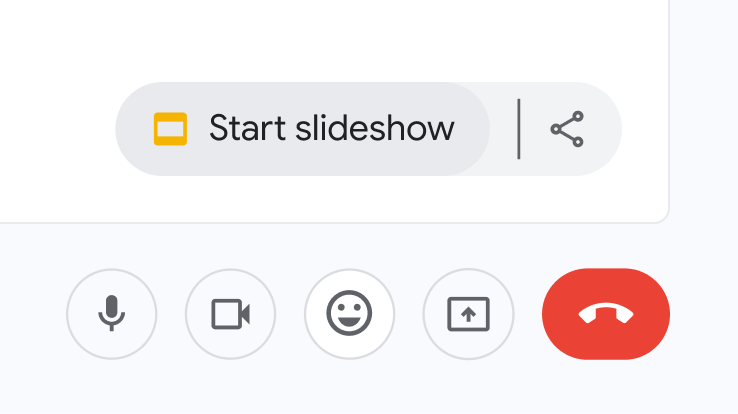
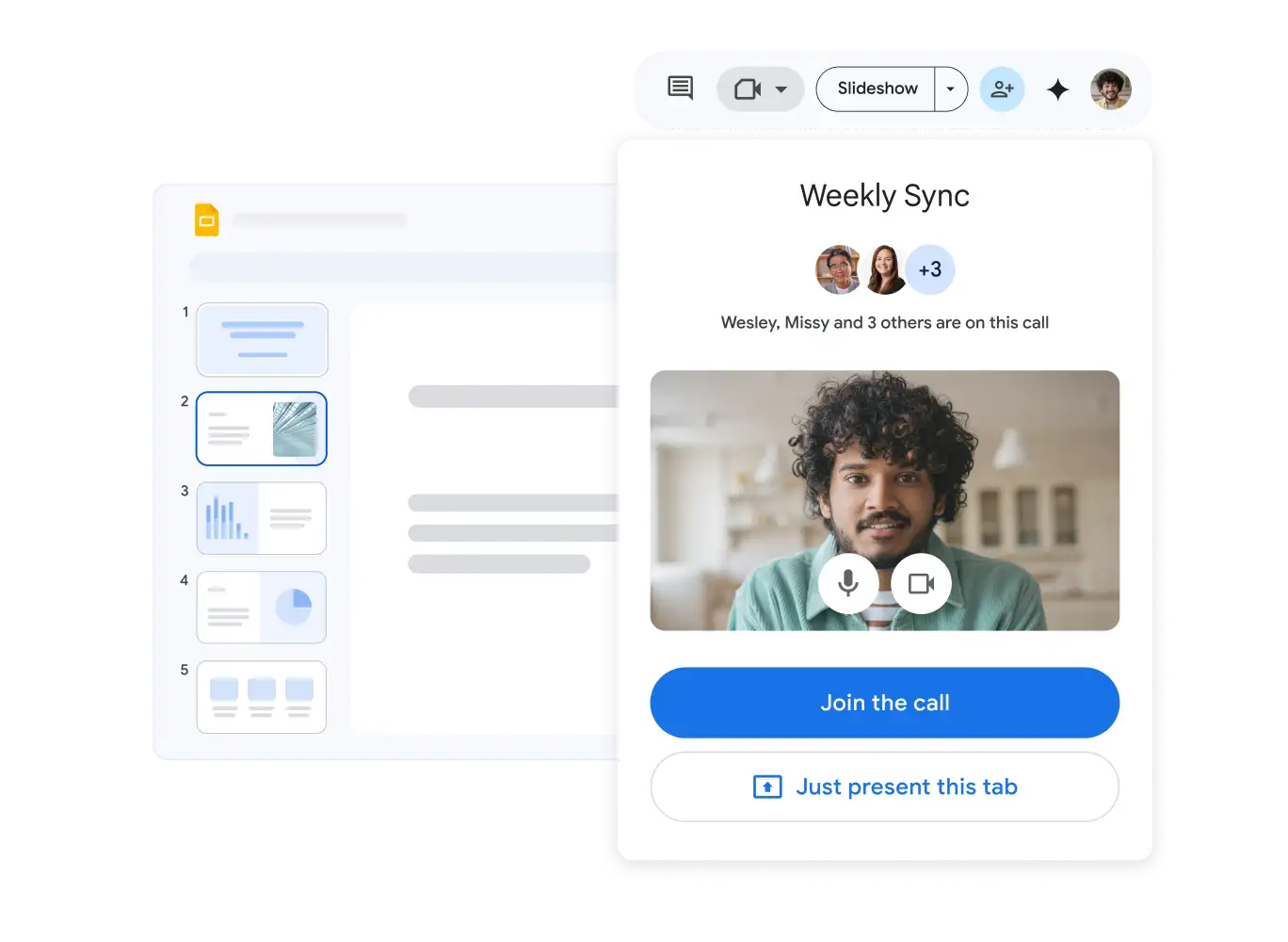
Present like a pro, directly from Google Meet
Access all of your Slides and Meet controls in one place, and enjoy smoother high-resolution presentations.
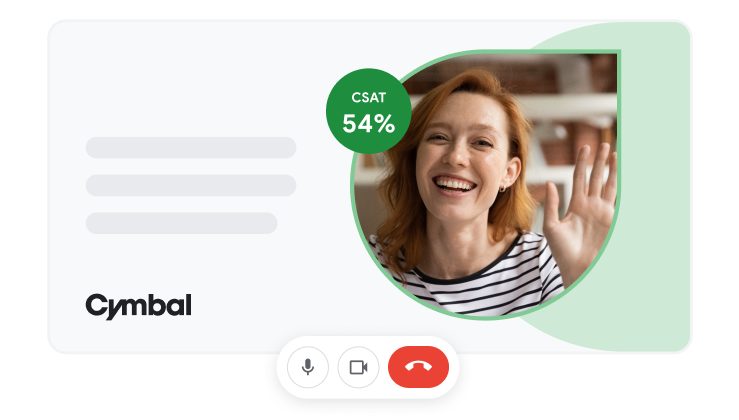
Showcase presenters, front and centre
Keep the focus on you with speaker spotlight, which places your video directly into your presentation.
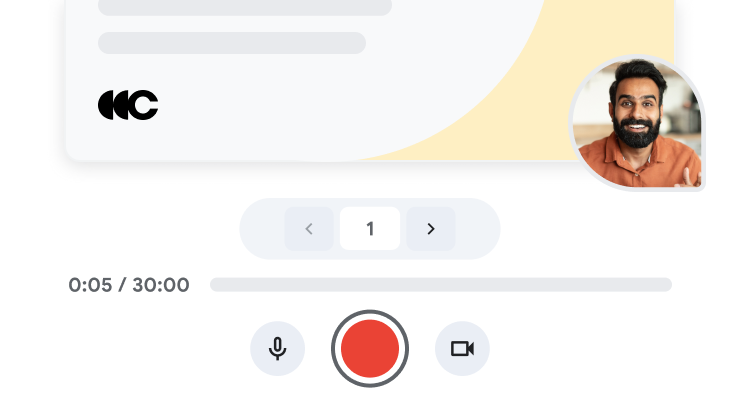
Easily record your presentation
Record and share your presentations so that your audience can watch when it works best for them.
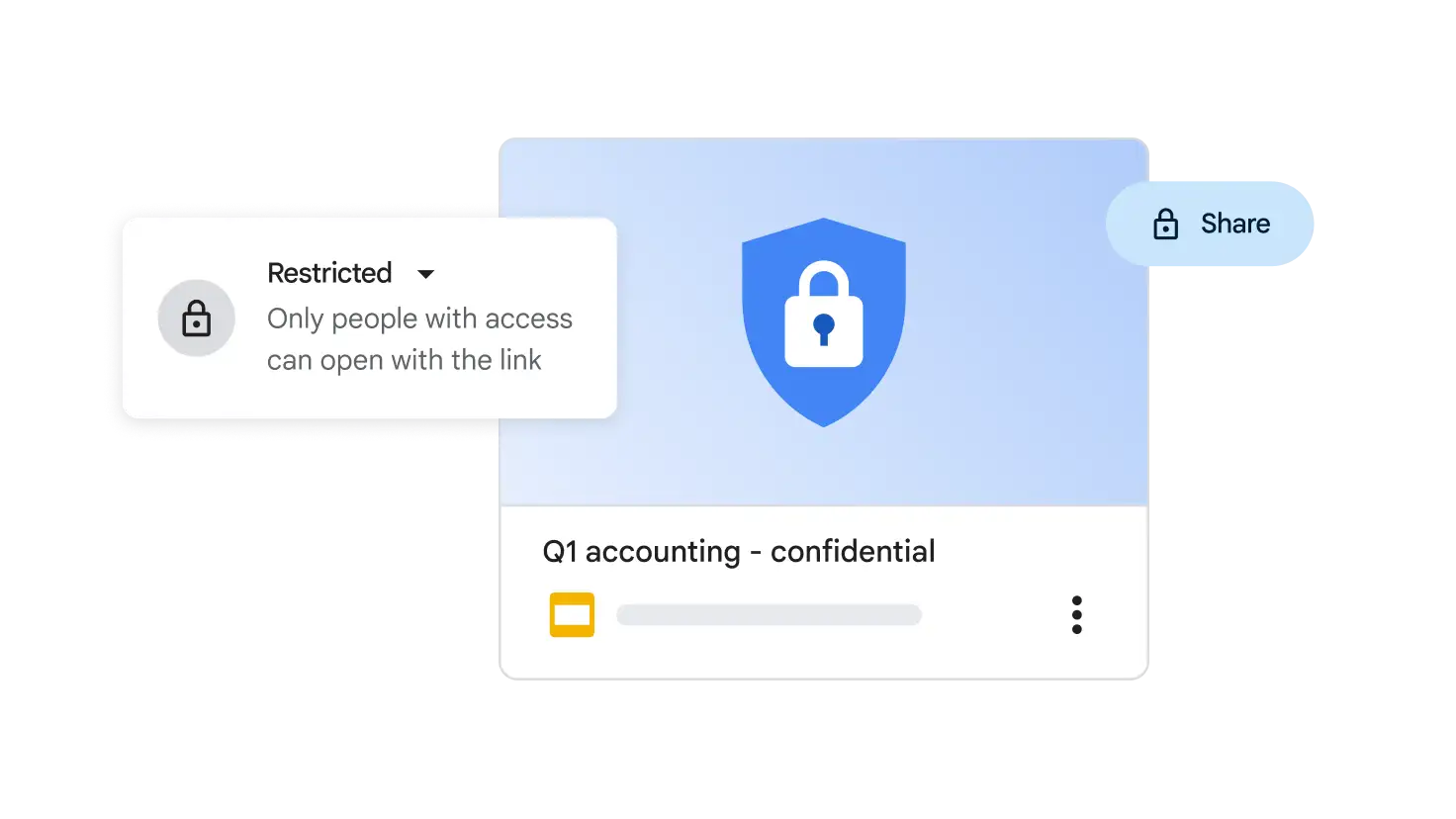
Stay safe
Your data is encrypted by default, and an array of safety measures – like advanced client-side encryption, anti-abuse measures and privacy controls – keep your data private.
Works well with others
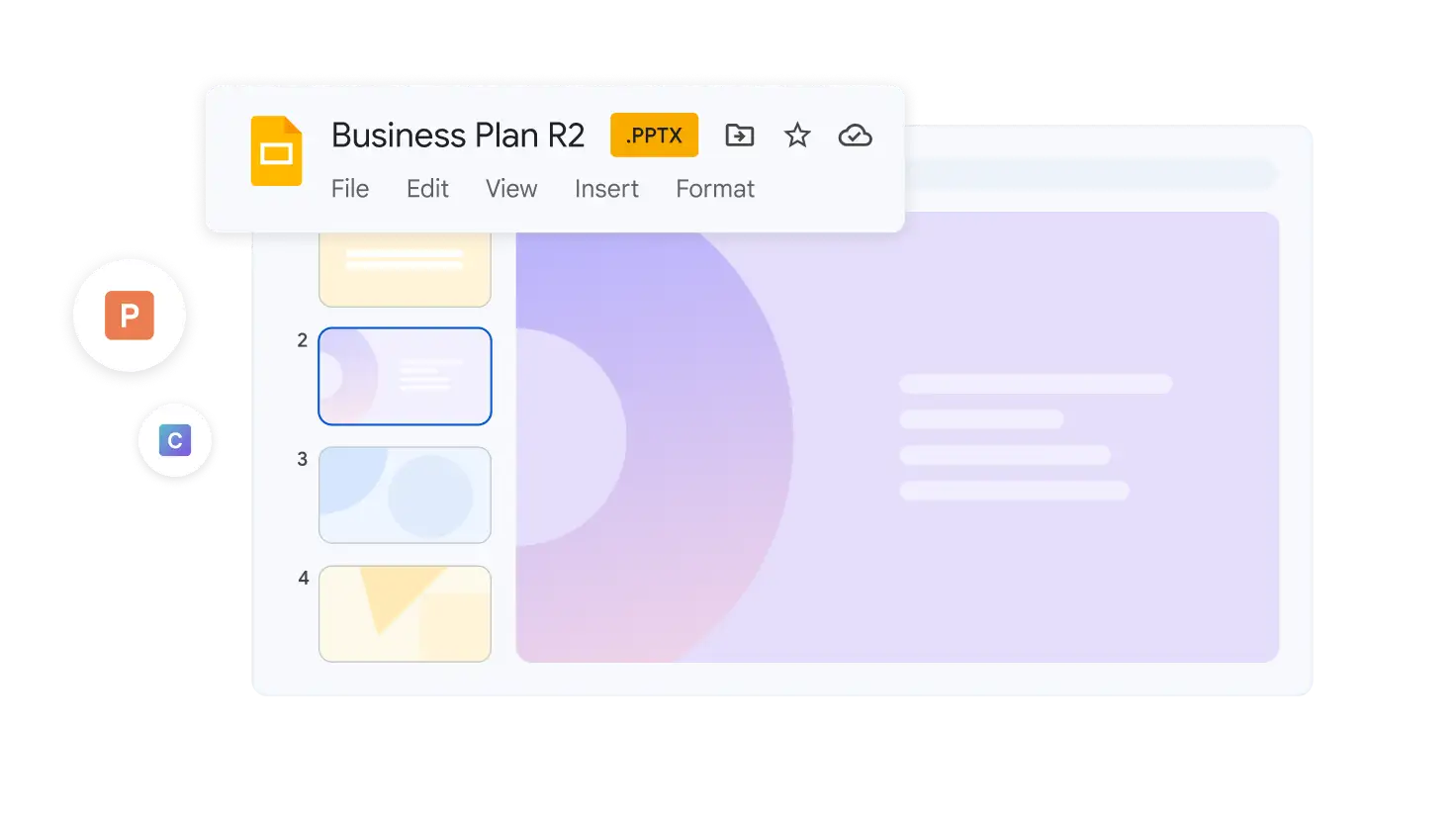
Import Microsoft PowerPoint or Canva presentations online, and enhance your collaboration with Slides features like comments, action items and granular sharing controls.
 Google Vids
AI-powered video creation for work
Tell more engaging stories at work through easy-to-use, collaborative video creation with Gemini.
Start Free TrialVids recording studio helps educate customers and teams at scale, providing them with the information that they need through easy screen sharing.
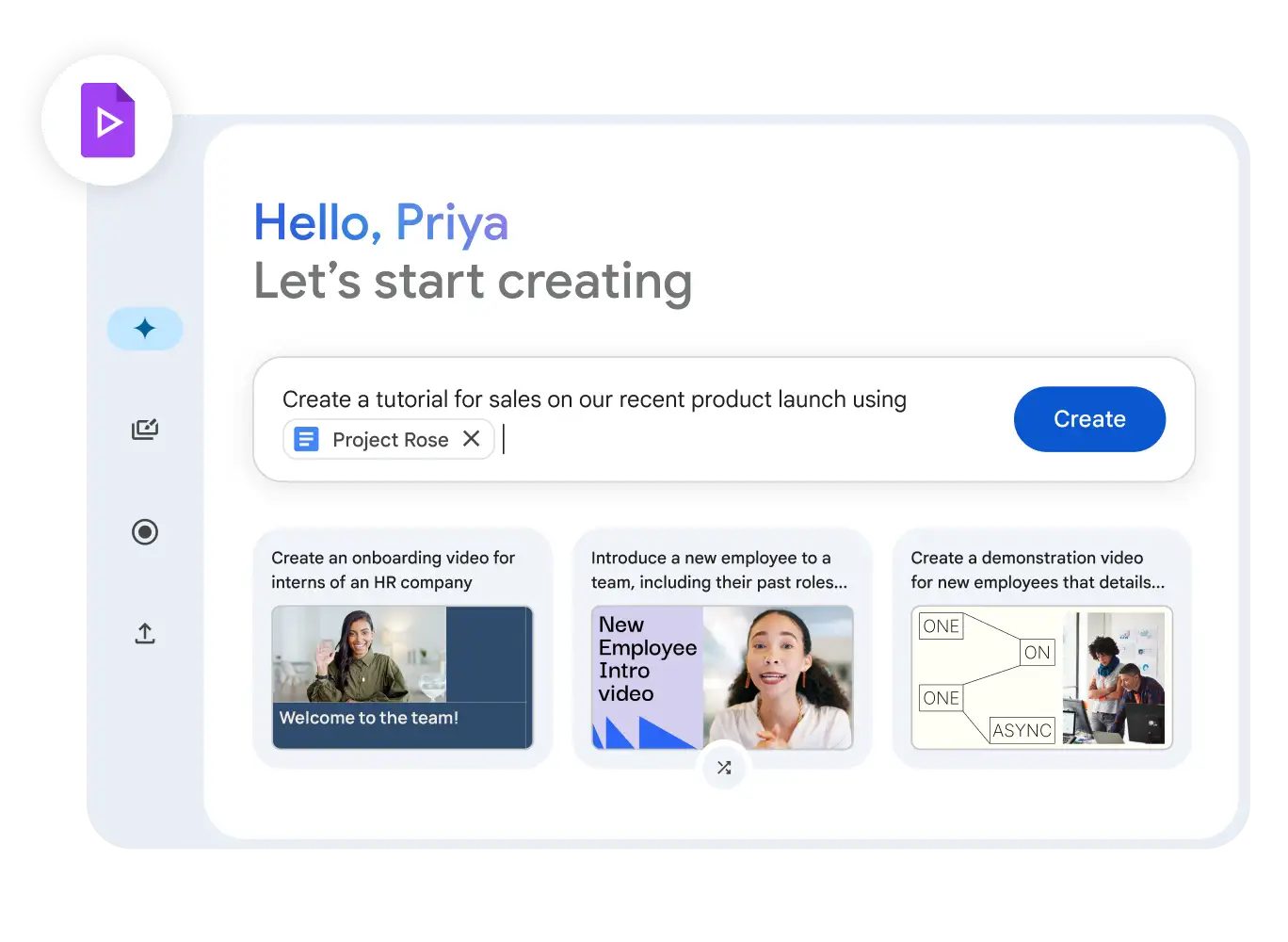
Gemini in Vids helps unlock video creation for everyone through a fully editable outline with suggested scenes, stock media and more – all from a prompt and a file.
Vids' content library helps unleash your creativity and create dynamic, engaging videos with millions of high-quality royalty-free media assets.
Start creating videos, no experience required
Google Vids offers a variety of ways to jump-start video creation and build your narrative in less time than you thought.
Get the first draft, faster
Use Gemini in Vids to create an initial video storyboard with suggested scenes, stock media, background music and more, with only a prompt and a file from your Drive.
No design skills? No problem
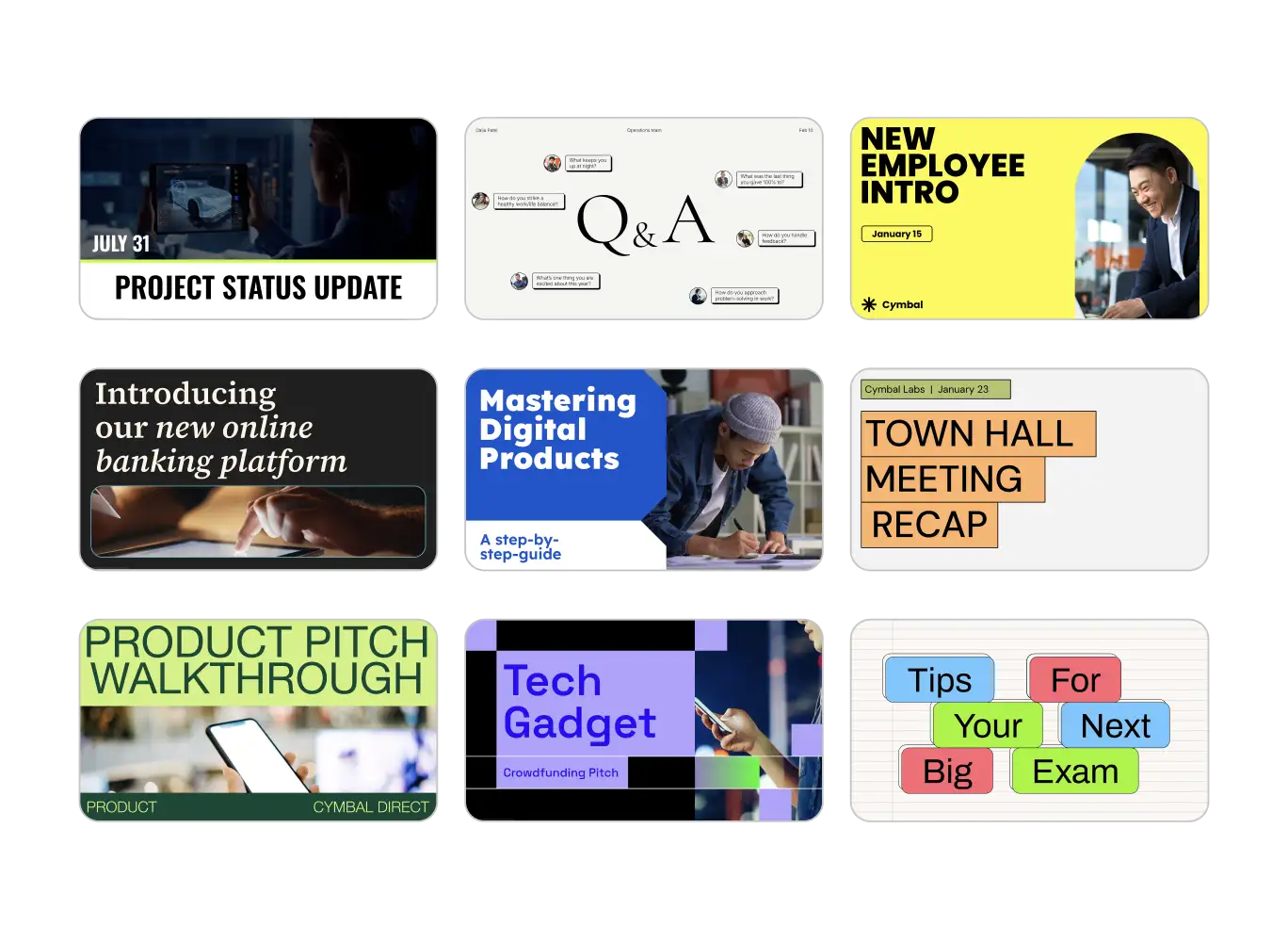
Bring your video to life with an array of high-quality, adaptable templates to help you build your story.
Land your message with video
Personalise your content with Vids recording studio to deliver employee training and share company-wide announcements, meeting updates and more.
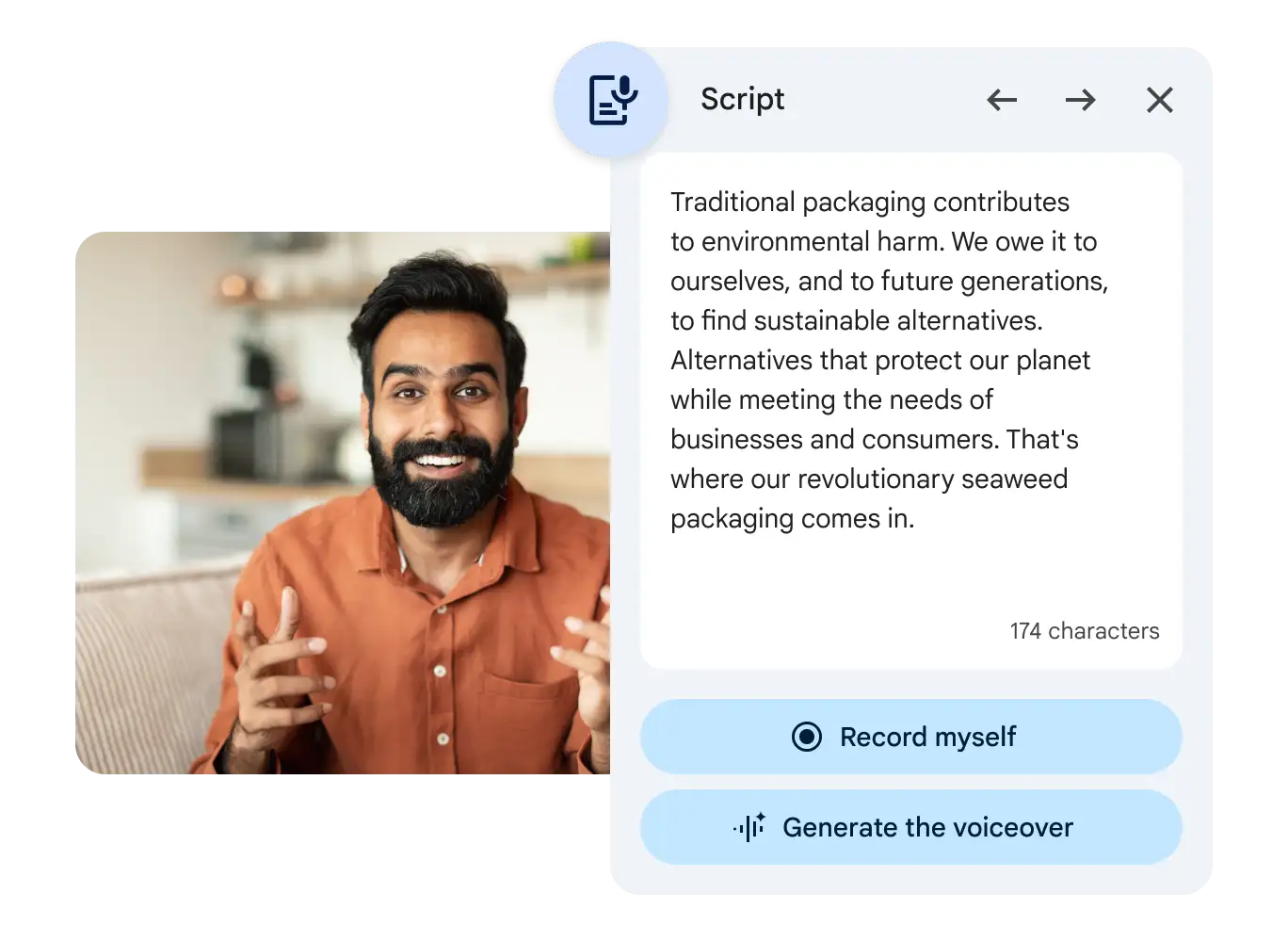
Record with confidence
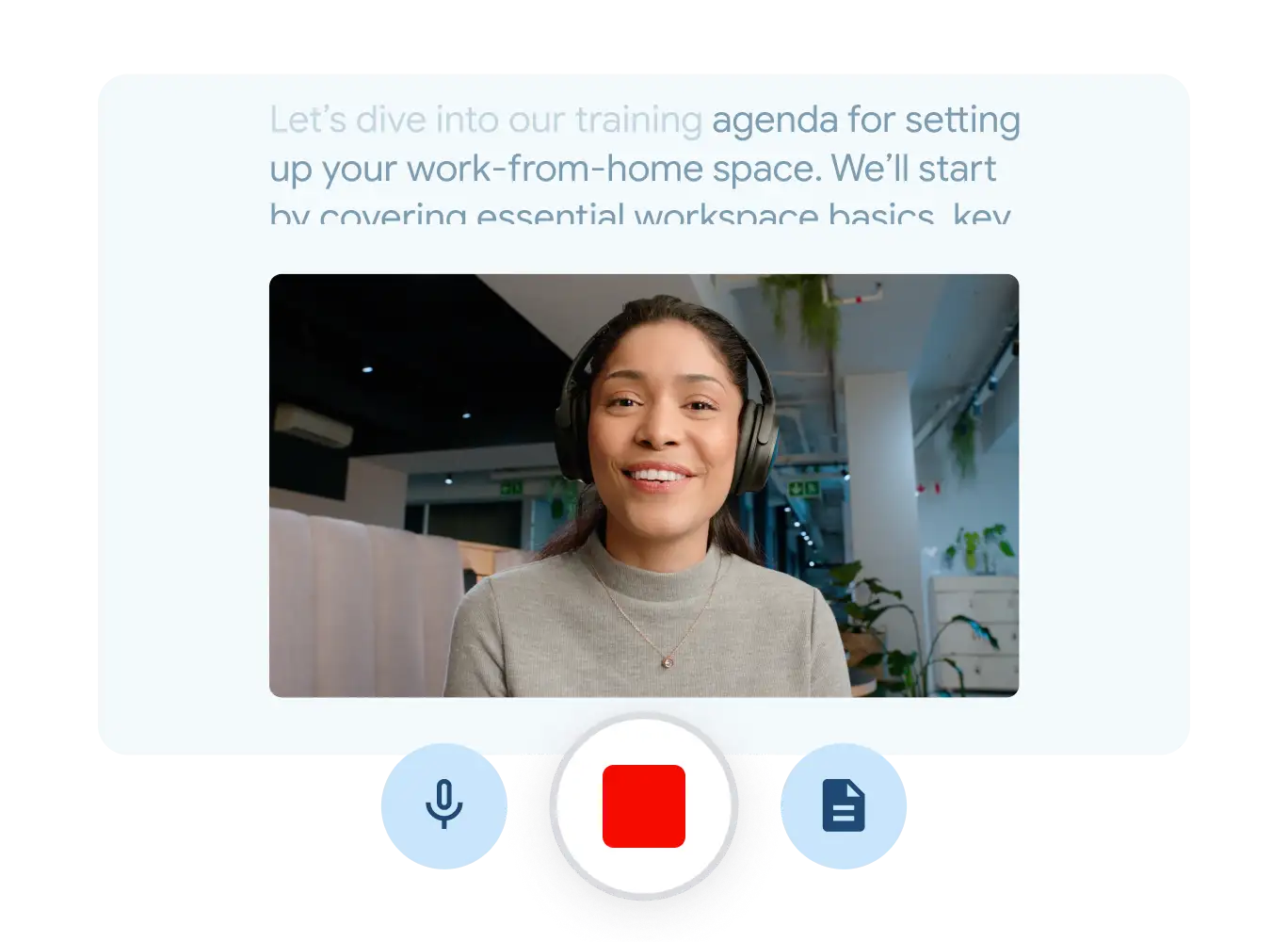
Record yourself, your screen or your audio and insert into your video in a few clicks. Stay on-message with our read-along teleprompter.
Never start from scratch
Gemini in Vids provides suggested scripts per scene to help you get to your final cut faster.
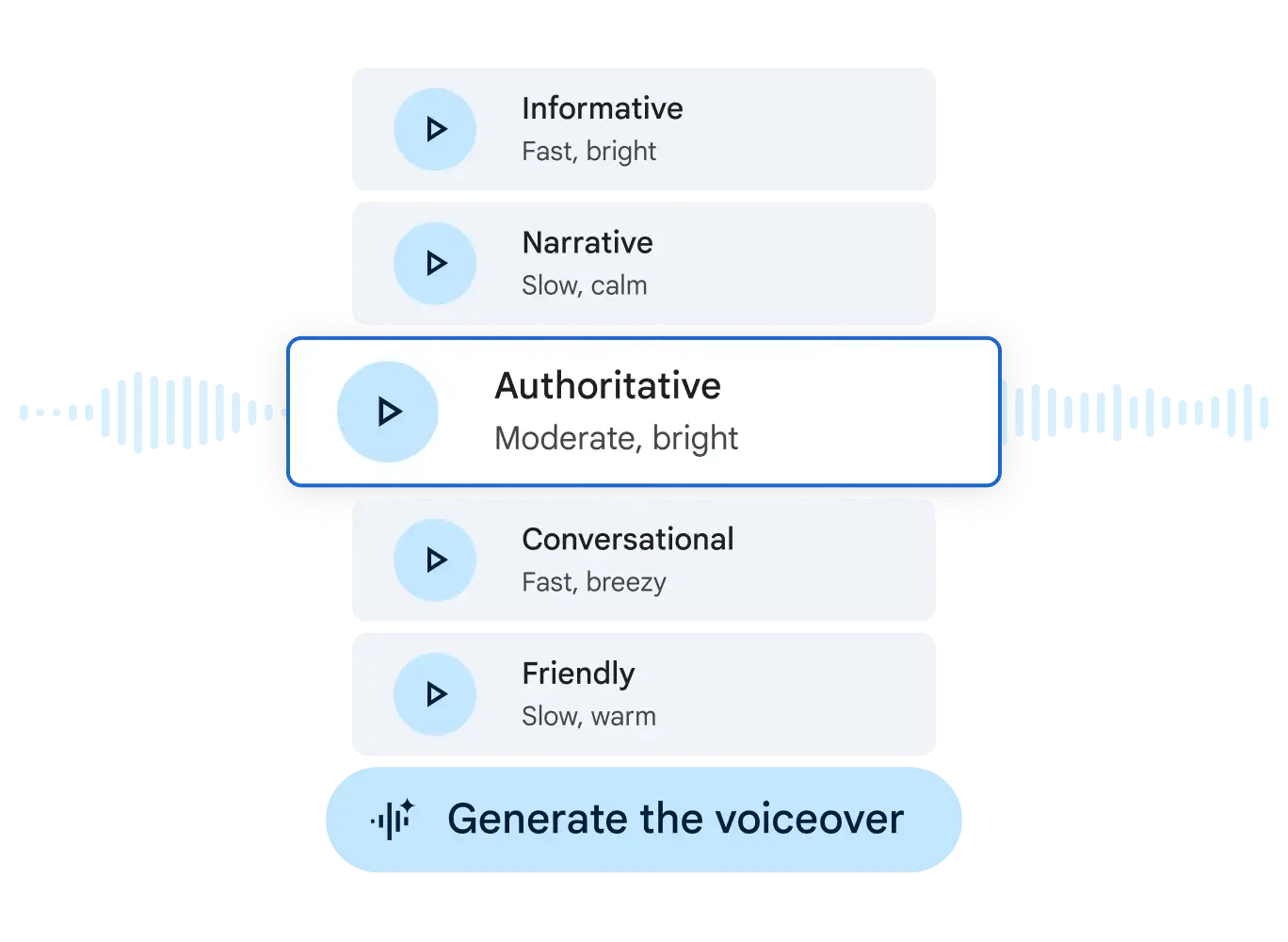
Give your video a fresh voice
Choose from a variety of preset professional-sounding voice-overs and let Gemini in Vids handle the audio.
Transform your video storytelling with Veo 3
Bring your ideas to life with Veo in Vids. Use a prompt or image to create stunning video clips with realistic motion and native audio, or get an AI avatar to present your message.
Generate video from a simple prompt
Skip the search for footage. Generate high-quality eight-second video clips from a text prompt in minutes.
Deliver your message with AI avatars
Simply write a script and generate an AI avatar. It's a fast, consistent way to create polished video content – without the cameras or coordination.
Animate your images with Veo
Make your photos move. Upload an image and watch your ideas come to life with native audio generation. It's perfect for making your product shots and brand creative more dynamic and engaging.
Unleash your creativity with rich media
Easily insert visuals, music, transitions and more to better engage your viewers.
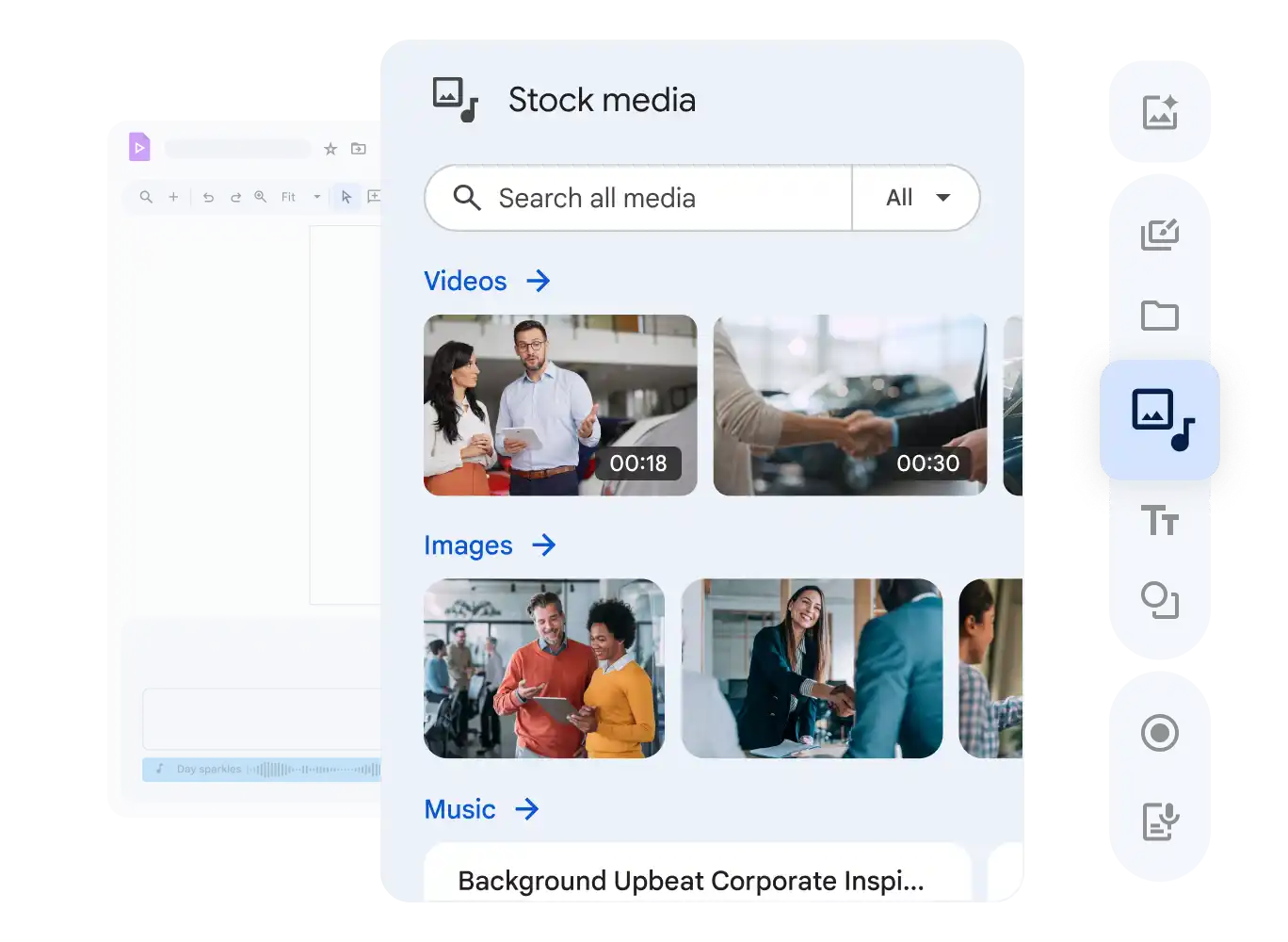
Enrich your scenes
Enhance scenes with high-quality, royalty-free stock media, music and more from our content library, or generate an image using Gemini in Vids.
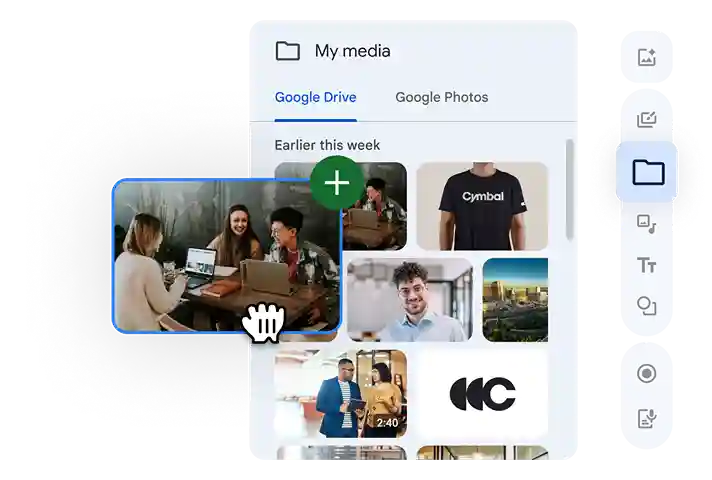
Add your own media, directly in Vids
Personalise your videos by easily adding your own photos, videos and more, directly from Google Drive or Google Photos.
Make your video move
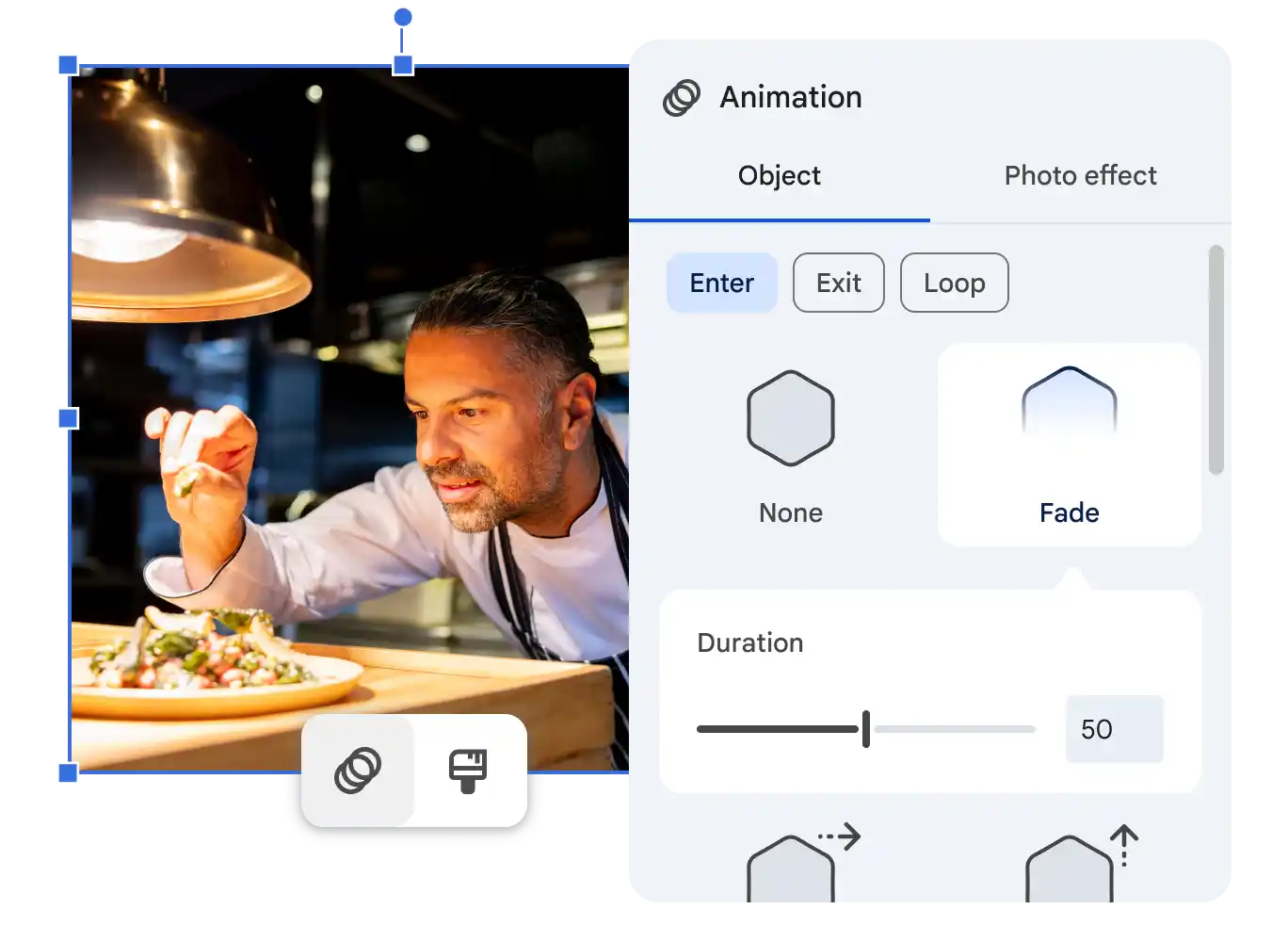
Add visual interest and engage viewers with a host of animations, transitions and photo effects, as well as object tracking.
Collaboration made easy
Collaborate and share videos just as easily as you do in Docs, Sheets and Slides, all without ever leaving Workspace.
Simple sharing controls
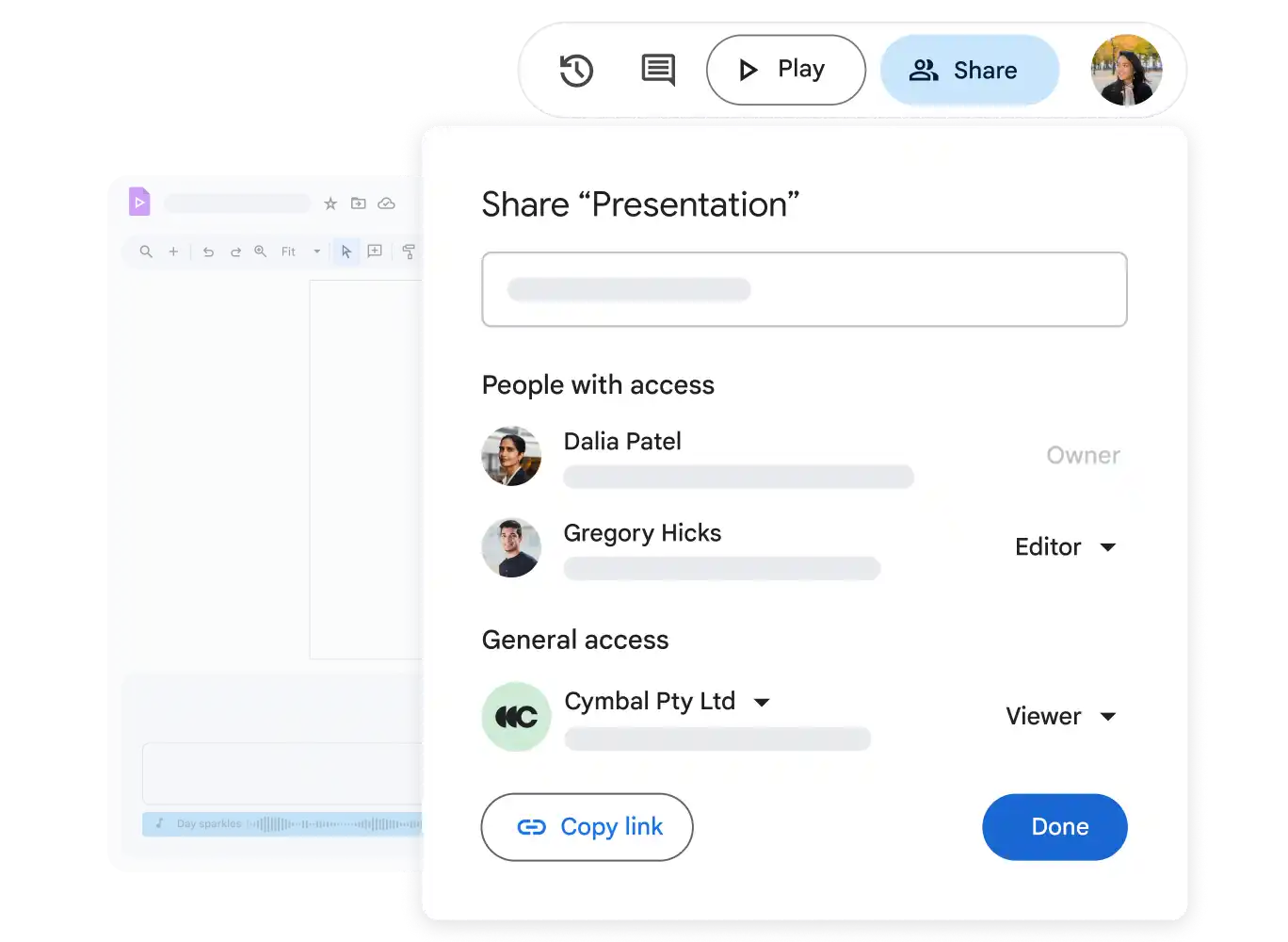
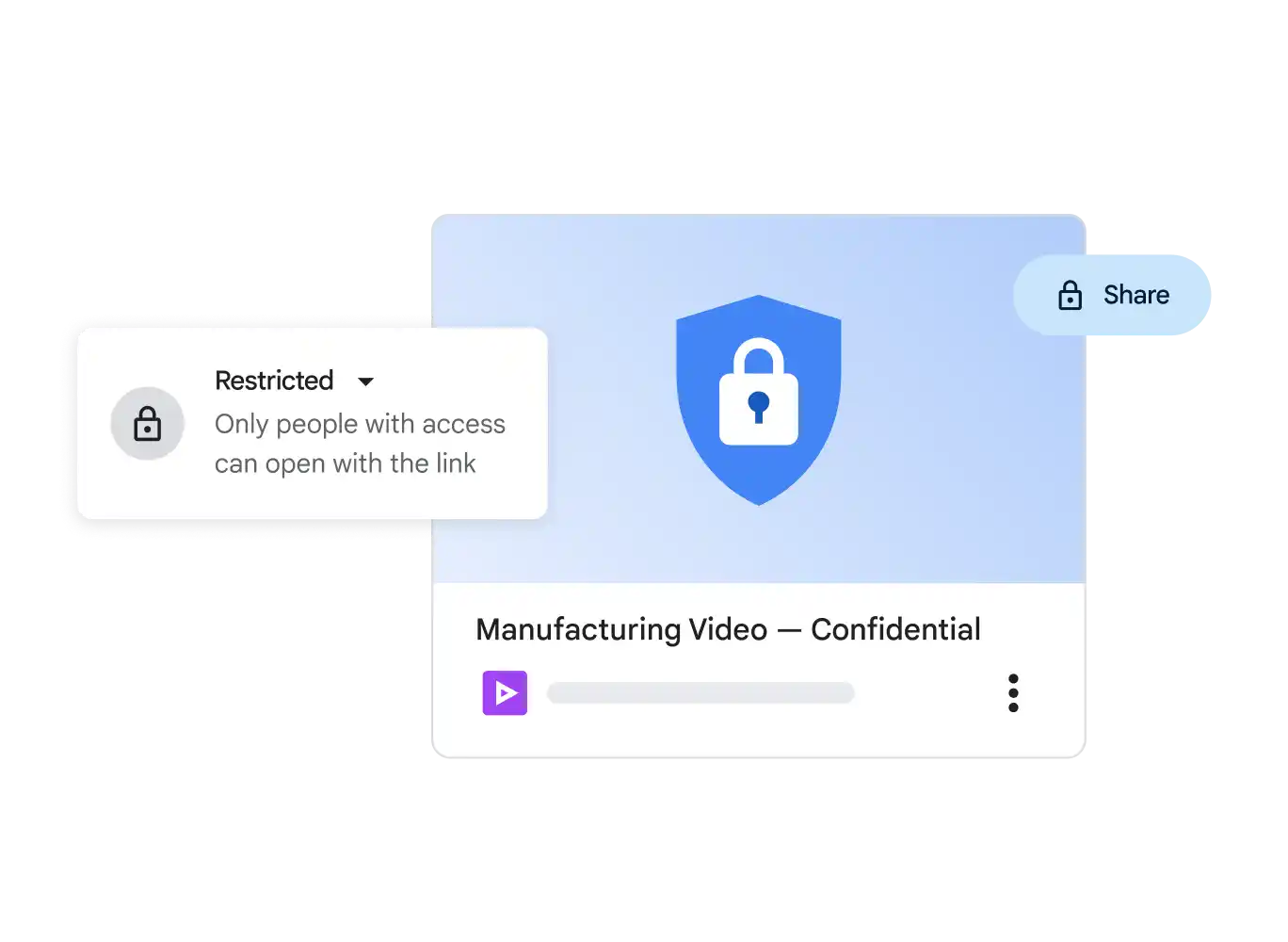
Easy-to-manage permissions allow you granular control over who gets to edit, comment or view your videos.
Seamless viewing and playback
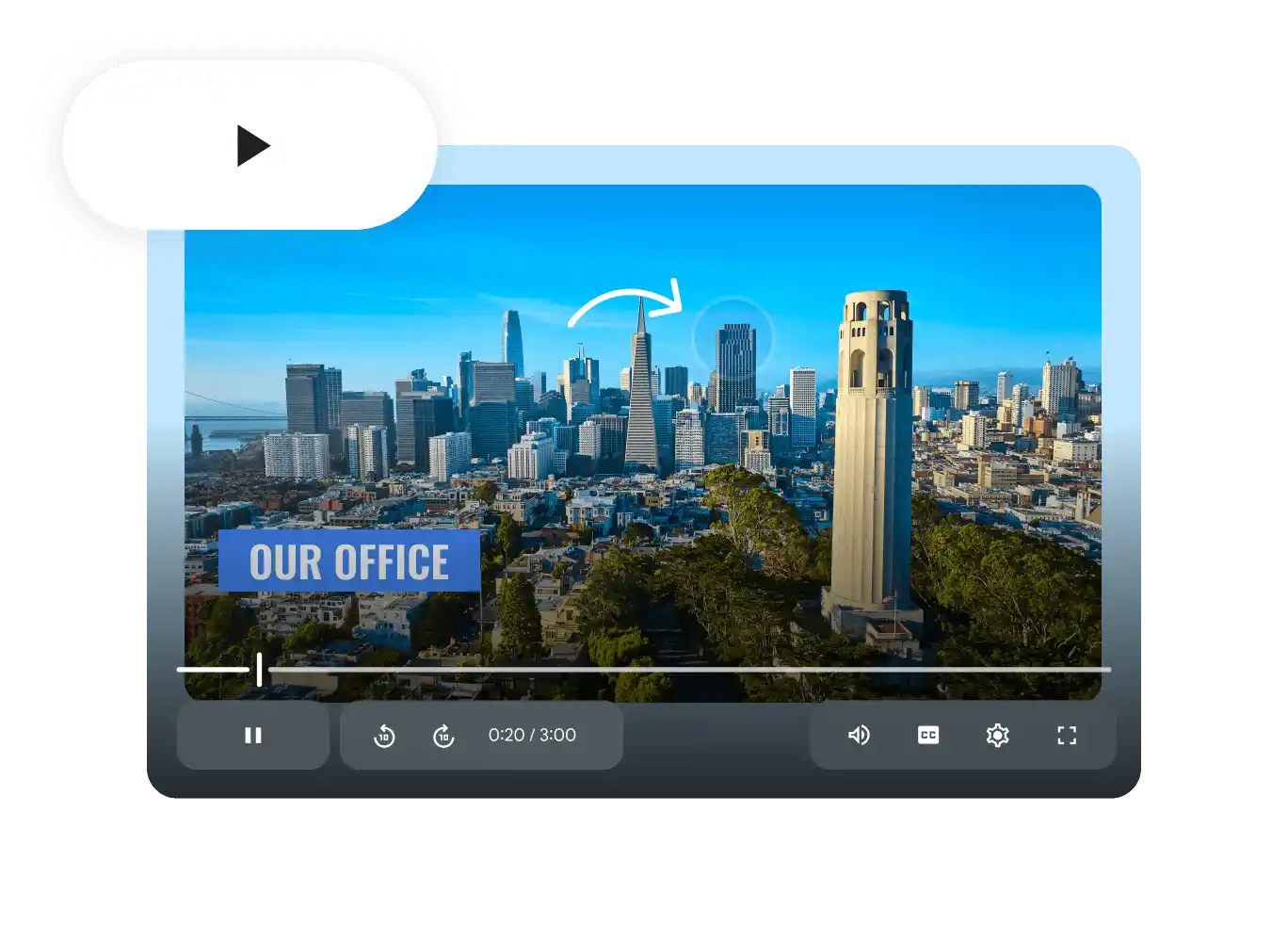
View videos in your browser, with auto-generated closed caption support, so that everyone can follow along.
Safe and secure
Just like the rest of Workspace, your content is encrypted by default, with privacy controls to keep your data safe.
 Google Keep
Digital notes, accessible from anywhere
Create and share notes, lists, photos, drawings and audio to save your thoughts with Keep.
Start Free Trial
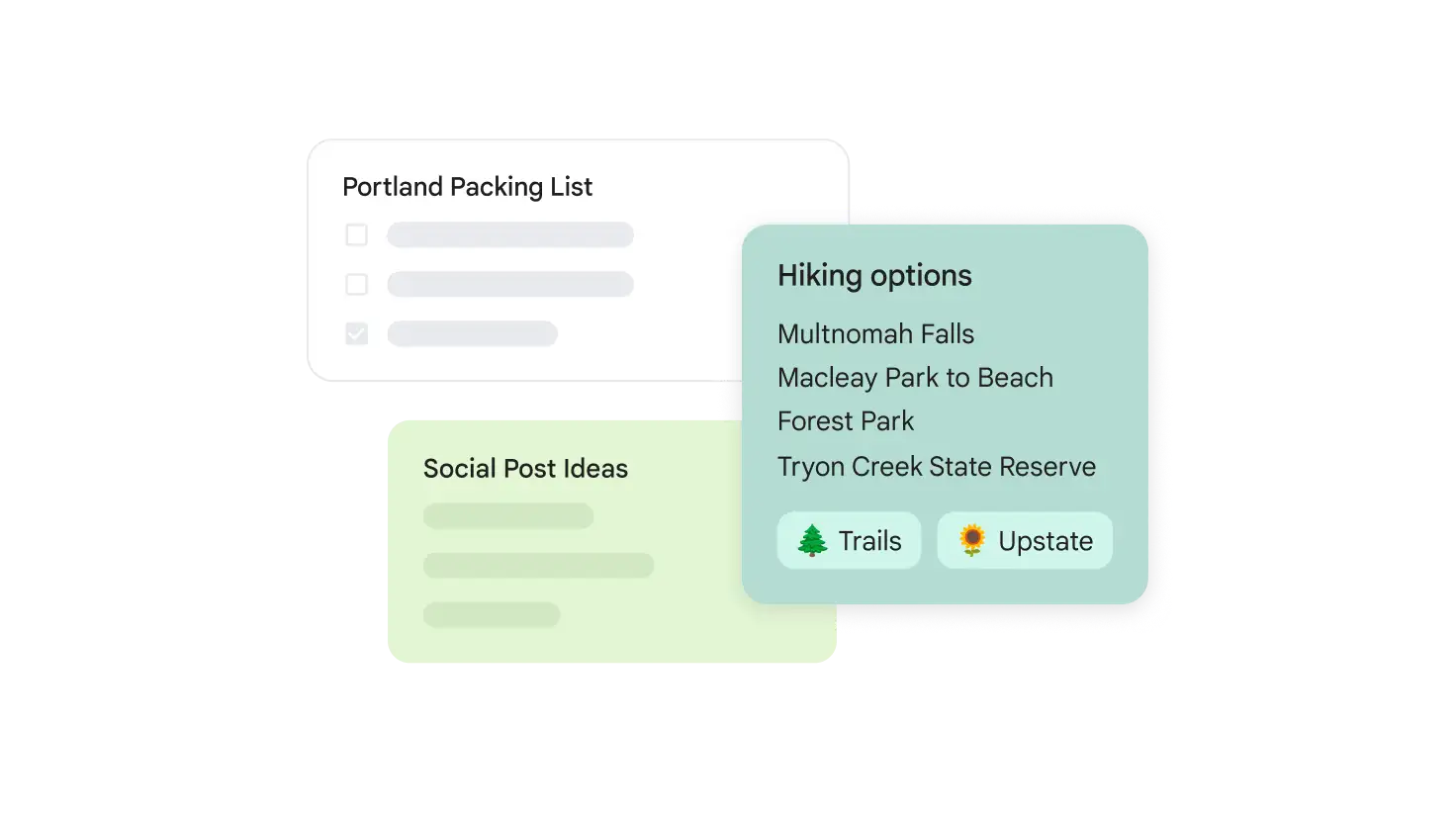
Capture what's important and get more done
Shopping lists, to-dos or brainstorming ideas? Keep will help you stay organised so that you can focus on the moment, knowing that you won't forget a thing.
When and where you need it
Stay organised so that you can find what you're looking for faster.
Access Keep from anywhere
Everything that you add to Keep syncs in real time across all of your devices, from your phone to your computer to your smartwatch.
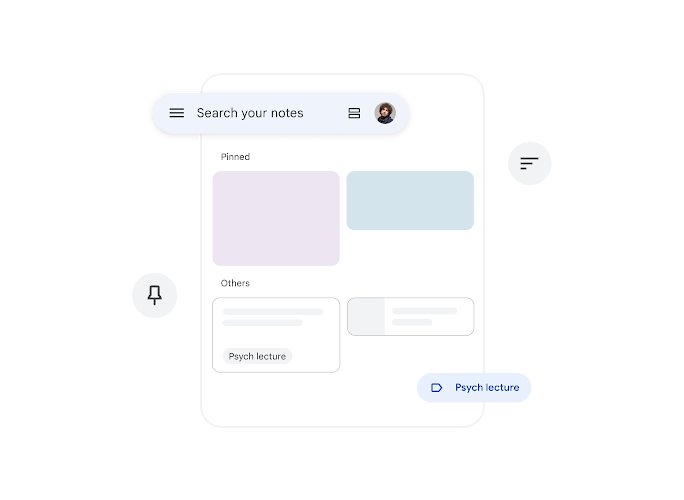
Find what you're looking for fast
Search for notes, or use colour codes, labels, pins and filters to quickly find what you're looking for while staying organised.
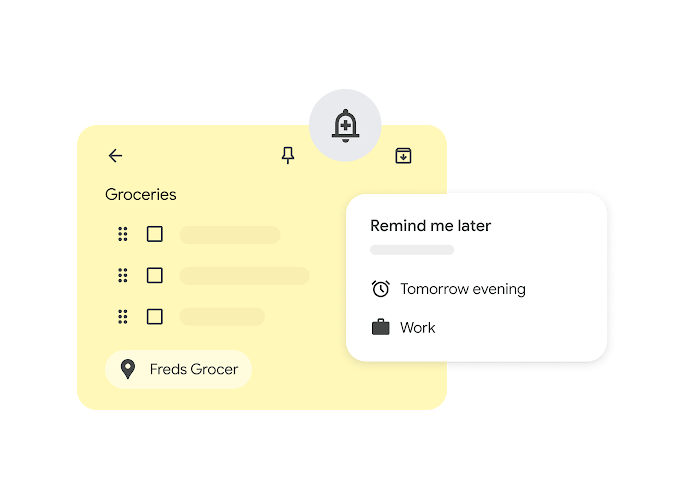
Set up reminders
Add reminders to your notes to stay on top of important deadlines.
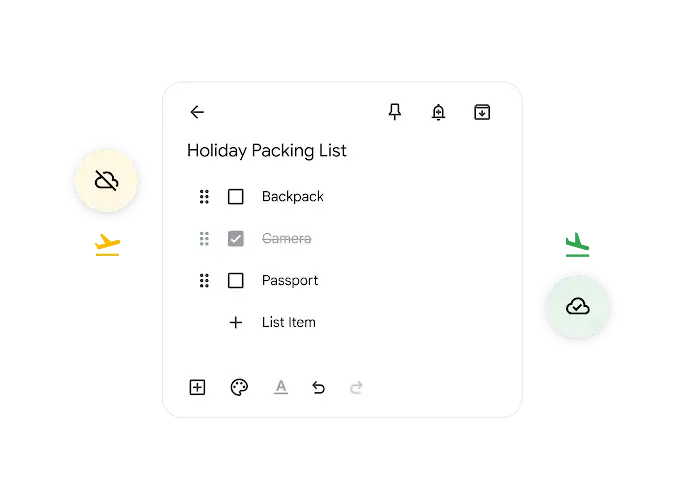
Work offline
Keep your notes updated, even offline. Changes sync as soon as you're connected.
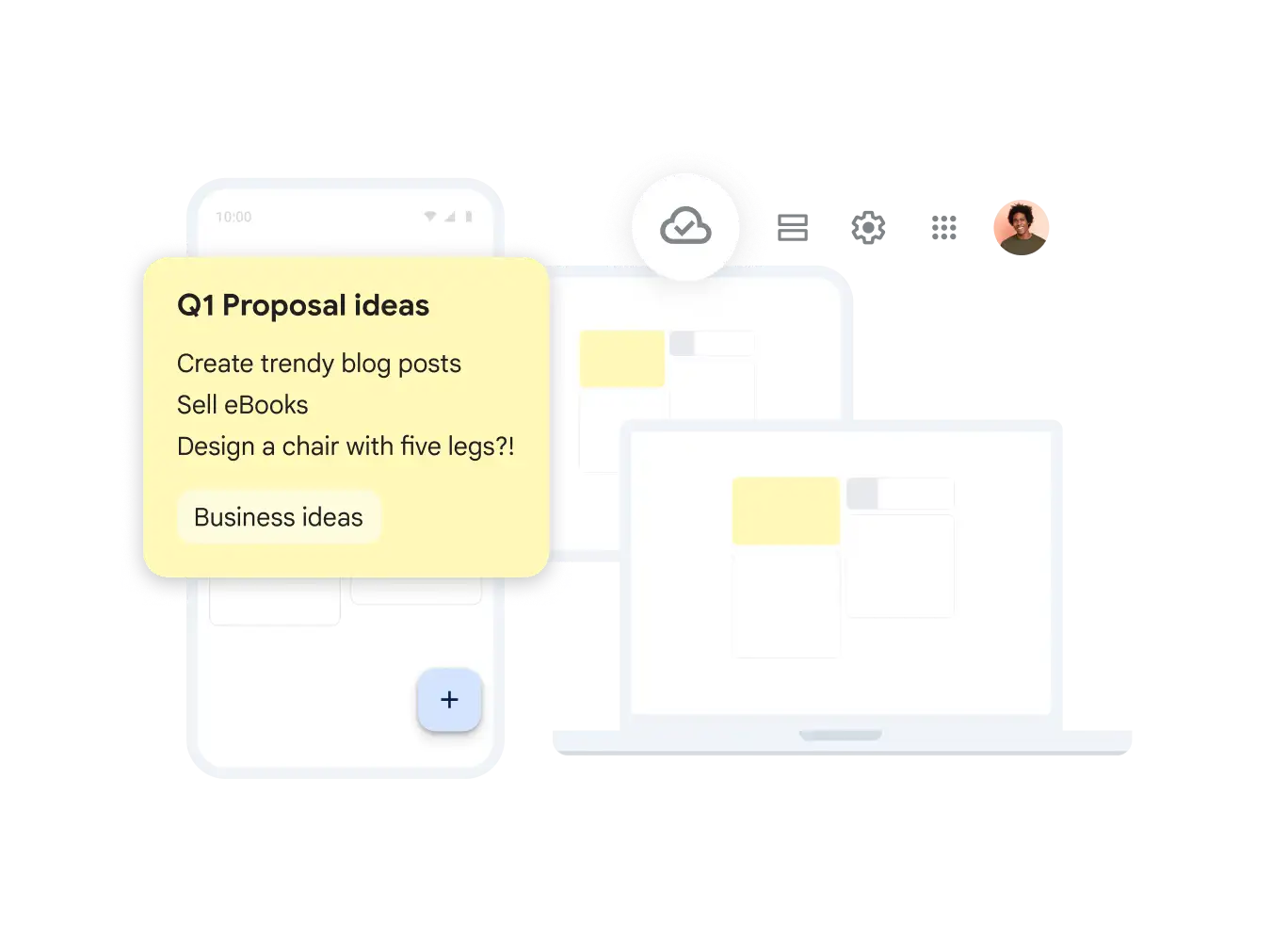
Enhance collaboration
Keep makes it easy to work together to get more done.
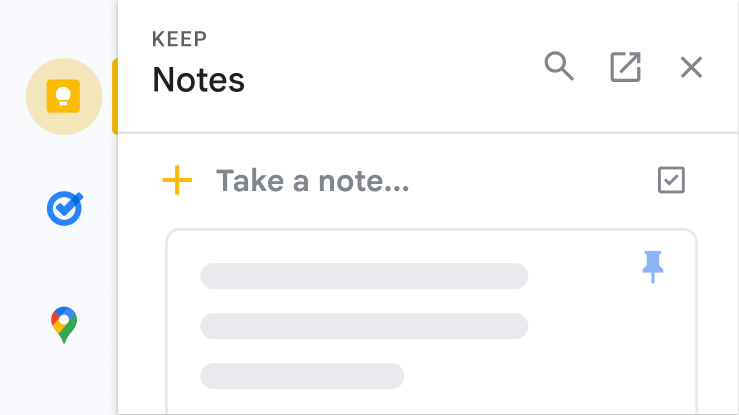
Add notes across Workspace apps
Add notes directly from apps in Google Workspace.
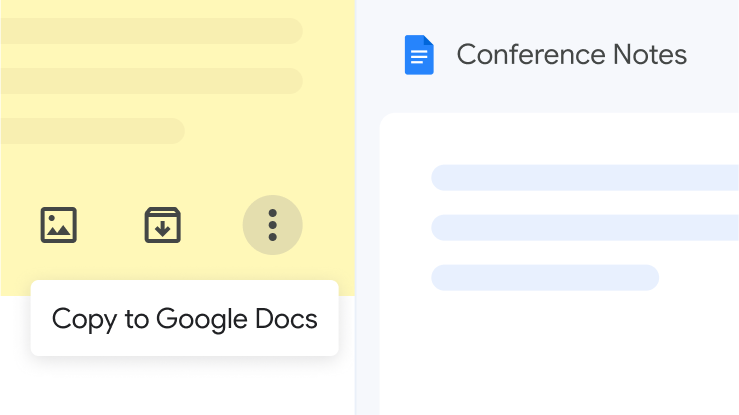
Expand on your ideas
Export notes to Docs and transform your notes into polished documents.
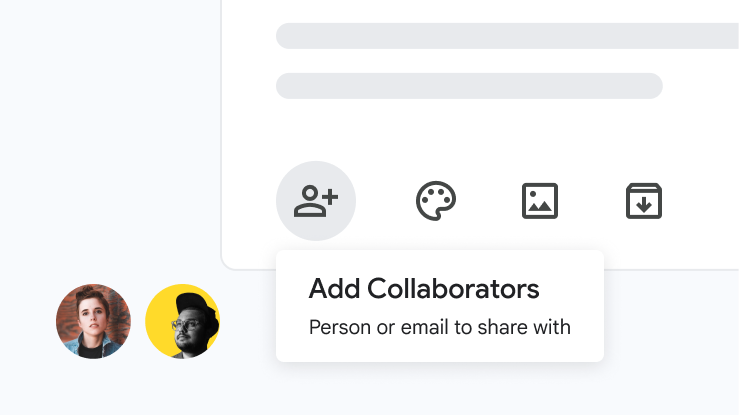
Share with friends, family and colleagues
You can create and edit notes collaboratively in real time to get things done together, faster.
 Google Sites
Impactful team sites, made easy
Create sites for your team, project or event that look great on any device.
Start Free Trial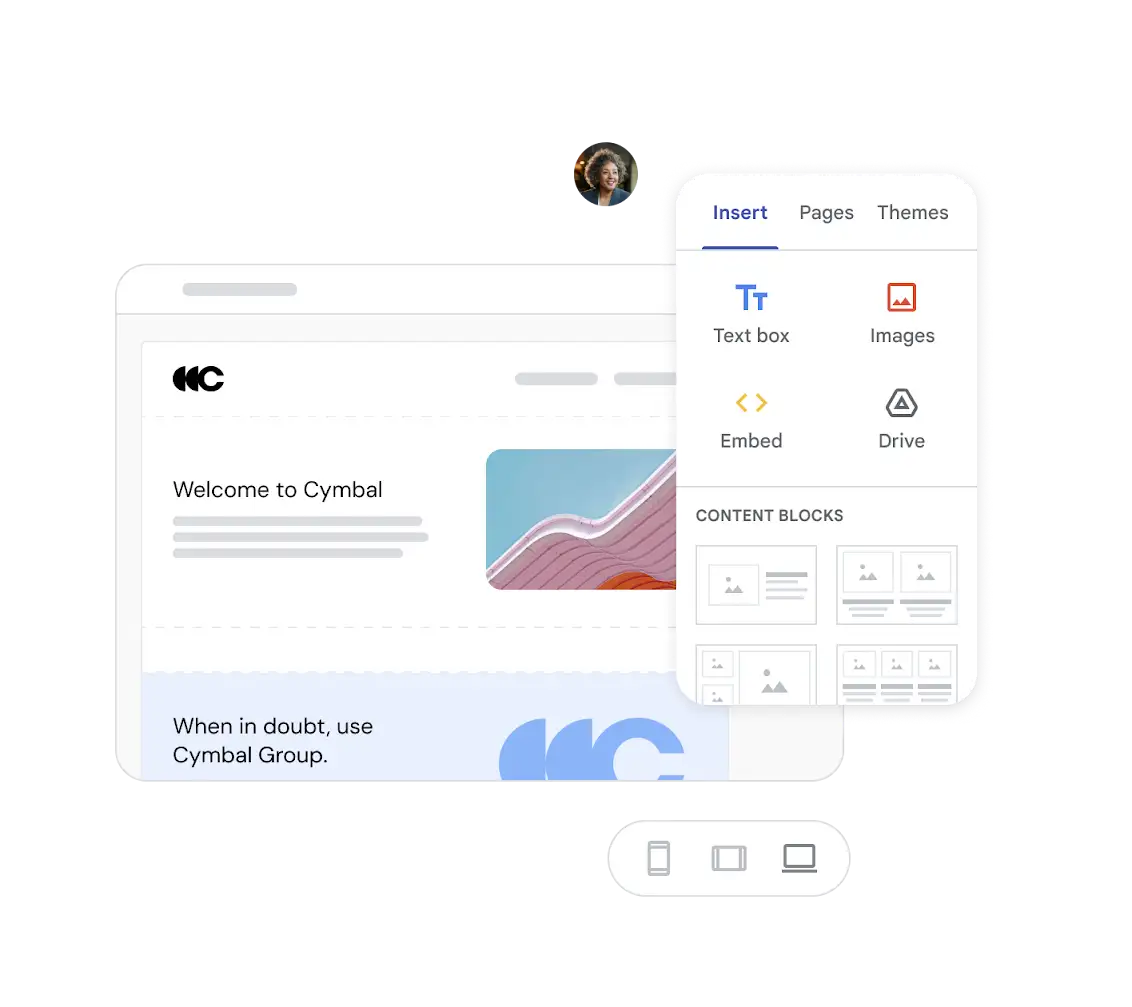
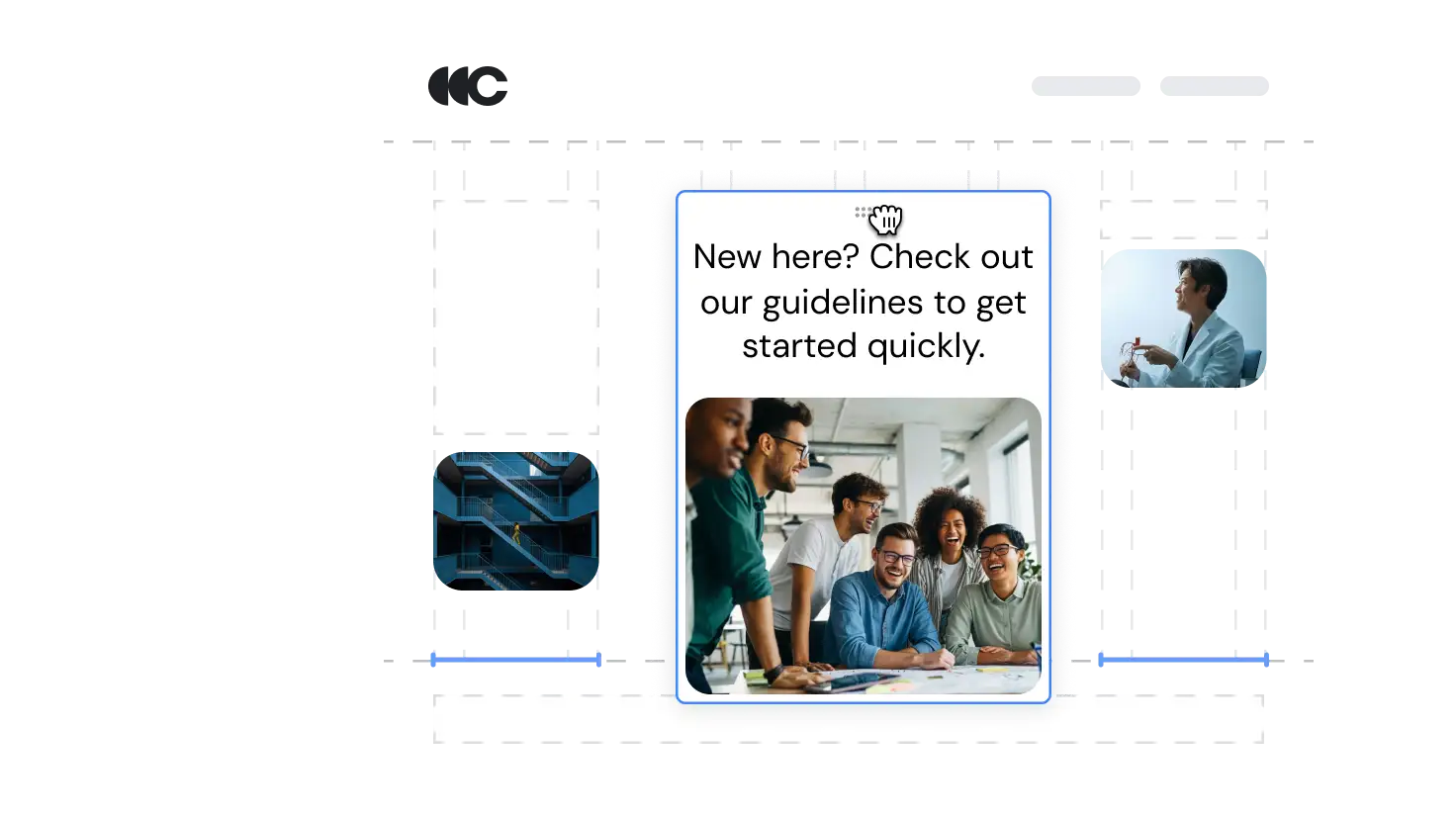
Highly engaging sites without programming skills
Easily create and edit your sites with drag-and-drop design. The automatic grid layout ensures that everything looks great and scales perfectly on any device, plus it's simple to move or resize elements.
Create a source of truth for your team
Sites makes it easy for your team to share and access important information in a single place.
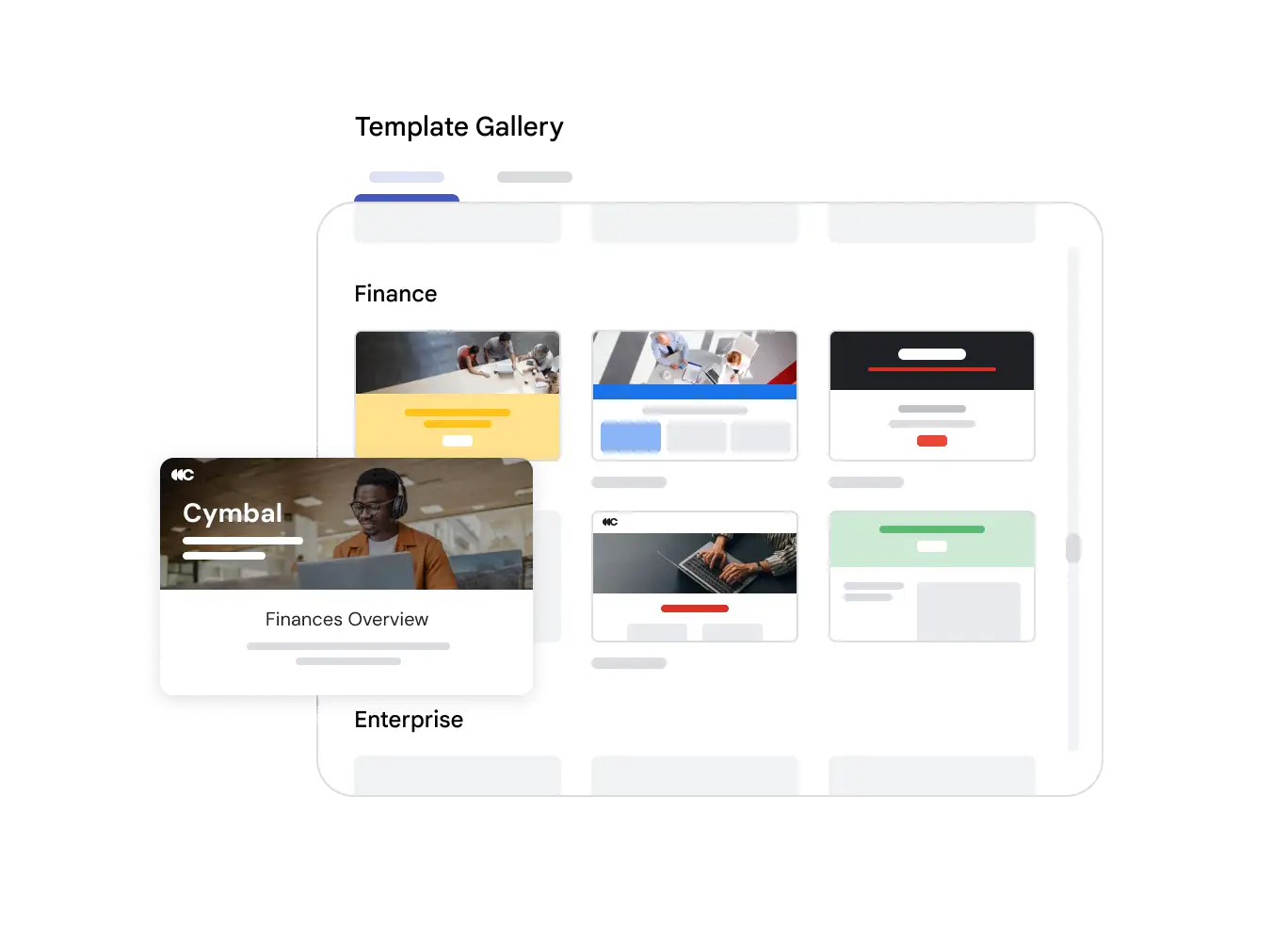
Pre-made templates for fast design
Save time with pre-made site templates tailored to your needs.
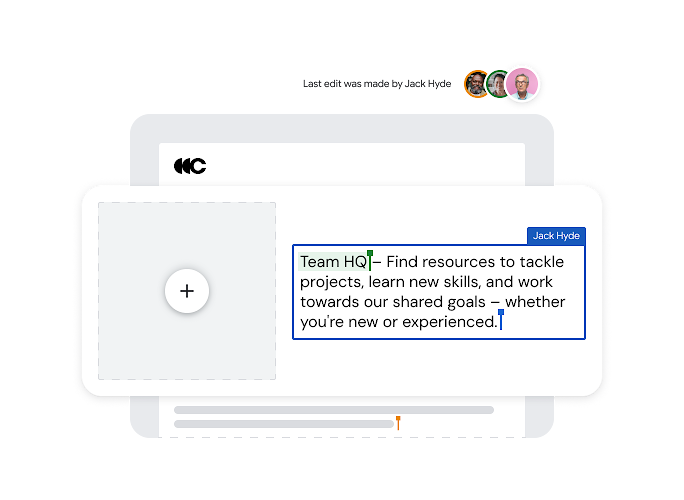
Designed for collaboration
Collaborate easily with real-time co-editing and see changes instantly, just like in Docs or Slides.
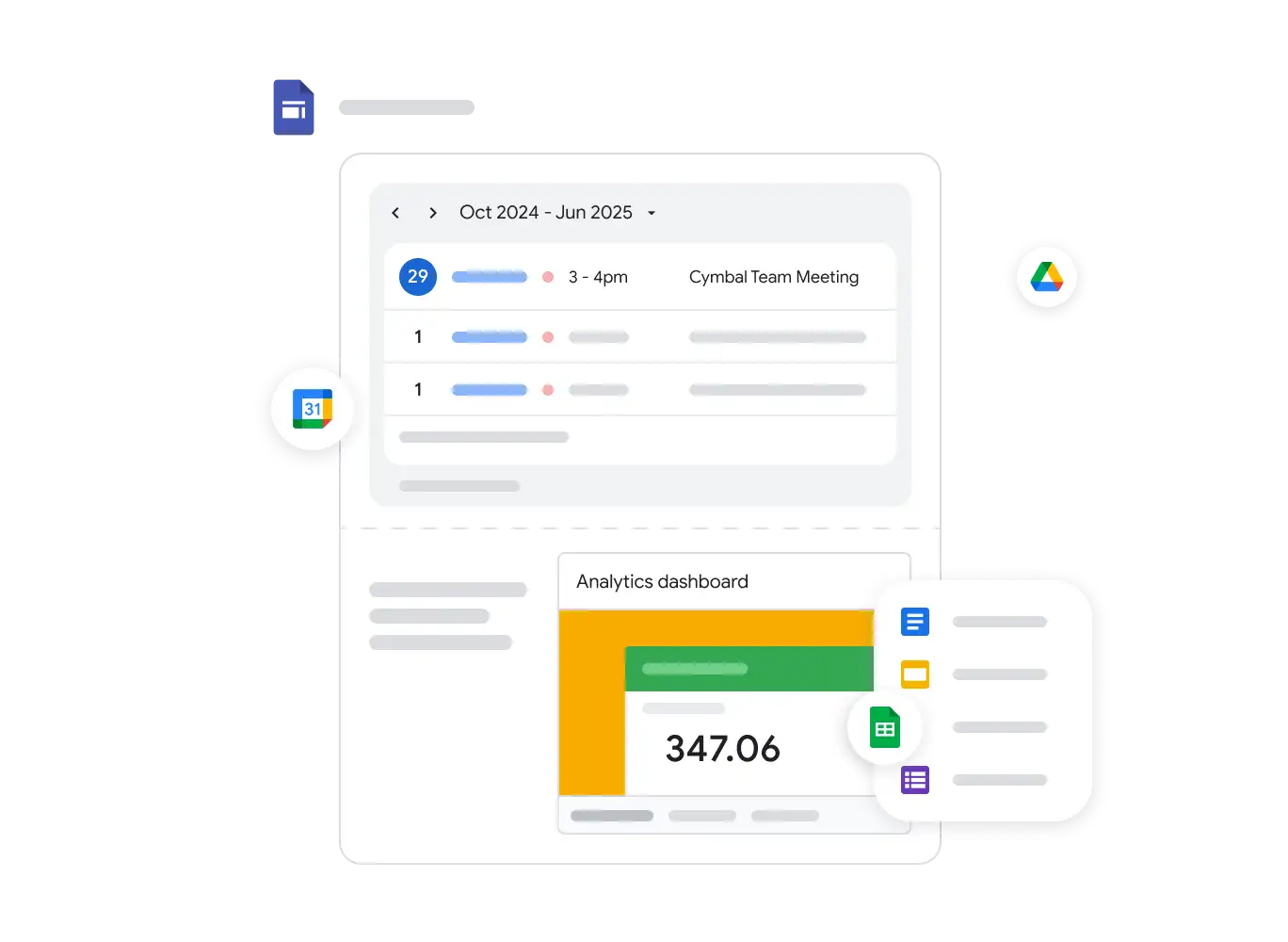
Deep integration with Google Workspace
Embed dynamic content from your Workspace apps – like Docs or a shared Calendar.
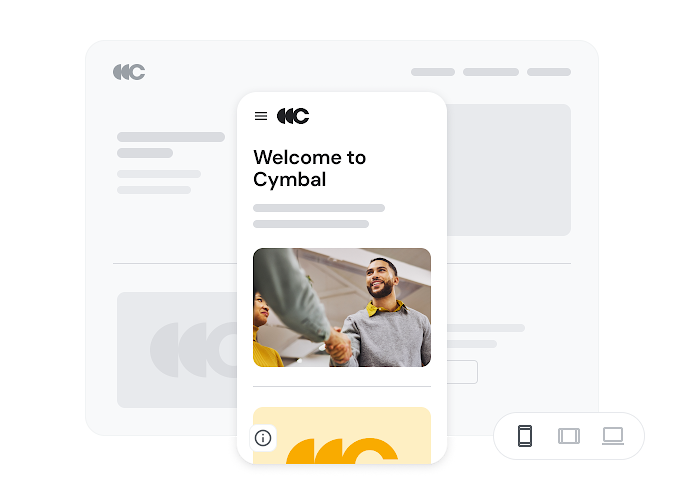
Access from any device, at any time
Sites look great on all devices, including desktops, tablets and mobile phones.
Build secure and reliable sites without IT support
Control access and sharing permissions while ensuring that your site scales to handle high traffic.
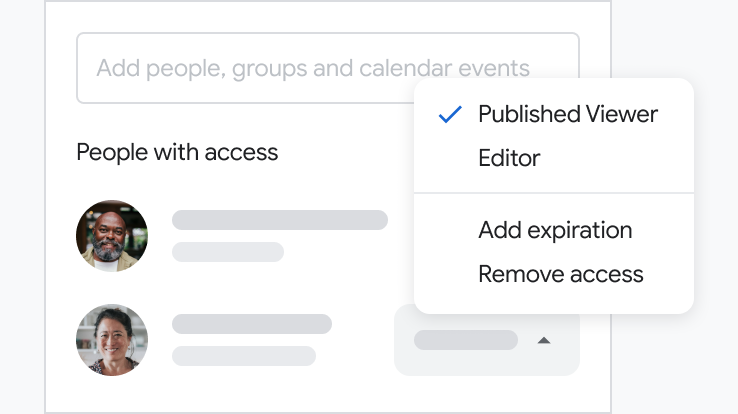
Maintain version control
Choose who can edit content, ensuring that it remains a reliable source of truth for your team.
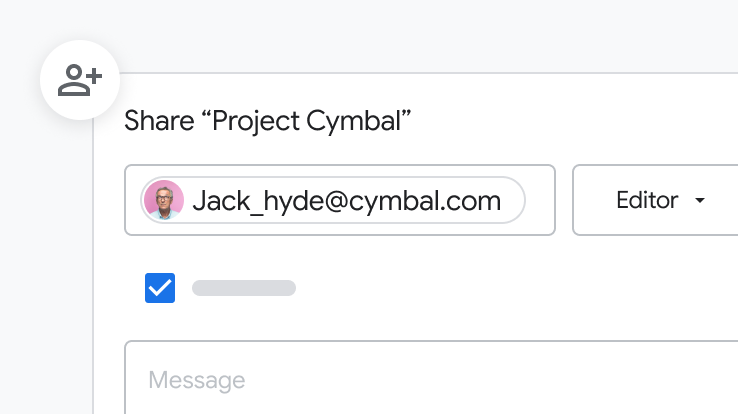
Easily manage permissions
Manage sharing permissions and ownership in Sites with a few clicks, just like they would in Docs.
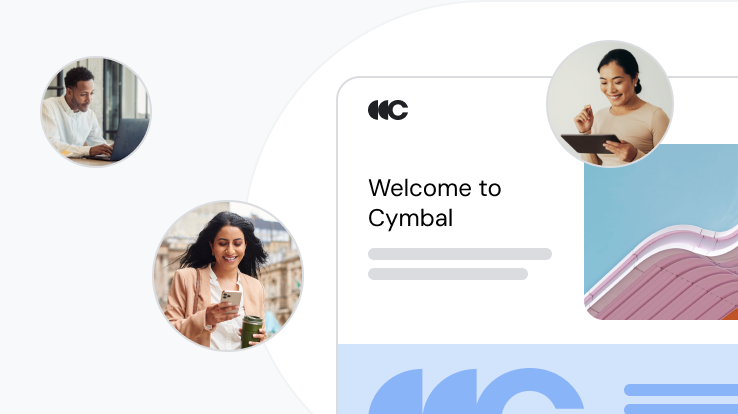
Built for scale
Sites easily scales to support a large number of simultaneous users without impacting performance.
 Google Forms
Online forms to get insights quickly
Easily create forms and surveys to gather data and gain insights from anywhere.
Start Free Trial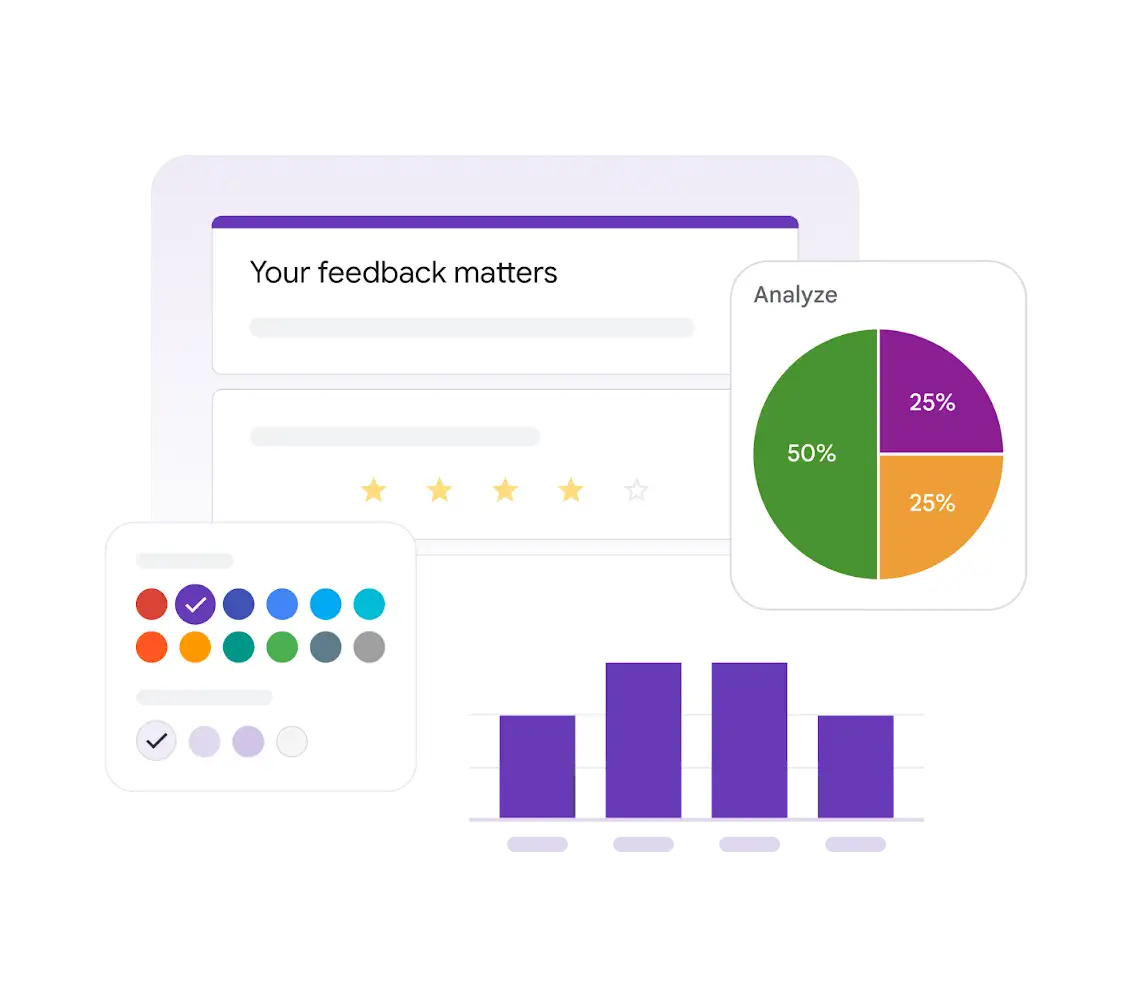
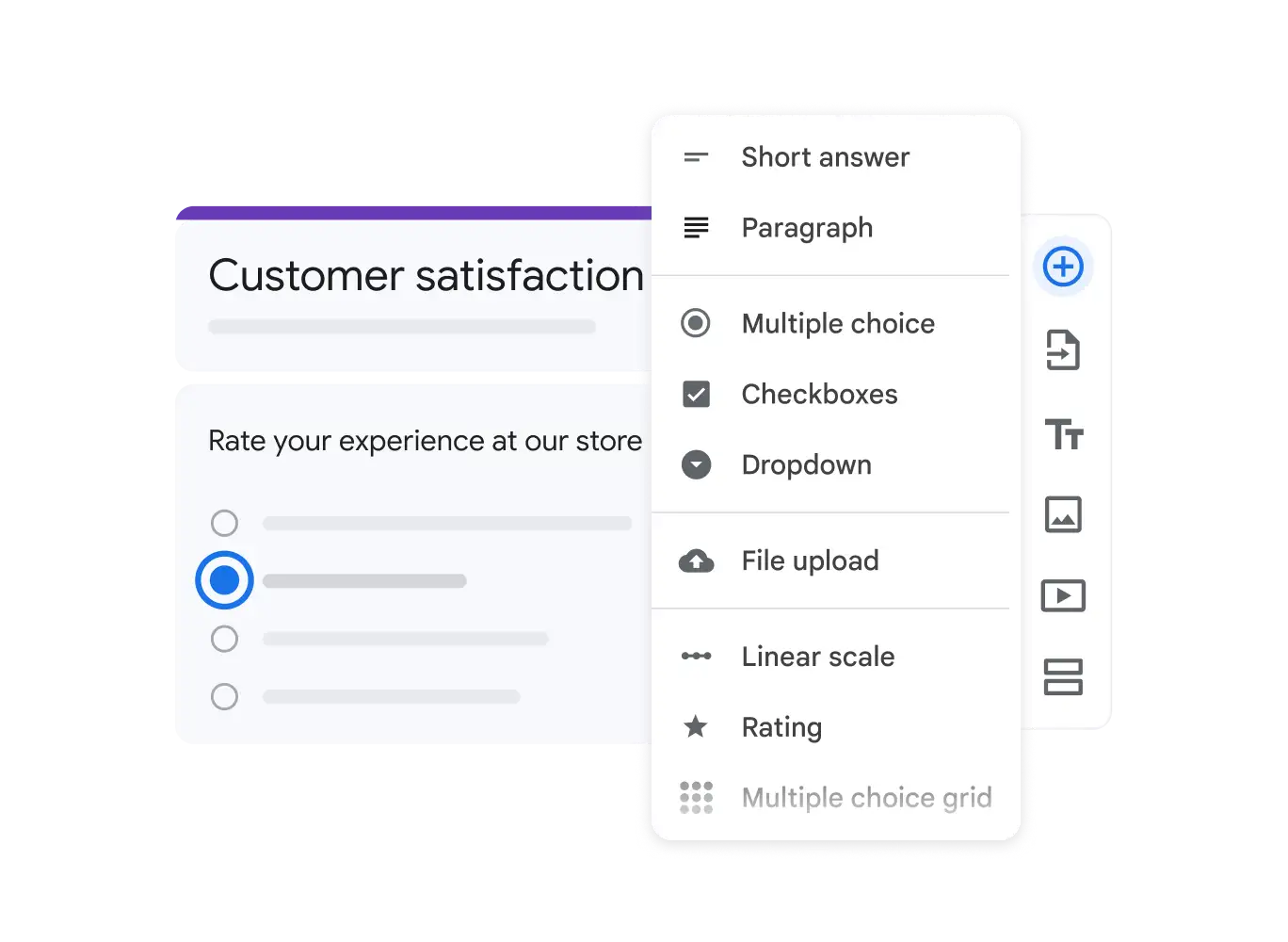
Create user-friendly forms with ease
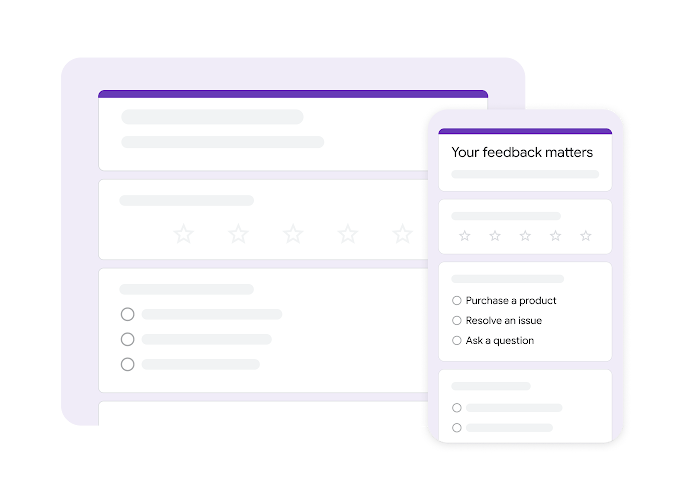
Select from multiple question types, organise them with a drag-and-drop interface, quickly customise each to fit your needs and then easily share your form via email or social media, or embed it on a website.
Customise forms to your needs
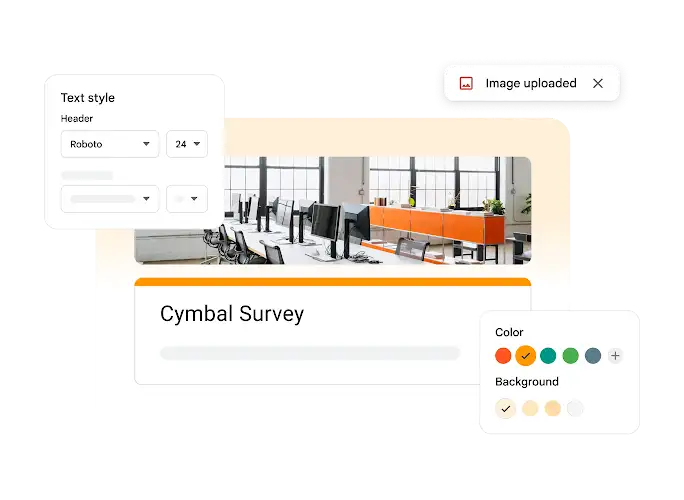
Easily design and personalise forms to fit your brand's identity and look great on any device.
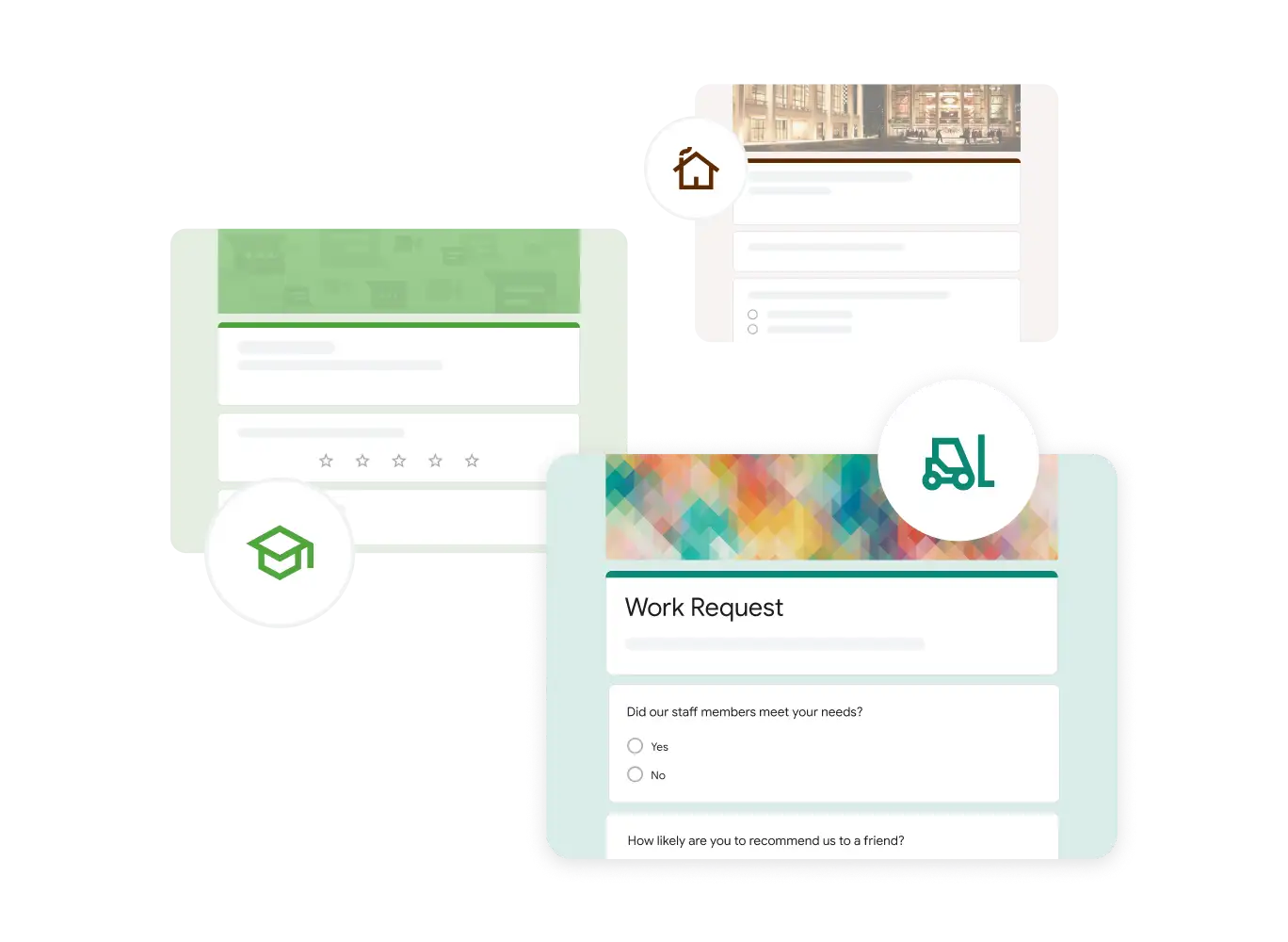
Choose from pre-made templates
Select from a variety of surveys, questionnaires and other templates to get started quickly.
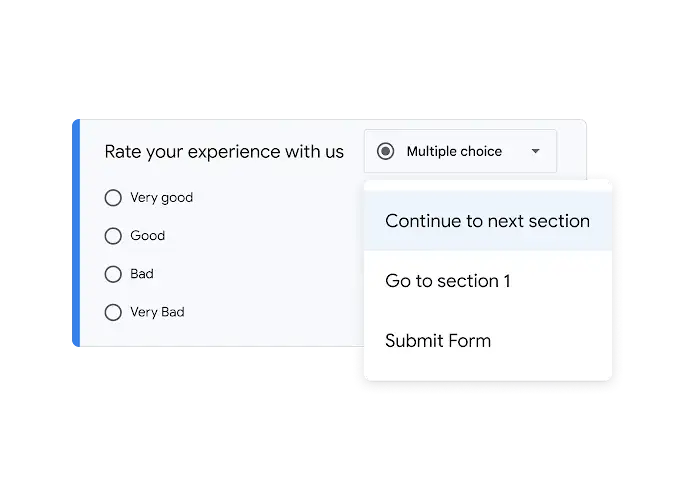
Create custom flows and quizzes
Add logic to show relevant questions based on previous answers to help boost completion rates. Or create quizzes to test knowledge.
Customise the look to reflect your brand
Choose from colours, images and fonts to match your organisation's branding.
Gather responses from anywhere
Respondents can easily access and complete forms from any device.
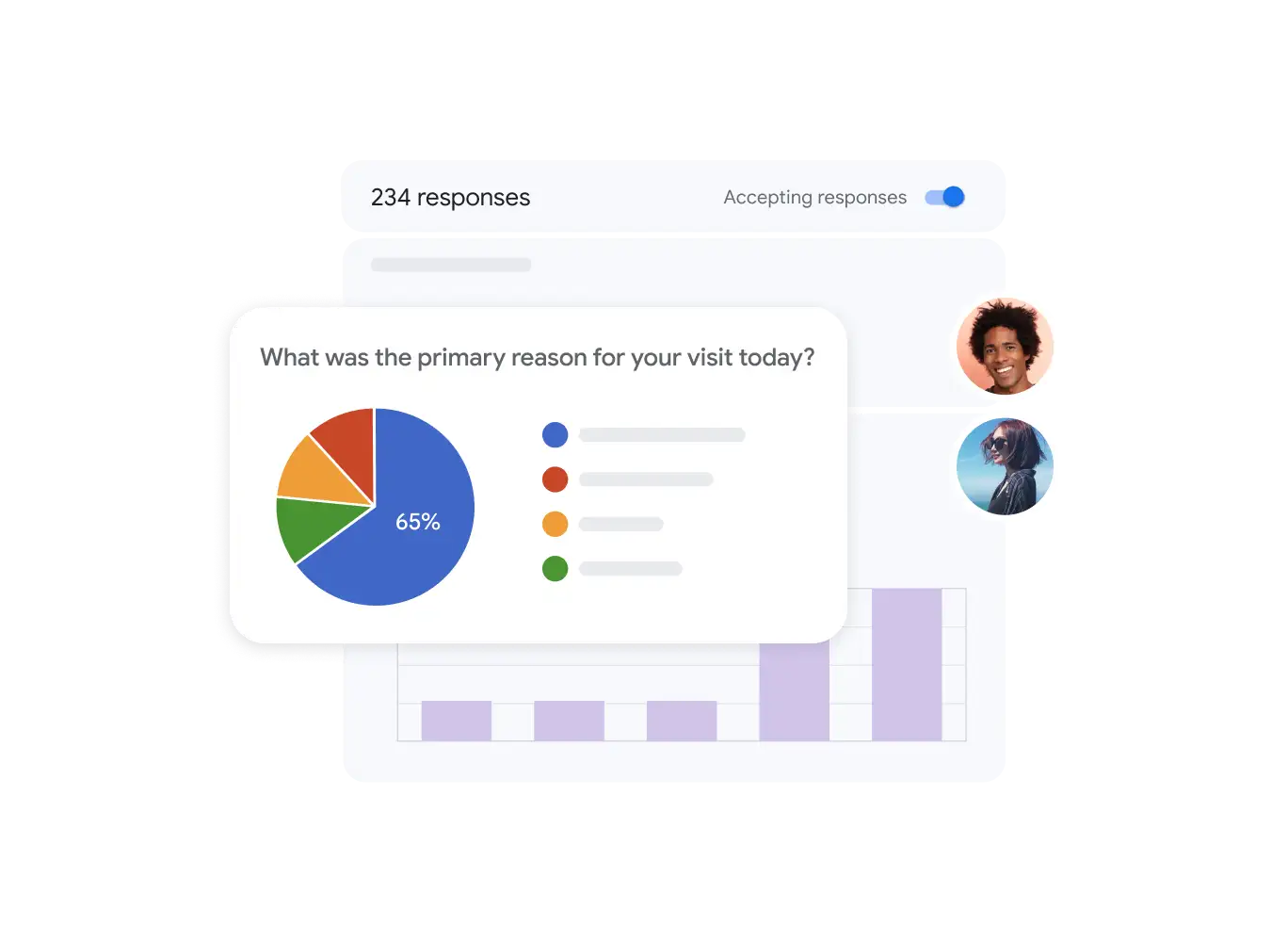
Make better decisions with data-driven insights
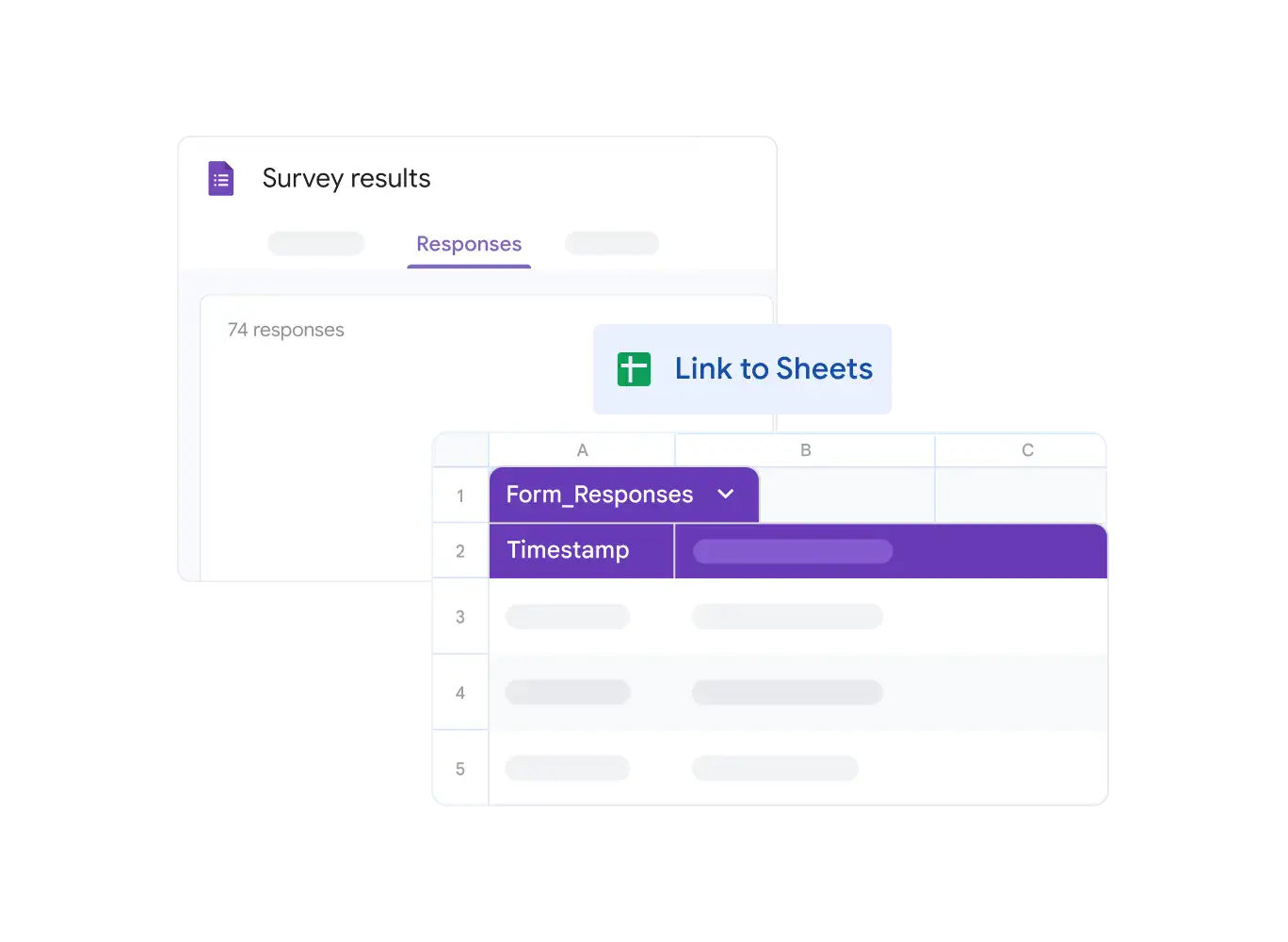
Use the response data in real time to find insights and make decisions.
Security, compliance and privacy
Have peace of mind with cloud-native infrastructure designed to keep your data safe and protected.
Secure by default
We use industry-leading measures to keep your data safe, including advanced malware protection.
Encryption in transit and at rest
All files created in Forms or uploaded to Google Drive are encrypted in transit and at rest.
Supports regulatory compliance needs
Forms regularly undergo independent verification of their security, privacy and compliance controls.
 Google Tasks
Stay on top of
your to-dos
Capture, organise and track your to-dos with Google Tasks – right in the Google apps that you use daily.
Start Free Trial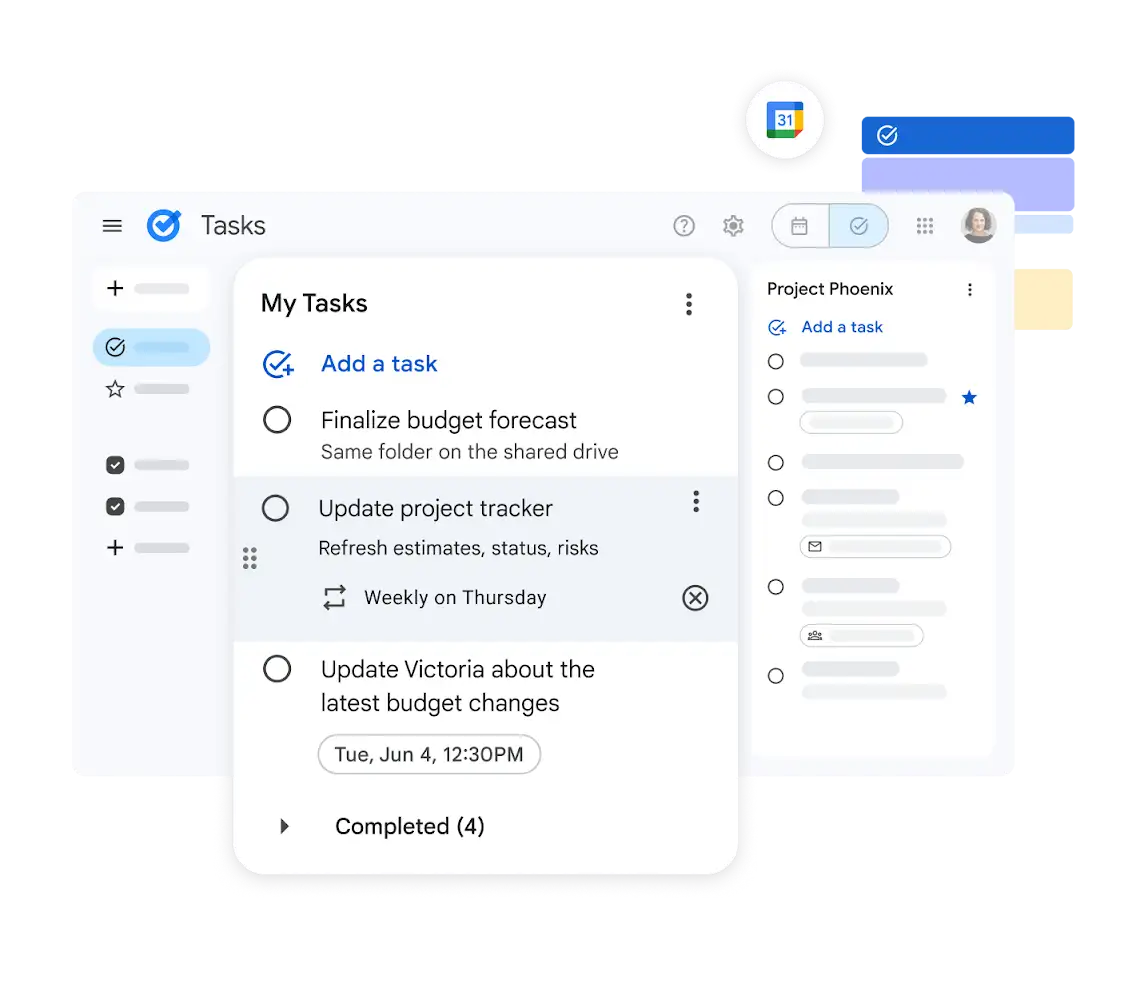
Manage your to-dos where you're already working
Stay focused and keep track of your tasks directly in Gmail, Calendar, Chat and Docs.
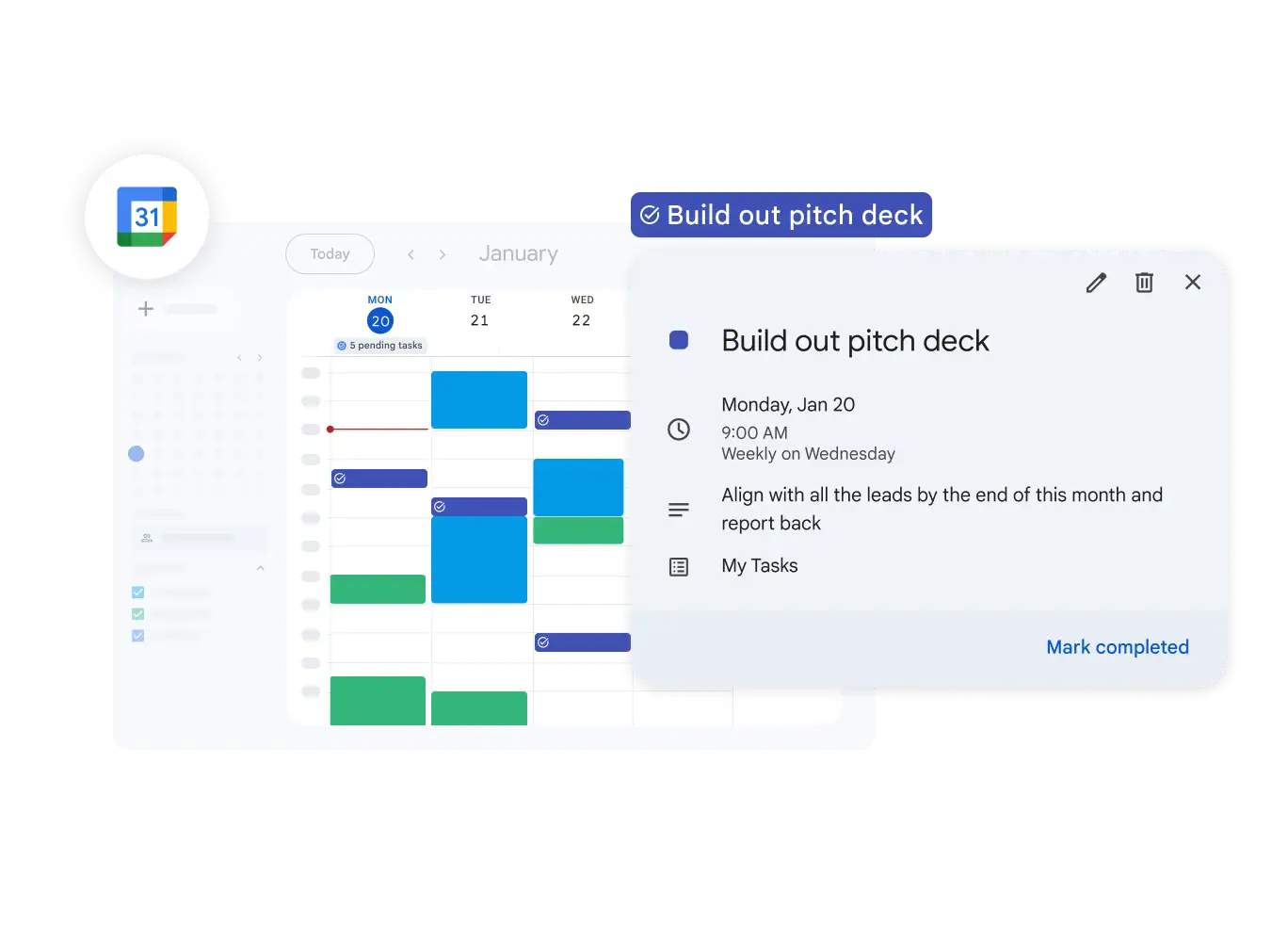
Track tasks in Google Calendar
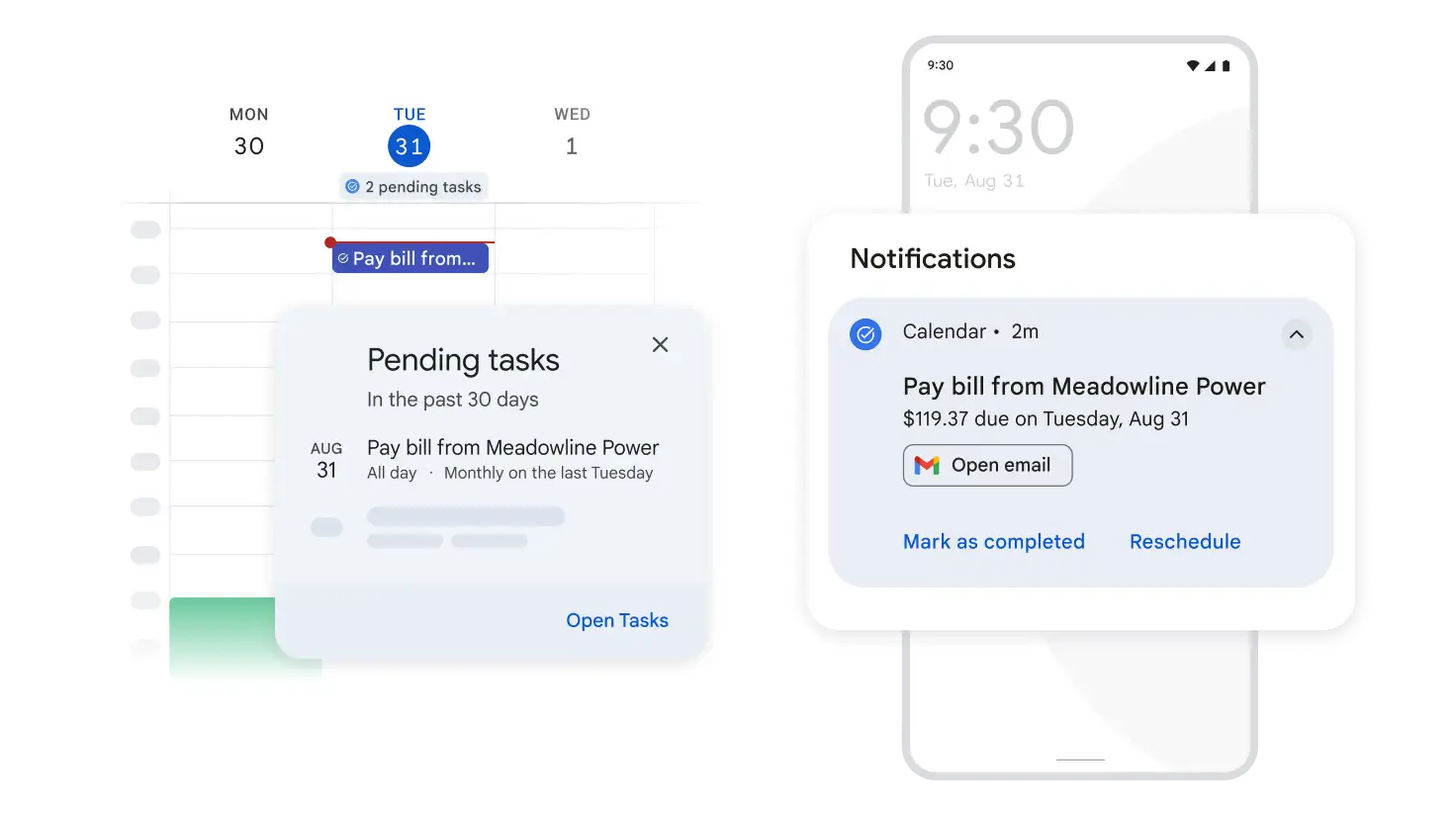
Add a date and time to any task and it will automatically appear in your Google Calendar – plus, you'll get reminders to help you stay on track and in control of your day. You can also add a duration and mark yourself as busy to avoid interruptions.
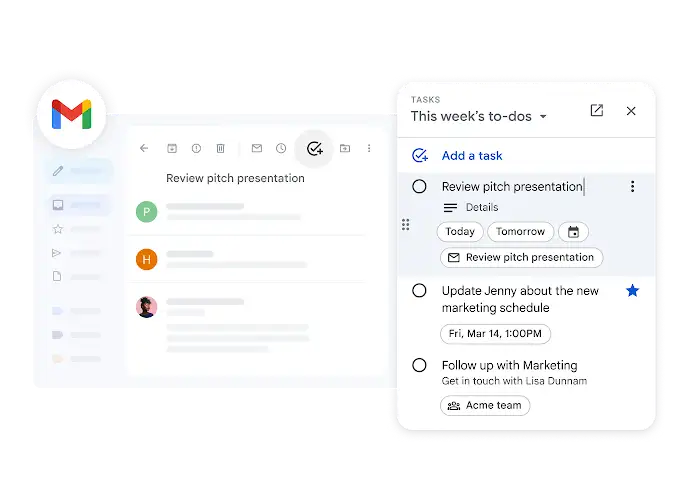
Add a task without leaving Gmail
Turn an email into a to-do so that it doesn't slip through the cracks. After you create a task from an email, you can easily click back to the original message to remind yourself about the context.
Delegate tasks in Google Docs
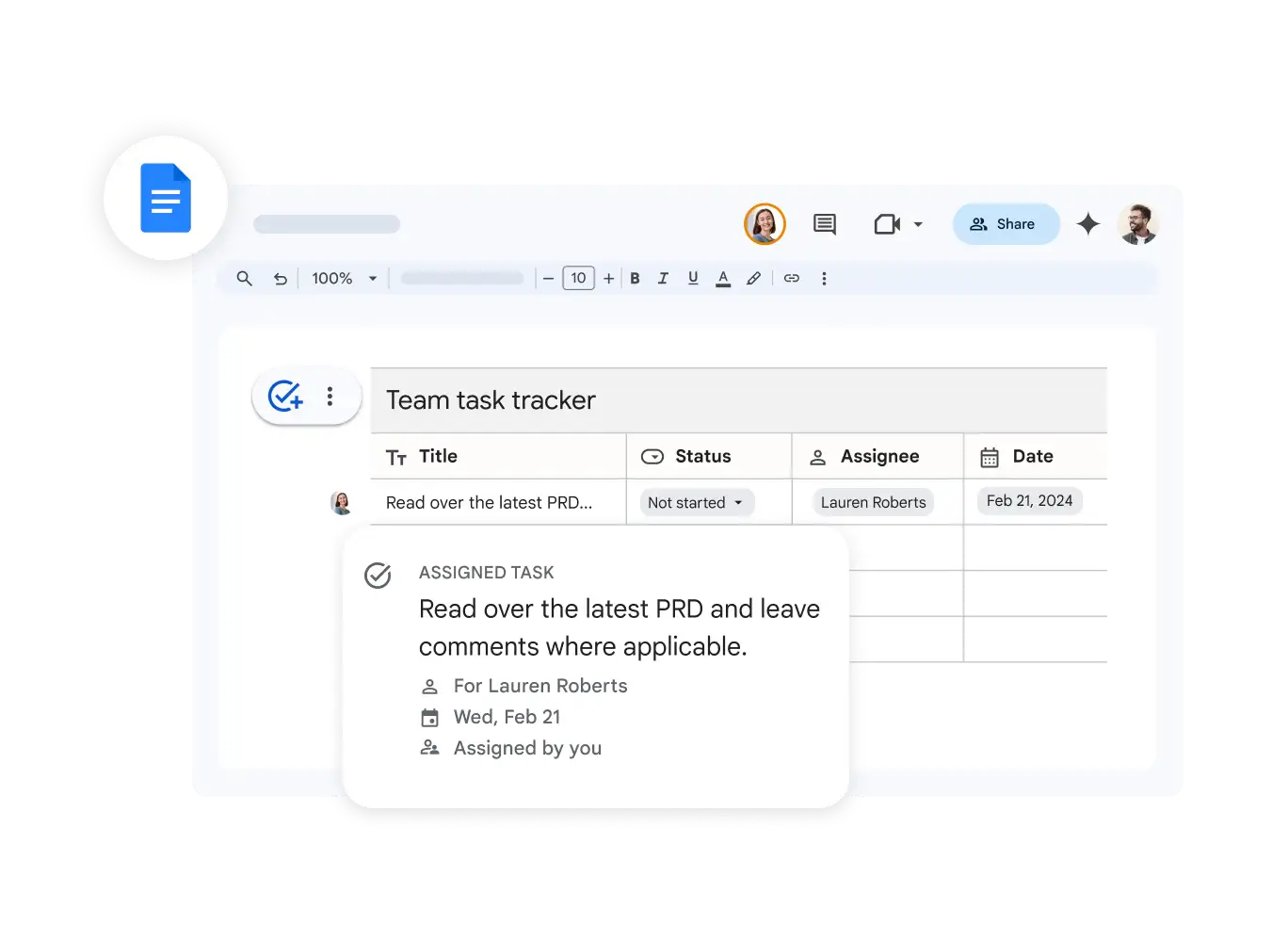
Tasks assigned in a shared document automatically populate the assignee's task list, ensuring clear responsibilities and continuous group progress.
Create and assign to-dos in Google Chat
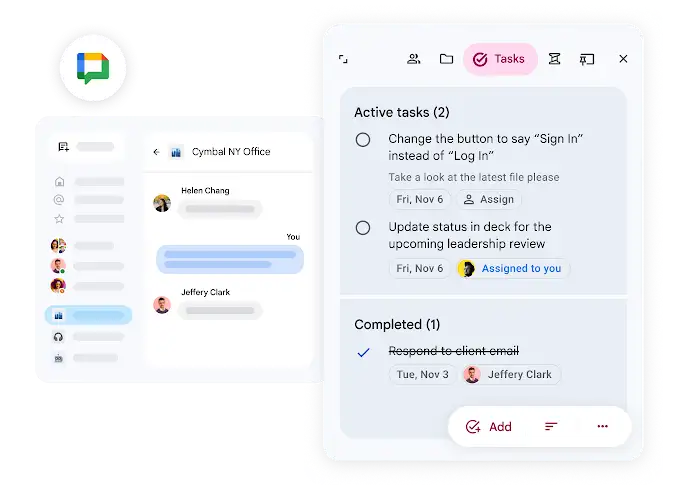
When you've created a space in Google Chat for your team project, you can assign tasks to teammates in the space, set deadlines and track progress. It's a simple way to stay organised and keep your team moving forwards together.
Organise your tasks, your way
Simple tools to stay on top of everything.
Set reminders to stay on track
You can add a date or time to your task to get reminders to complete it. For extra help with staying on track, nudges will surface reminders that will continue to prompt you until a task has been completed.
Set tasks to repeat automatically
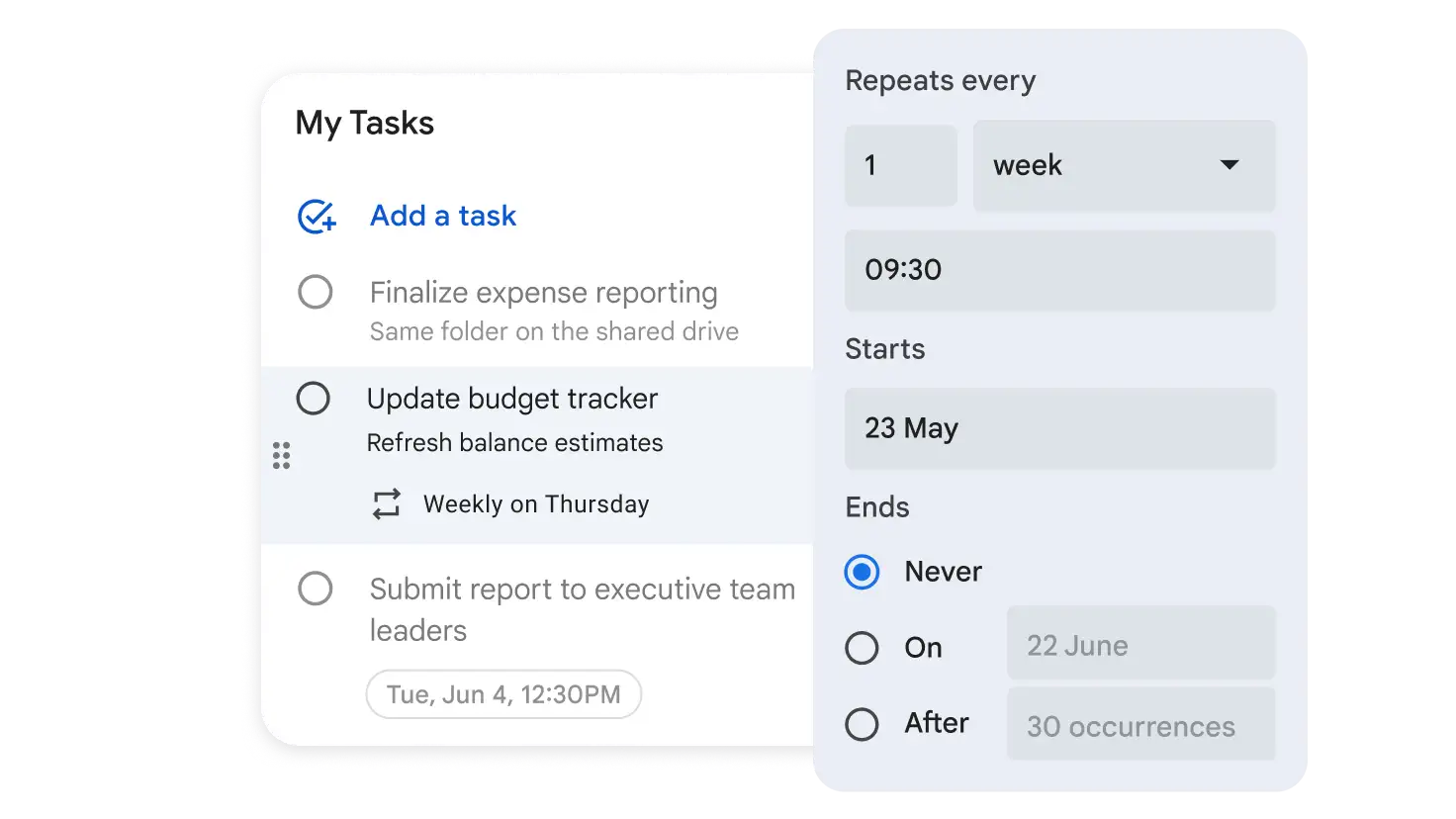
If you have recurring tasks – like sending a weekly recap or submitting a monthly expense report – you can set them to repeat daily, weekly, monthly or annually. Stay on top of your ongoing to-dos without manually adding them each time.
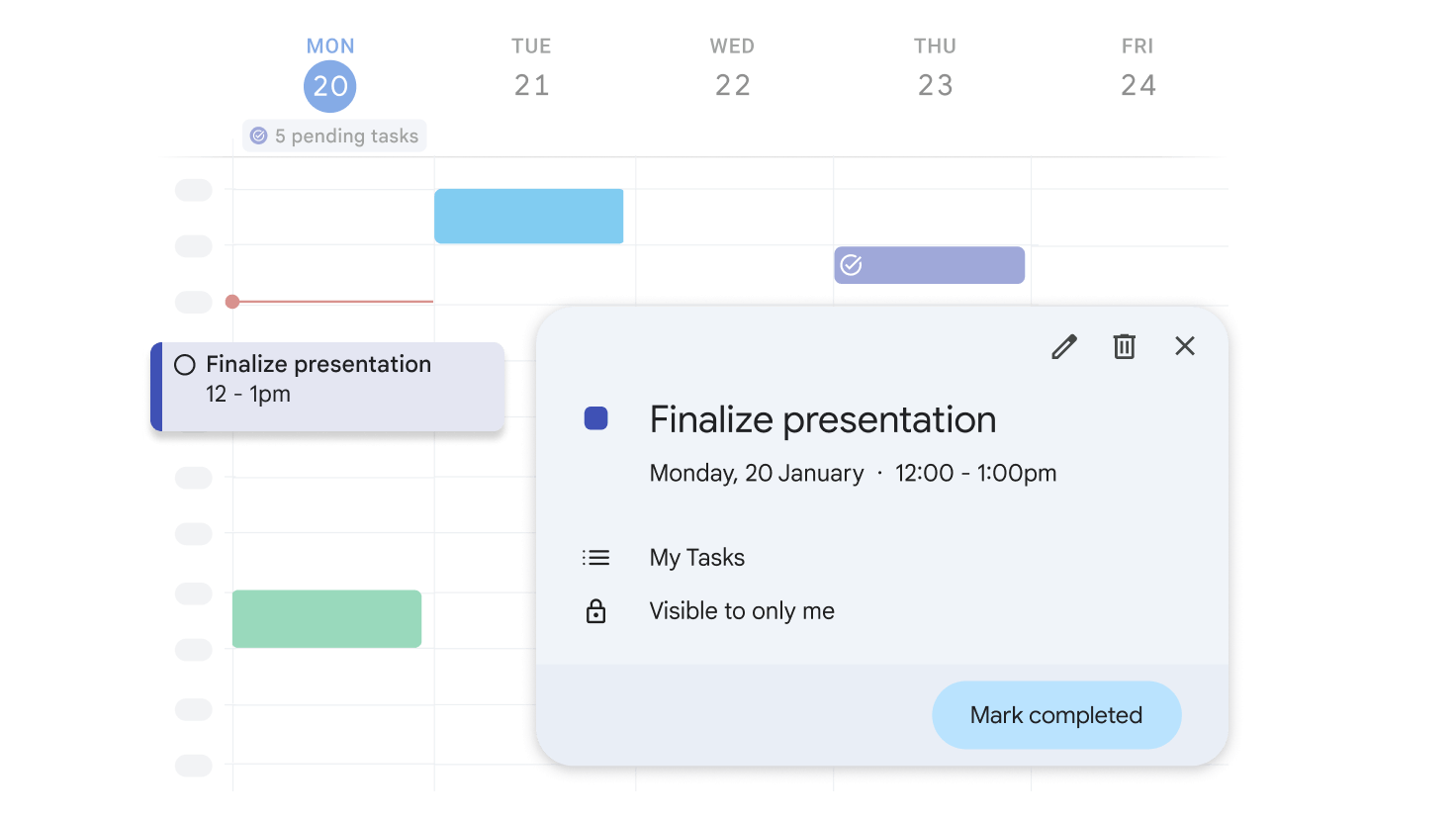
Schedule time for your to-dos
Block off time to work on a task directly from your calendar. You can also customise visibility and mute notifications or auto-decline meetings, helping you to stay focused on your head-down work.
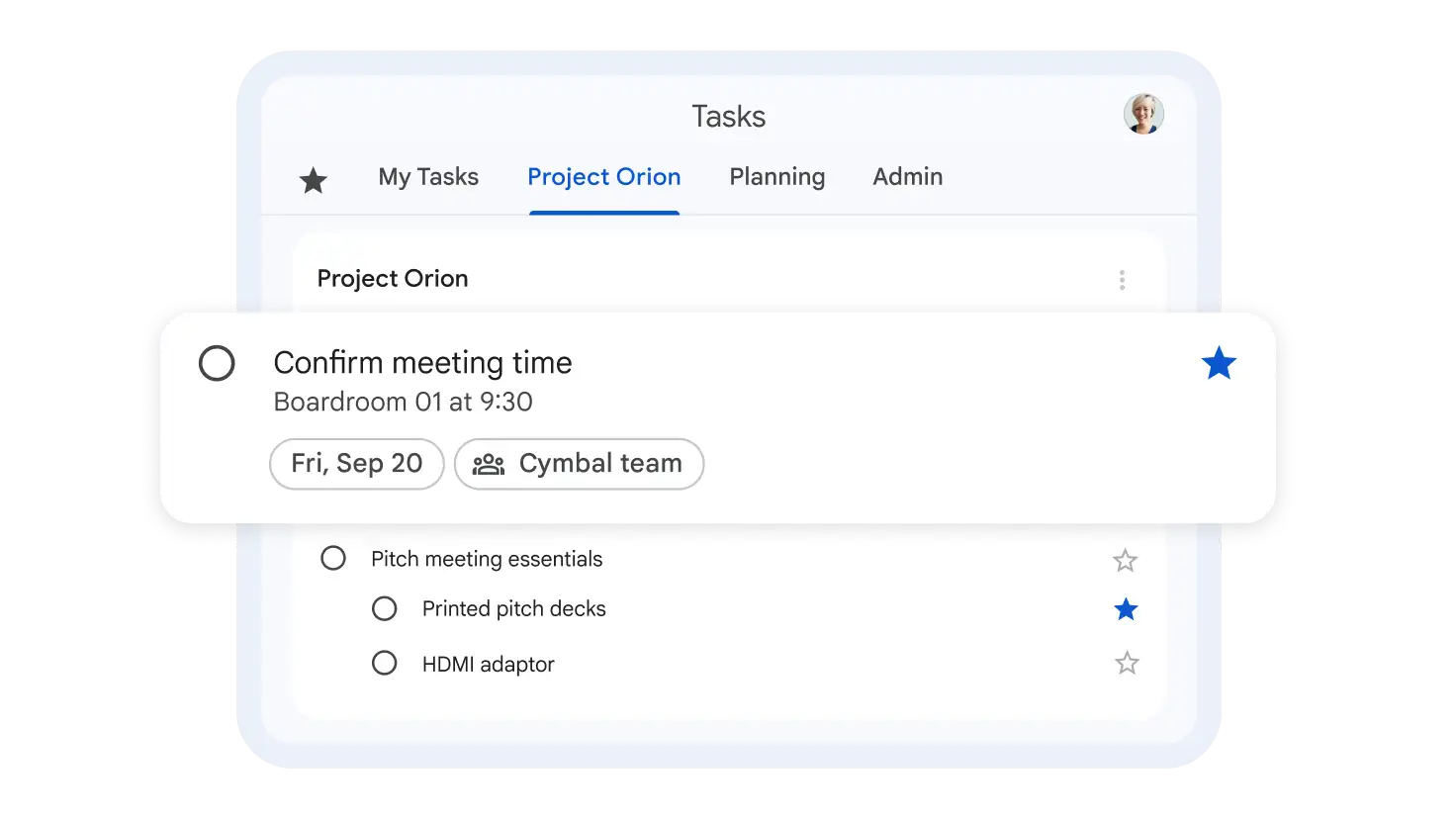
Categorise and prioritise to-dos
Use separate task lists for different jobs, topics or clients. Plus, prioritise your tasks by marking the most important ones with a star so that they're easy to find.
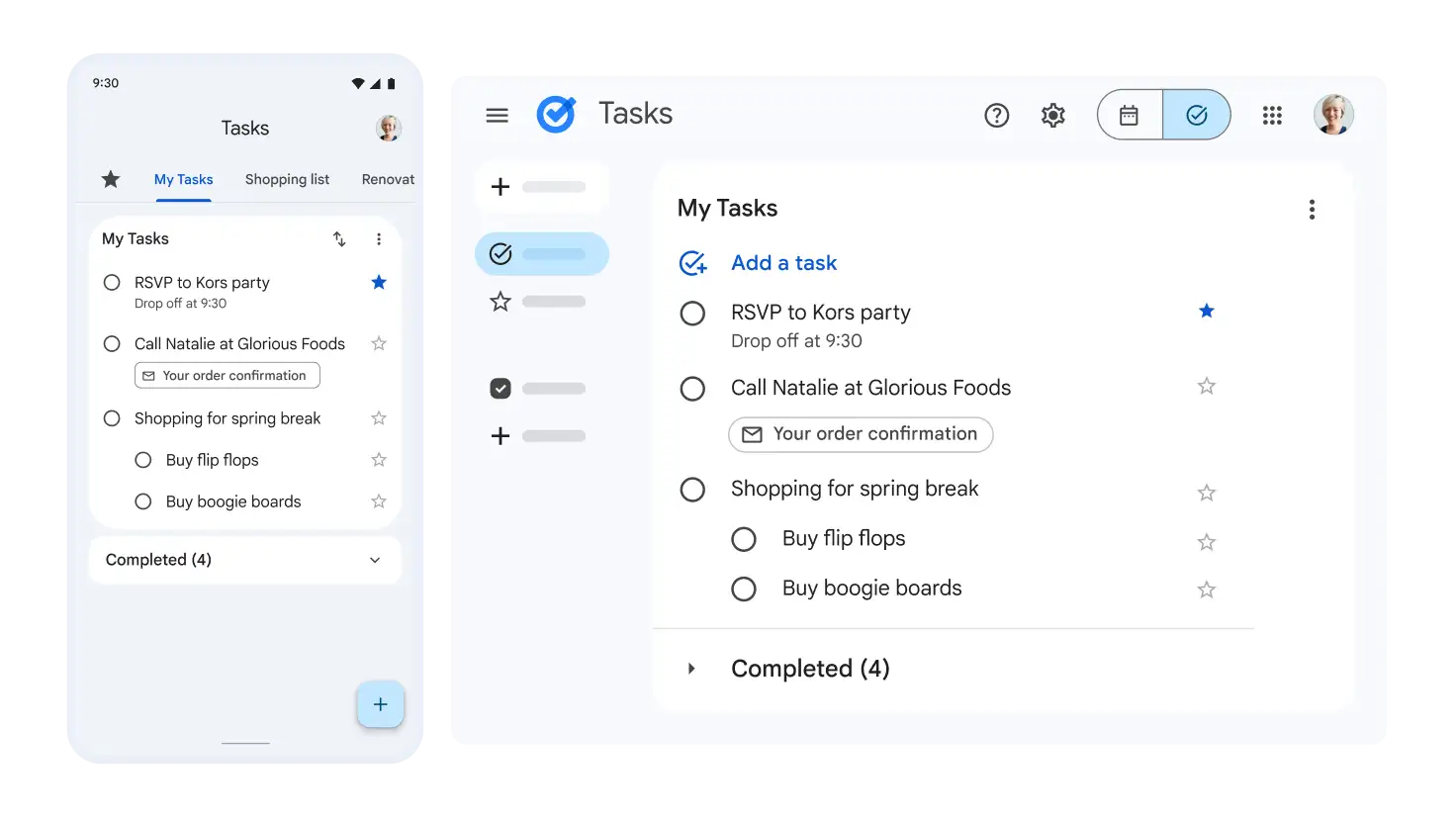
Jot it down, wherever you are
Add and manage your tasks whether you're at your desk or on the move. Your tasks are synced across devices when you're logged in to the same Google Account, so that you can seamlessly transition from your phone to your computer without missing a beat.
NotebookLM
NotebookLM for business
Your AI research and thinking partner, grounded in the information that you trust, complete with Audio Overviews to listen and learn on the go – now included in all Workspace plans.
Start Free Trial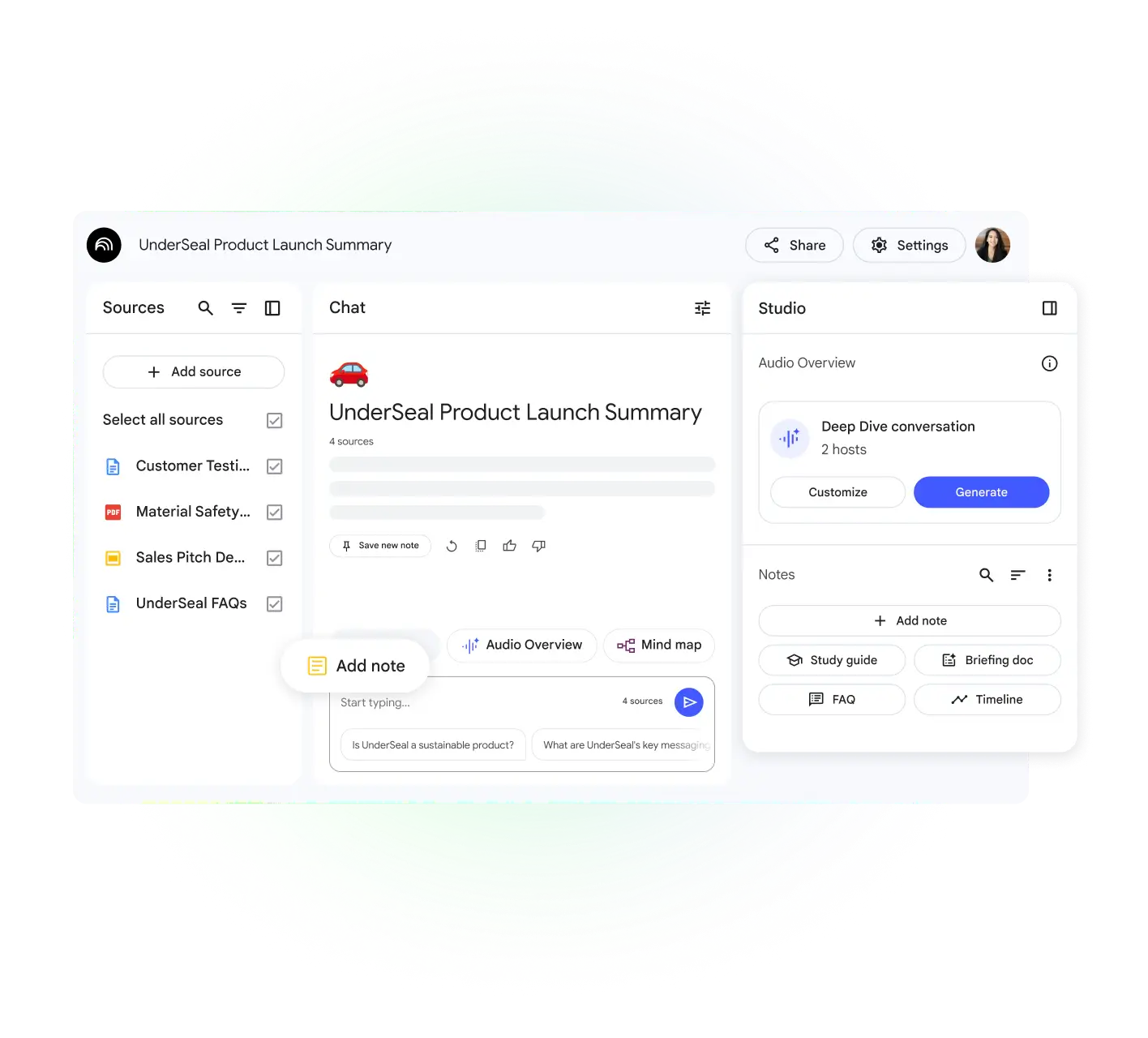
NotebookLM in action
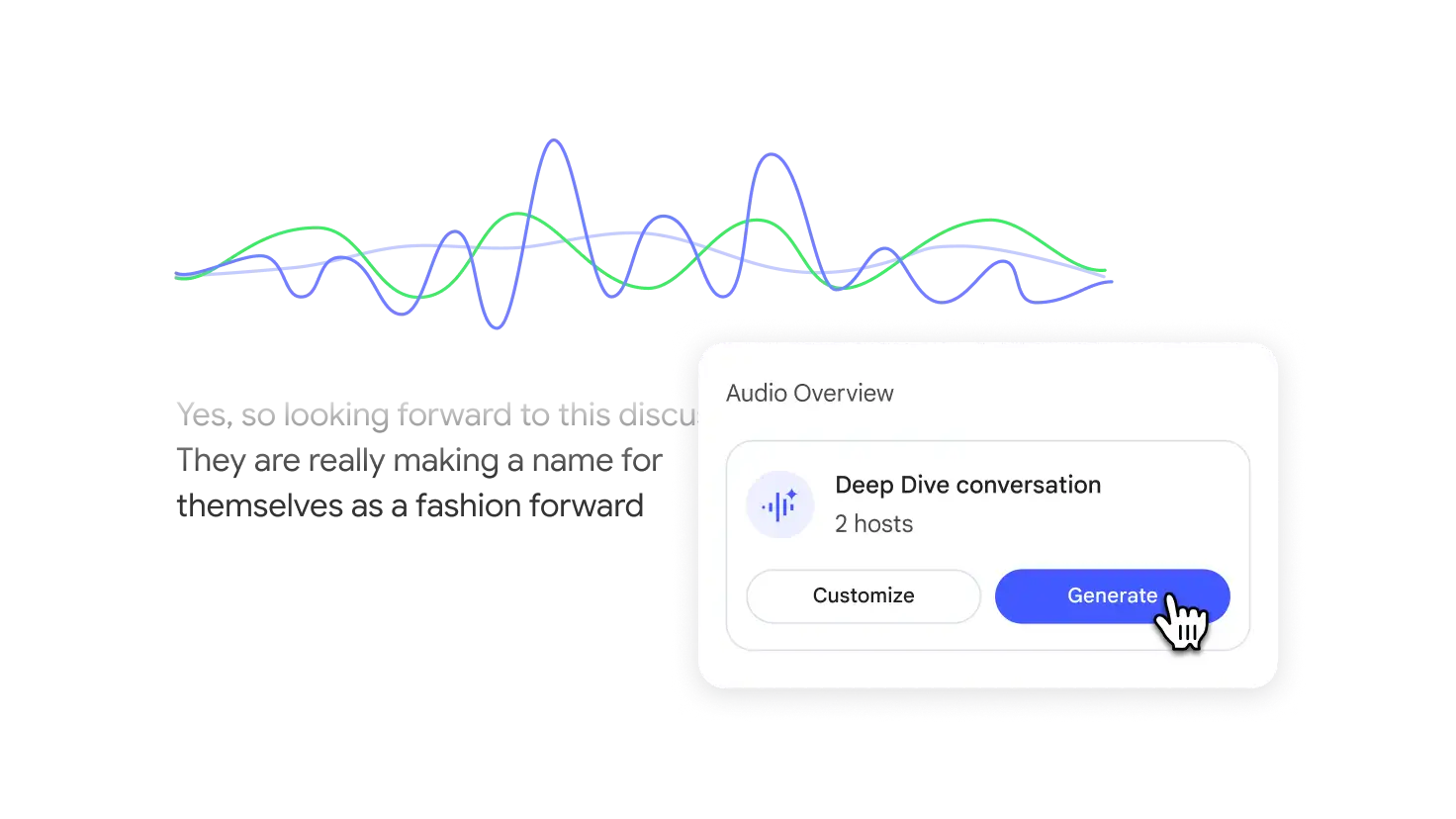
Learn anywhere with Audio Overviews
Turn your documents into listenable overviews with one click. Quickly understand the core of your content, whether you're multitasking or prefer to learn by listening.
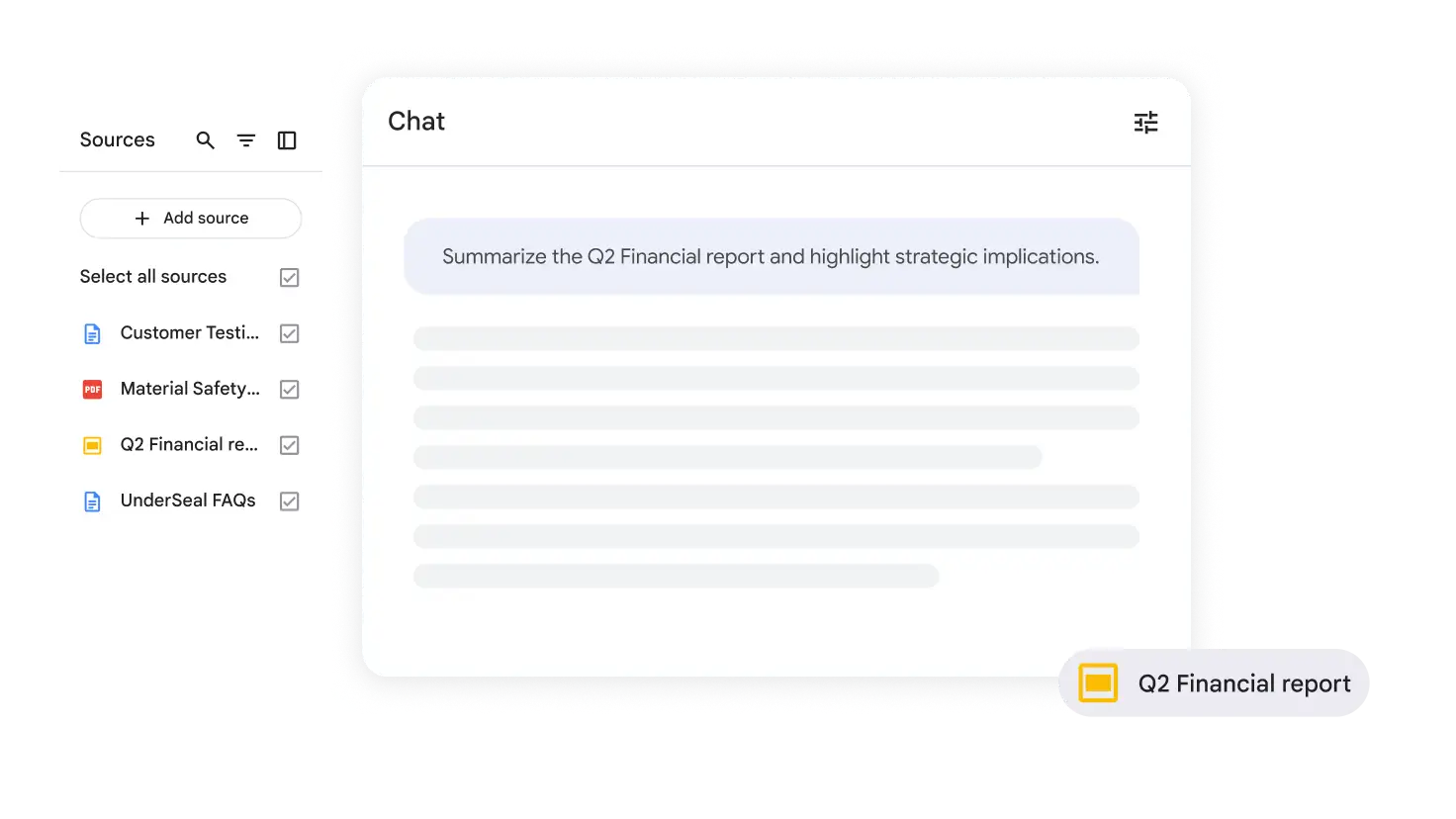
Accelerate executive insights and strategic planning
Upload financial reports, market analyses and internal strategy documents to NotebookLM and ask it to create executive summaries, extract metrics and identify strategic implications.
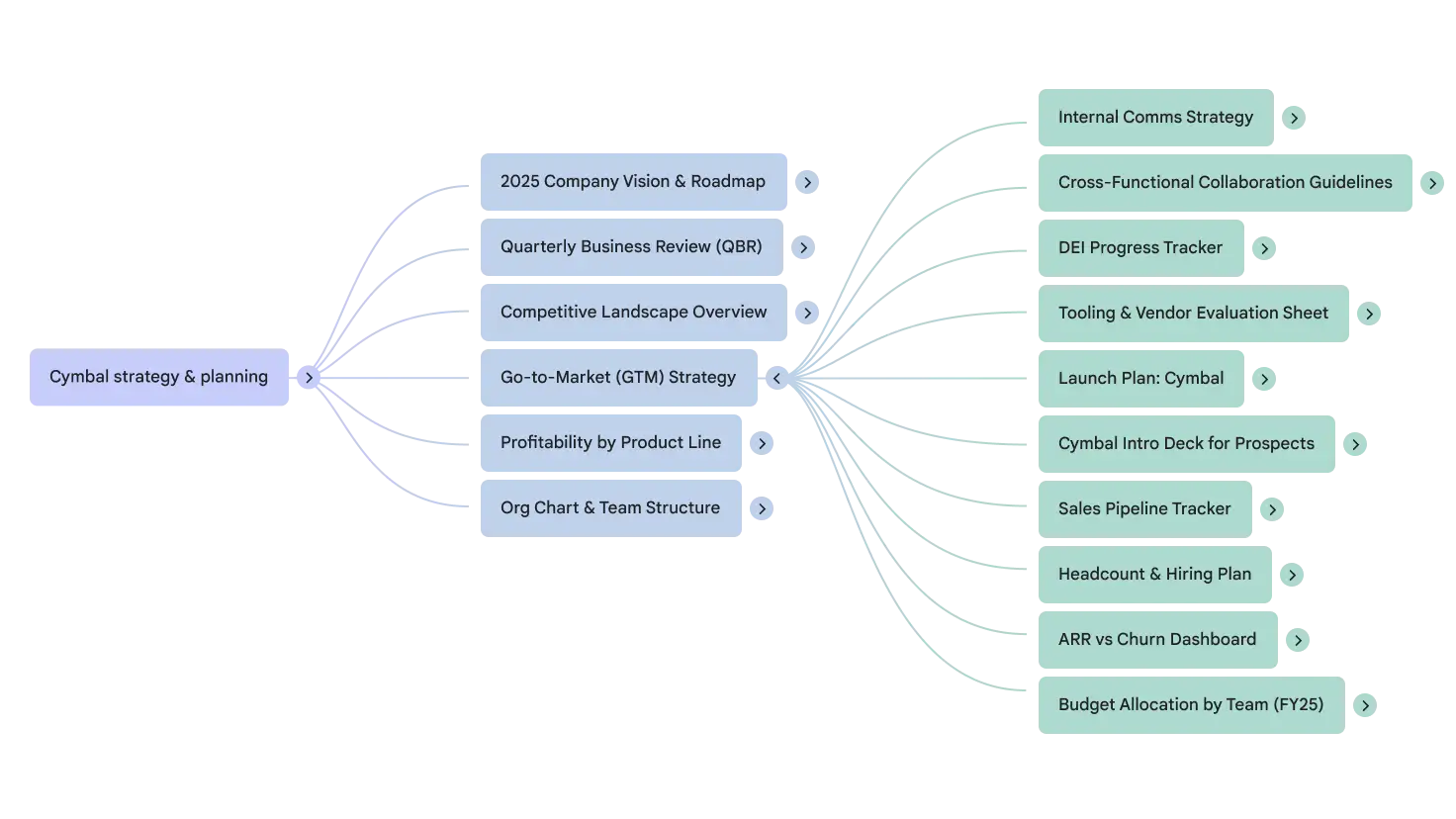
Streamline research and identify gaps faster
Ask NotebookLM to summarise key study findings, identify trends or compare different approaches – all with citations for verification.
Expedite onboarding and simplify training
Upload training manuals, guides, policy documents and FAQs to NotebookLM. New hires can use it to quickly find information buried in lengthy documents or ask questions about specific processes.
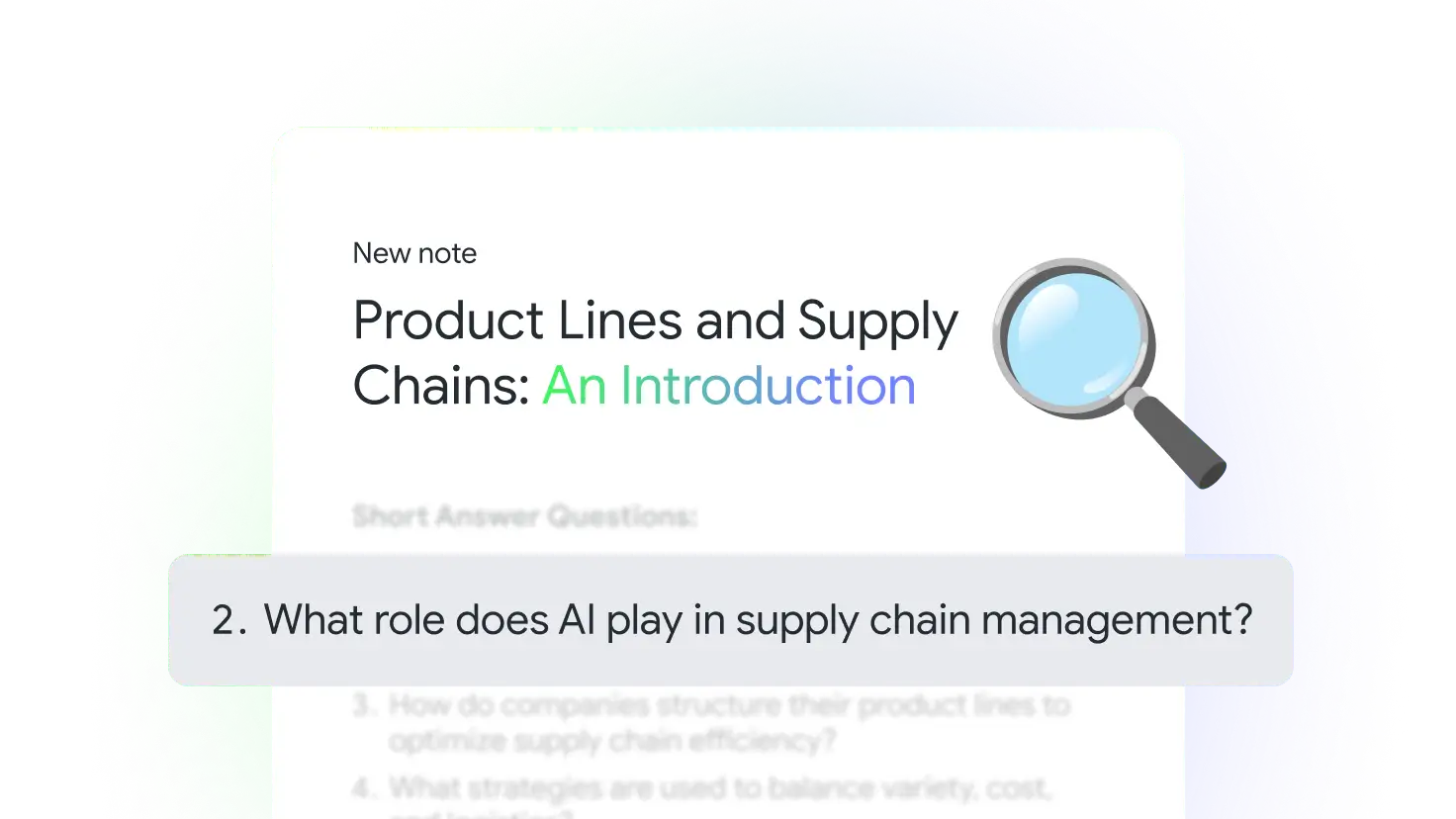
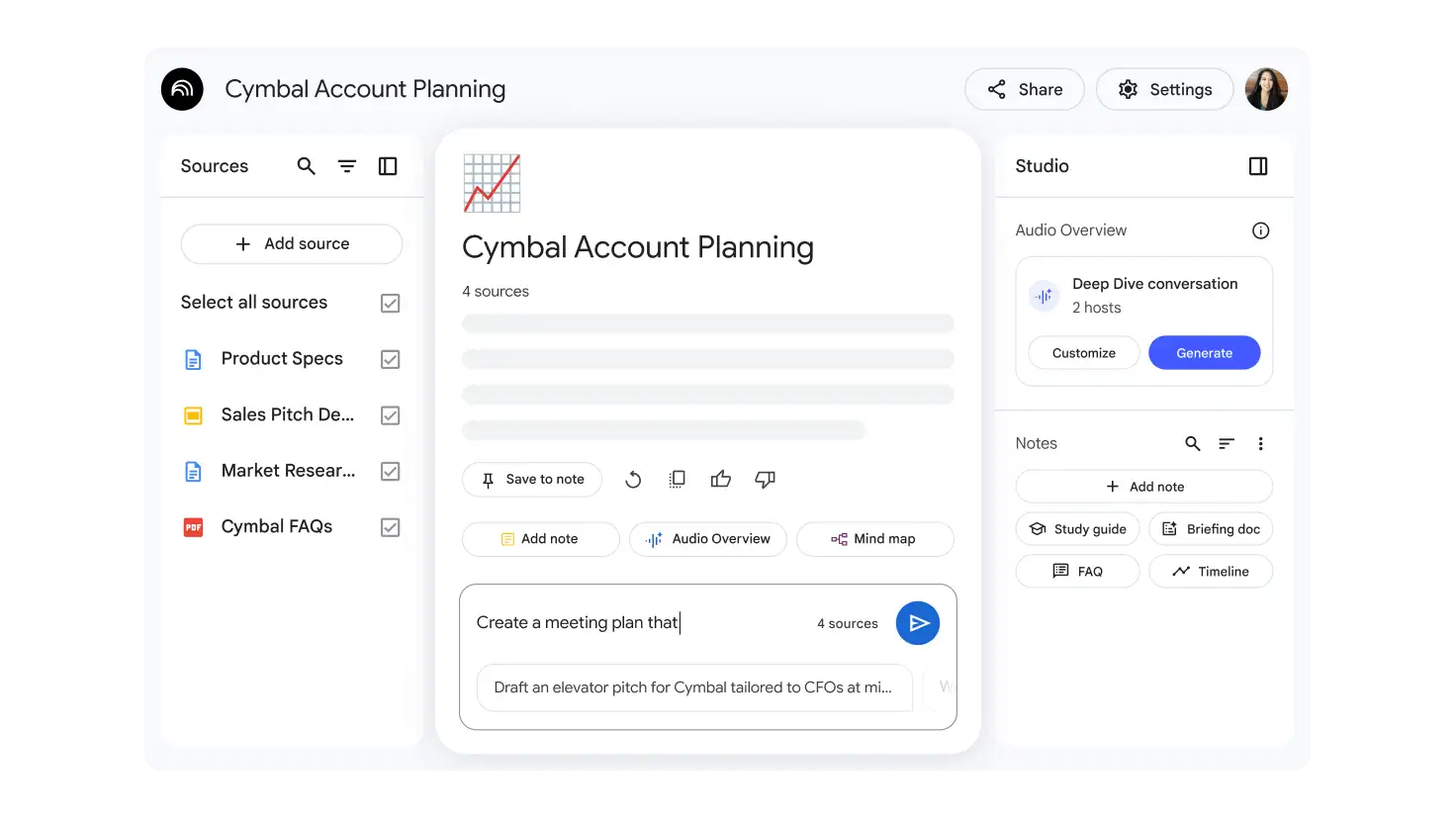
Empower sales with fast, accurate information
Upload product specs and market research to NotebookLM. Ask NotebookLM to create tailored meeting plans and answer product questions for more confident sales conversations.
How NotebookLM benefits businesses and enterprises
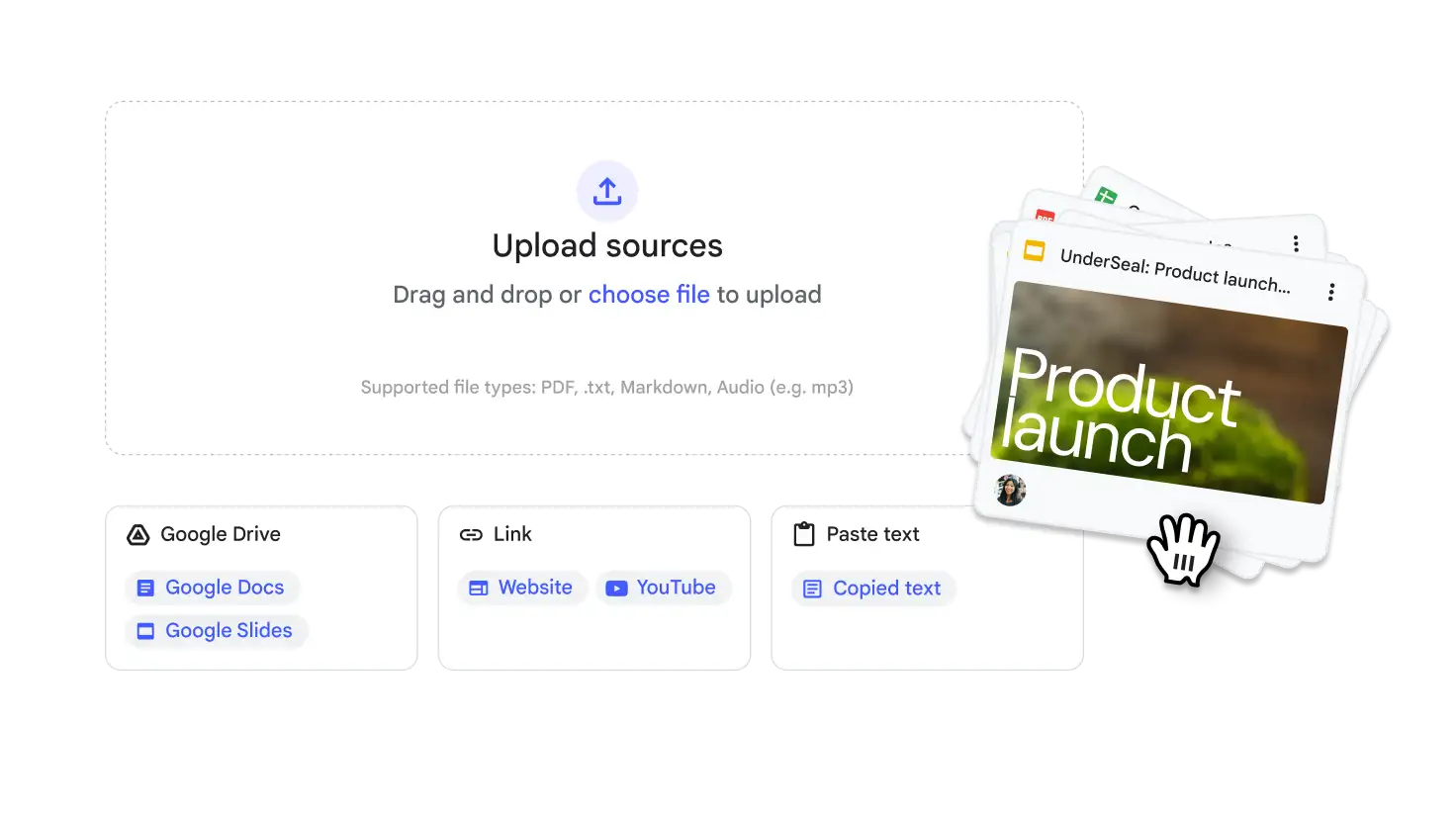
Seamlessly integrated with Workspace
Easily import Google Docs and Slides directly from Drive. Share notebooks with your team, easily referencing information for real-time collaboration.
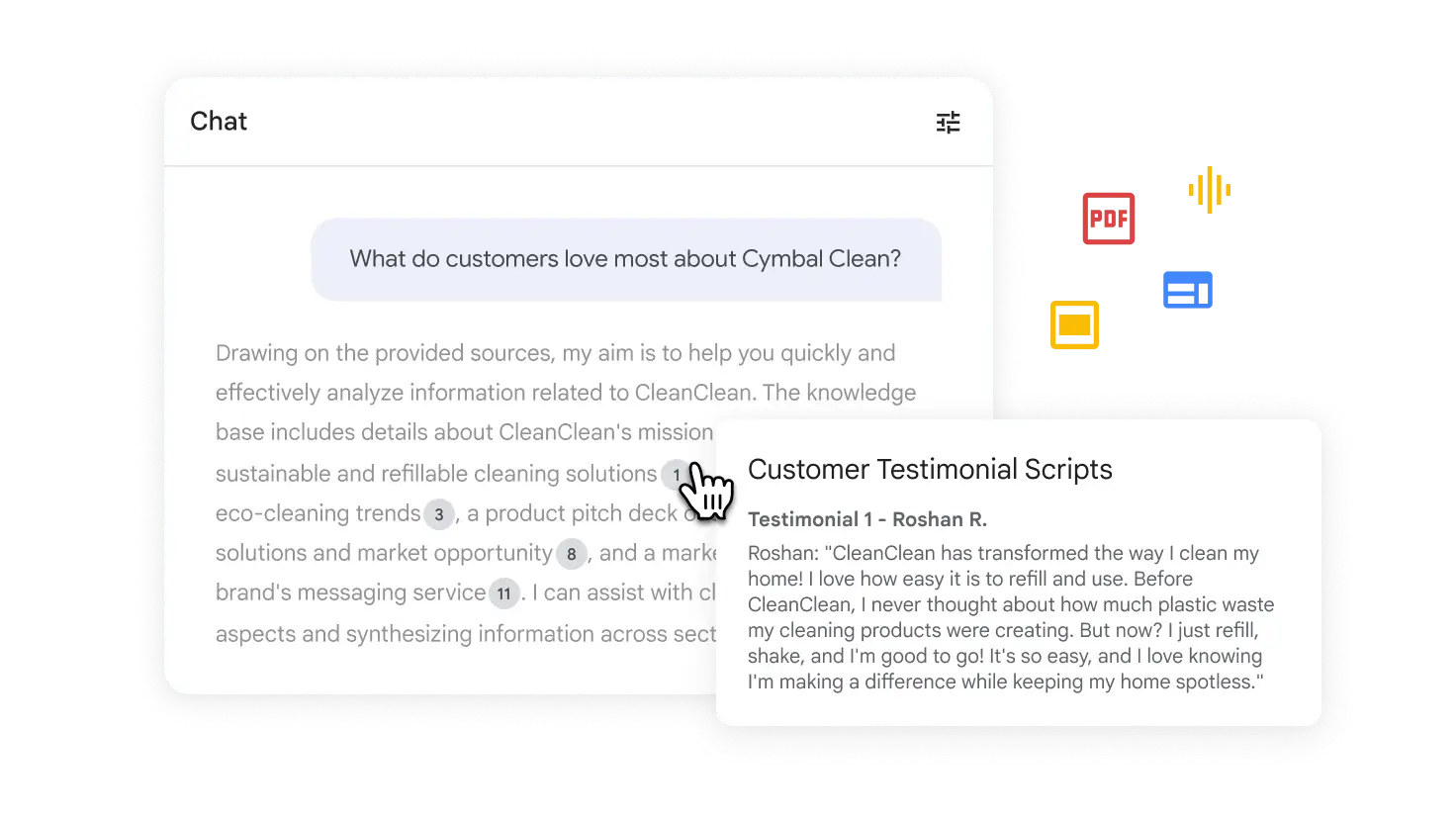
Ground your work
NotebookLM uses your uploaded sources to answer questions and fulfil requests, providing citations for verification.
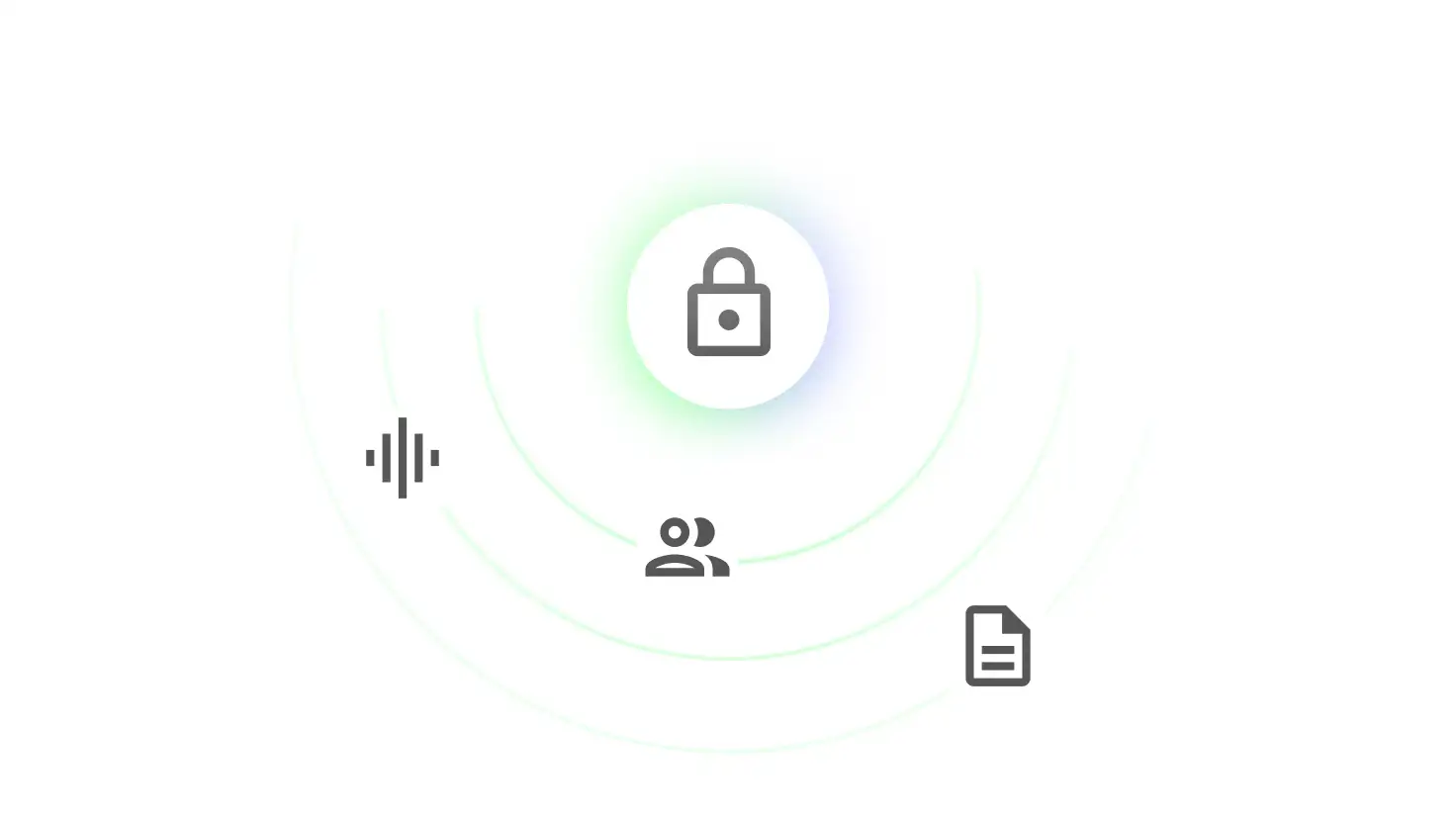
Security measures in NotebookLM
NotebookLM is part of Workspace, which means it is backed by best-in-class security. As part of Google's commitment to data privacy, NotebookLM does not train models on uploaded Workspace user data. Sources stay private unless you choose to share a notebook.
 Google Appsheet
Supercharge your work with no-code
AppSheet helps you build powerful applications and automations that boost productivity. No coding required.
Start Free Trial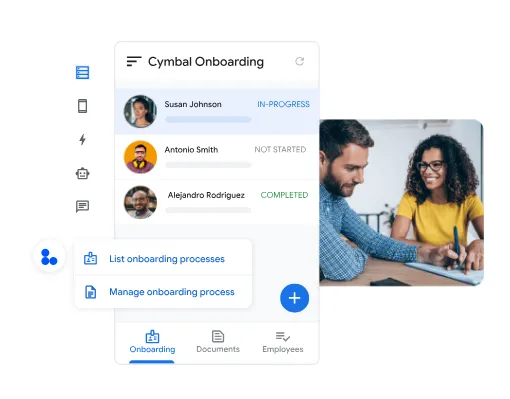
Create with intuitive tools
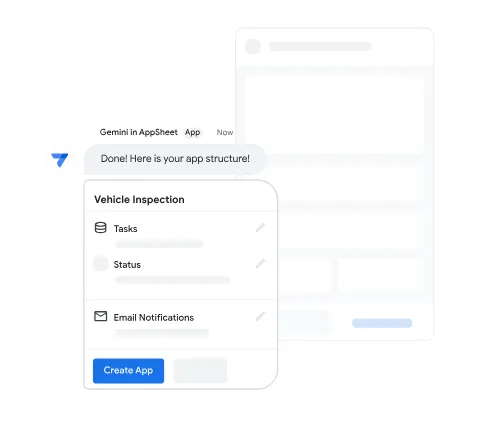
Harness AI to create and power intelligent apps
Leverage Gemini, your AI-collaborator, to make app creation and usage more efficient and effective.
Create apps that adapt to how you work
Rapidly create powerful apps tailored to your business needs.
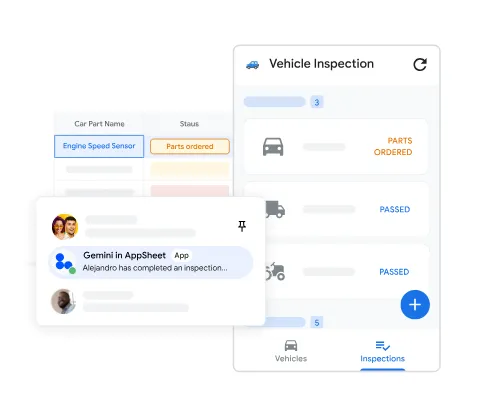
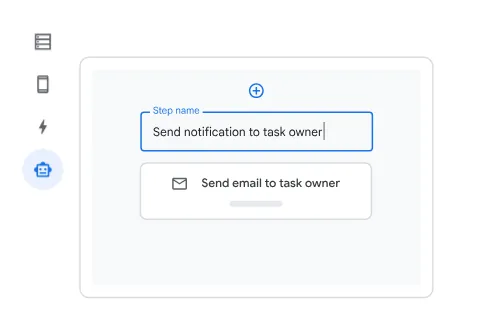
Automate work that flows
Automate manual tasks and accelerate work, so you and your team can focus on the work that matters most.
Unify your apps and data
Connect your data and software on a single platform that’s also fully integrated with Google Workspace.
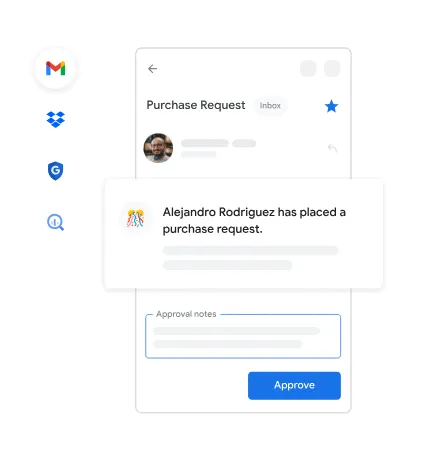
Manage data and creators, safely and securely
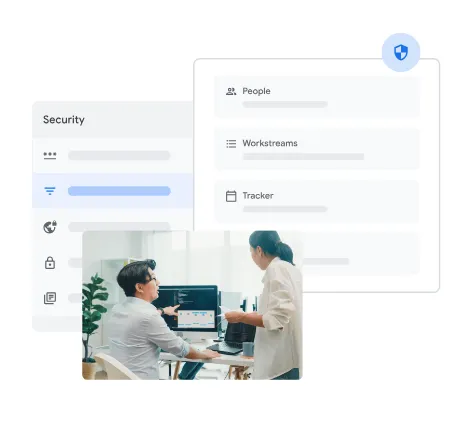
Govern with assurance
Manage developers and users and govern apps and data for the entire organization.